Top Features for Product Hunt Launch Videos

  • Automatic zoom effects to keep viewers focused on key product interactions

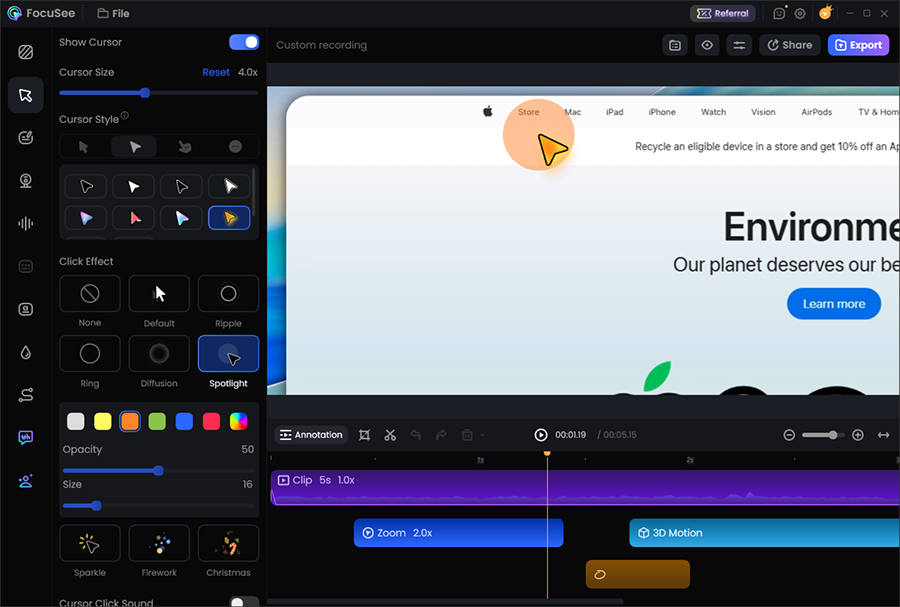
  • Cursor highlights and click animations that make every action easy to follow

  • Record your screen, webcam, or both to build trust with a personal introduction

  • AI Smart Cut automatically removes pauses and filler words to save editing time

  • Generate, import, and edit subtitles for polished, accessible launch videos

  • Add background music to create a more engaging product presentation

  • Hide sensitive information with blur and masking before publishing

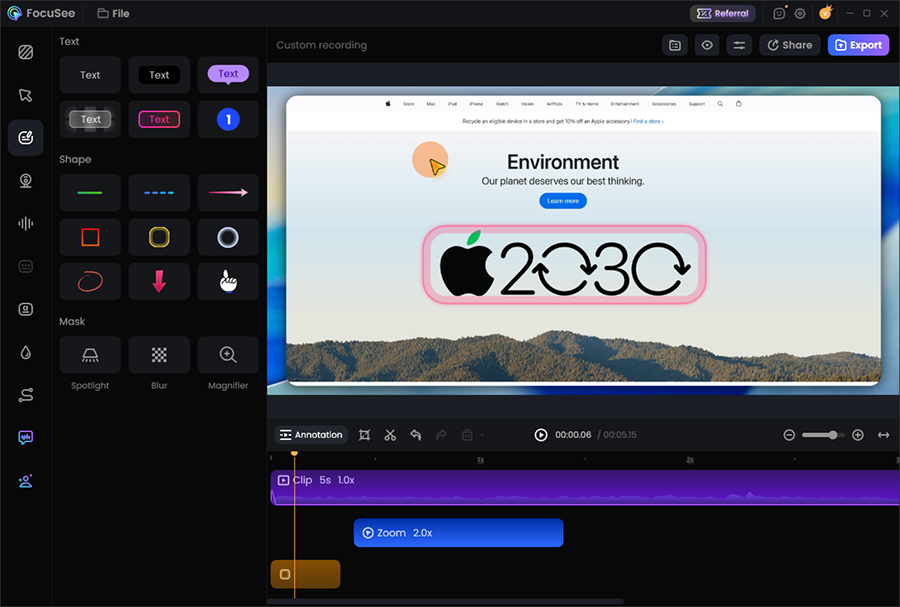
  • Add annotations, arrows, and callouts to explain features more clearly

  • Record once and publish everywhere with multiple aspect ratios for Product Hunt, X, LinkedIn, and your landing page

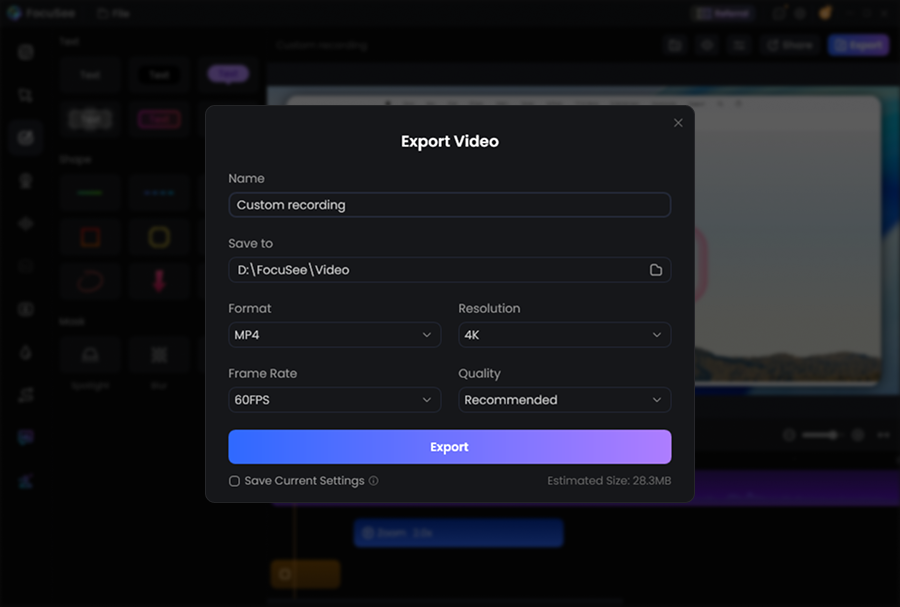
  • Export in MP4, GIF, or 4K for crisp, high-quality launch videos

Create Product Hunt Videos That Get Attention

Launching on Product Hunt is your chance to make a memorable first impression. Instead of sharing a plain screen recording, create a polished launch video that clearly demonstrates your product, keeps viewers engaged, and encourages them to click, and upvote.

Show Your Product Clearly from the First Click

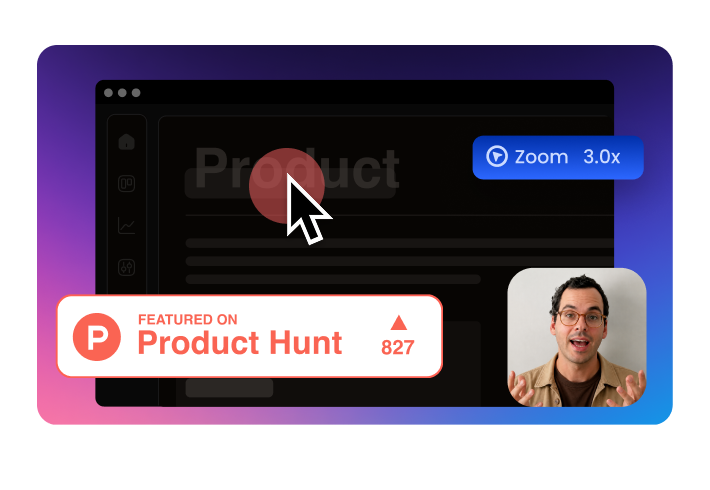
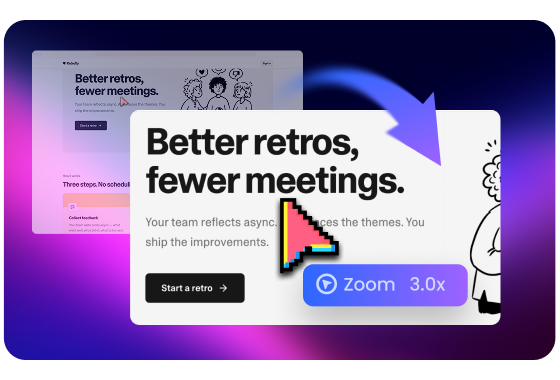
Most Product Hunt visitors decide within seconds whether to keep watching. FocuSee automatically follows your cursor, zooms into important actions, and highlights every interaction, making even complex workflows easy to follow without extra editing.

Create Launch Videos Now
img
img

Finish Your Launch Video in Minutes, Not Hours

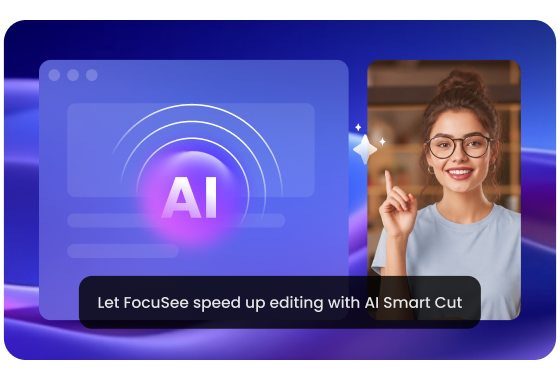
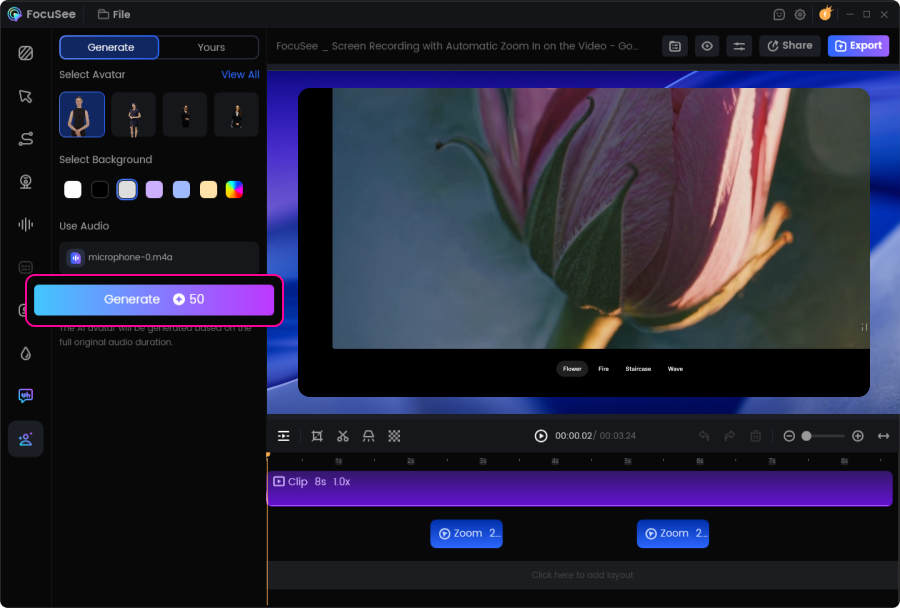
Preparing a Product Hunt launch already involves writing copy, creating assets, and promoting your release. Let FocuSee speed up editing with AI Smart Cut, automatic subtitles, and audio enhancement, so you can polish your recording in minutes instead of hours.

Create polished, professional demos without switching between multiple editing tools or spending hours on manual adjustments.

Create Launch Videos Now
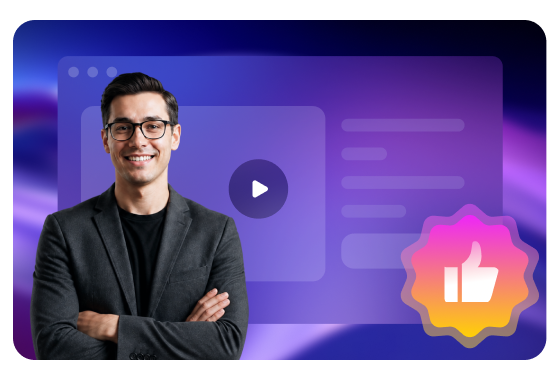
Make Your Startup Look Professional

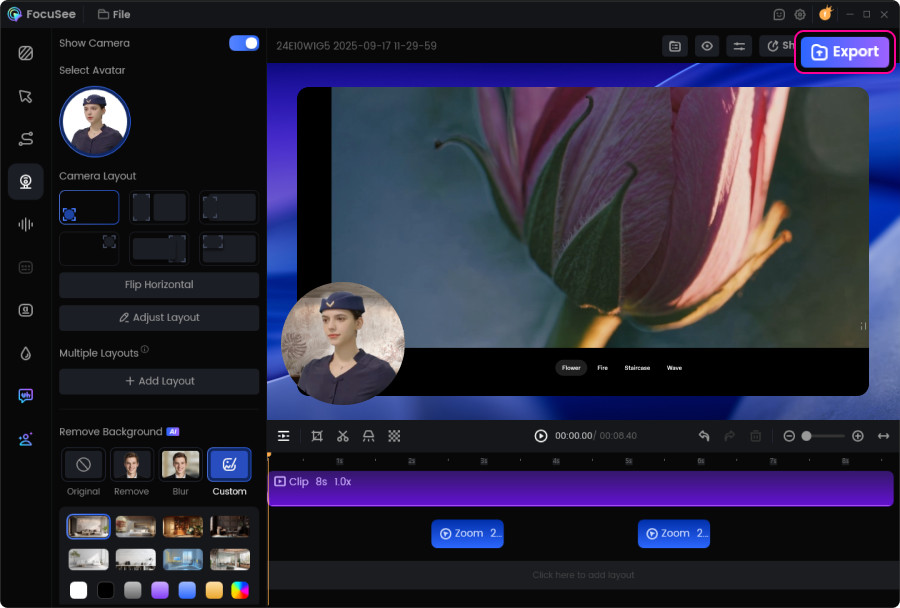
A polished launch video builds trust before users even visit your website. Add presenter layouts, branded backgrounds, automatic zoom effects, cursor highlights, motion effects, and annotations to create a polished launch video without manual editing.

Create Launch Videos Now
img
img

What a Great Product Hunt Video Looks Like

Great Product Hunt videos are short, clear, and product-focused. Grab attention in the first few seconds, show the product solving a real problem, highlight one or two key benefits, and end with a clear next step. Keeping the message simple helps visitors quickly understand your product and encourages them to learn more.

img

Before You Hit Record

  • Keep your video under 90 seconds
  • Show your product within the first 10 seconds
  • Focus on your three strongest features
  • Hide confidential information
  • End with one clear call to action
img

Record Once. Launch Everywhere

Your Product Hunt launch video doesn't have to stay on Product Hunt. Reuse the same polished video on your landing page, X, LinkedIn, YouTube, product updates, and email campaigns. FocuSee exports multiple aspect ratios, so your launch content is ready for every channel.

How to Create a Product Hunt Launch Video

step 1
step 2
step 3
step 4
1

Record Your Product

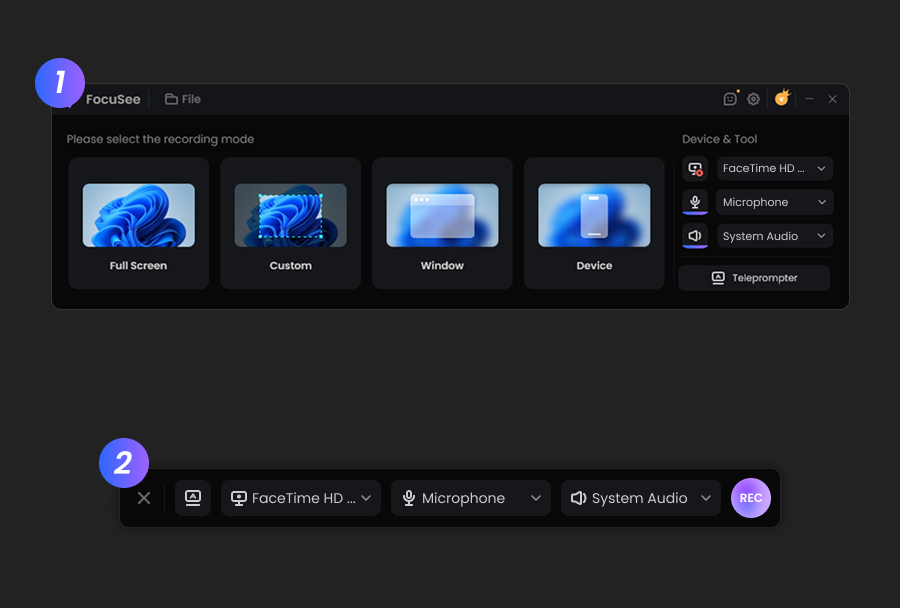
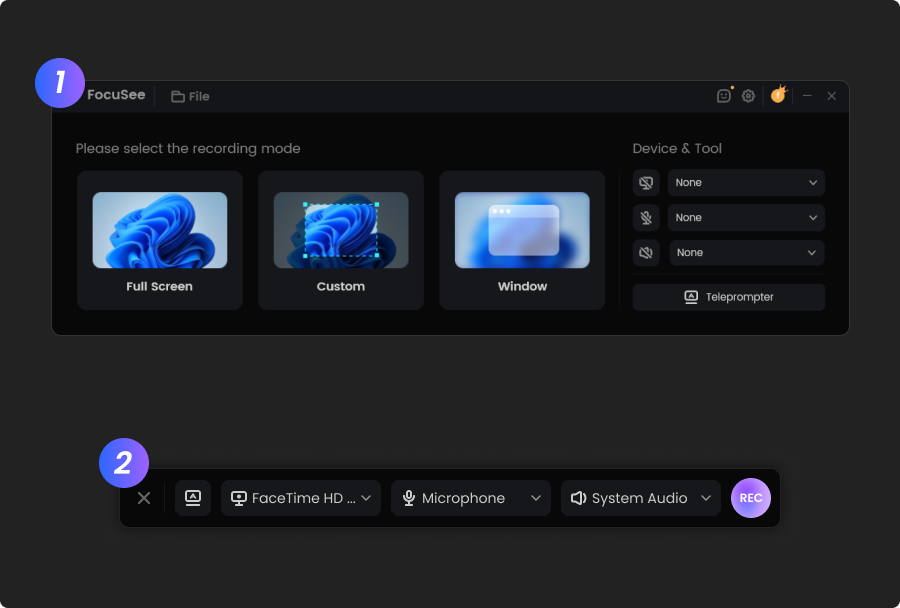
Choose Screen, Camera, or Screen + Camera mode. Record your product naturally without worrying about perfect cursor movements or editing later.
2

Polish Your Recording Automatically

FocuSee automatically adds cursor tracking, smart zoom, subtitles, noise reduction, and AI Smart Cut, transforming your recording into a professional launch video.
3

Customize Your Launch Style

Add your logo, brand colors, camera layout, annotations, cursor effects, backgrounds, and motion styles to match your brand identity.
4

Export & Launch

Export your Product Hunt launch video in MP4, GIF, or 4K, then publish it on Product Hunt, your website, X, LinkedIn, YouTube, or anywhere your audience discovers your product.
step 1
1

Record a Video

Choose your mode: Screen, Camera, or Screen + Camera. Capture the entire screen or a specific window, and include webcam and microphone if needed.

step 2
2

Enhance with AI

Once recording is done, let AI handle the hard work: auto-zoom on key actions, smooth cursor movement, and clear audio. Make your demo clear and compelling.

step 3
3

Customize Your Demo Video

Polish your video with branding elements, backgrounds, motion blur, or cursor size adjustments.

step 3
4

Export & Share

Export your demo video in 4K or GIF, auto-adapt to all major platforms, and share instantly via secure links.

Check What You Can Do with FocuSee

FAQs About Product Hunt Launch Videos

1. What is a Product Hunt launch video?

A Product Hunt launch video is a short product demonstration displayed on your Product Hunt listing. It quickly shows visitors what your product does, how it works, and why they should try it, helping increase engagement during your launch.

2. How long should a Product Hunt launch video be?

Most successful Product Hunt launch videos are between 30 and 90 seconds. Keep the introduction short, demonstrate your core workflow quickly, and finish with a clear call to action.

3. What should I include in a Product Hunt launch video?

A great launch video usually includes a brief introduction, a real product demonstration, one or two standout features, the key benefit for users, and a clear invitation to visit your website or try your product.

4. Can I create a Product Hunt launch video without editing experience?

Yes. FocuSee automatically adds professional zoom effects, cursor tracking, subtitles, motion animations, and AI-powered editing, allowing anyone to create polished launch videos without learning complex editing software.

5. What makes a good Product Hunt launch video?

A great Product Hunt launch video is short, product-focused, and easy to follow. Show your product solving a real problem, highlight one or two standout features, avoid unnecessary introductions, and end with a clear next step. The goal is to help visitors quickly understand why your product is worth trying.

6. Can I reuse my Product Hunt launch video?

Absolutely. Most founders reuse their launch video on landing pages, X, LinkedIn, YouTube, blog posts, email campaigns, and investor updates. FocuSee makes it easy to export optimized versions for every platform.

Related Articles

AI-Powered Screen Recorder for Mac & Windows

Effortless Recording & Editing, Professional Output