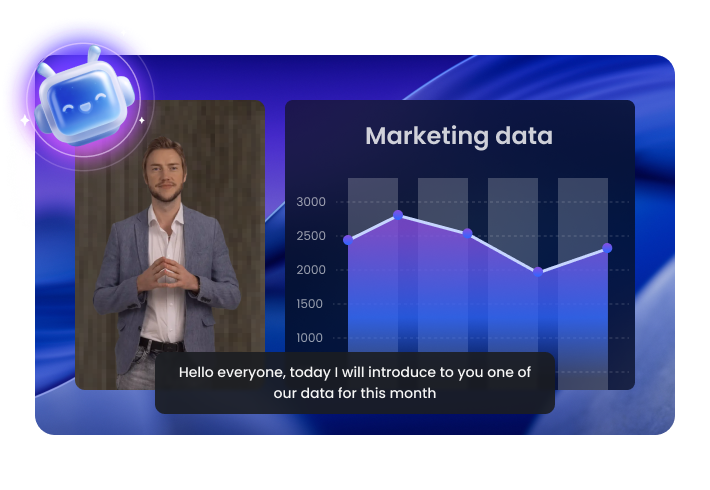
FocuSee empowers anyone to create professional, on-brand marketing videos in minutes.
Skip the costly production process. With FocuSee, simply record your screen and webcam, then AI handles editing, cleanup, and subtitles automatically. What once took days now takes 10 minutes, saving time and up to 90% of production costs.
Make Marketing Video Now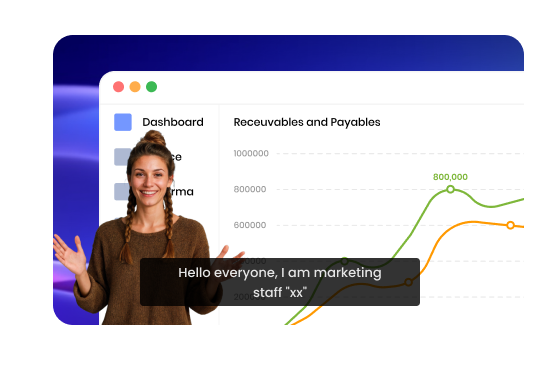
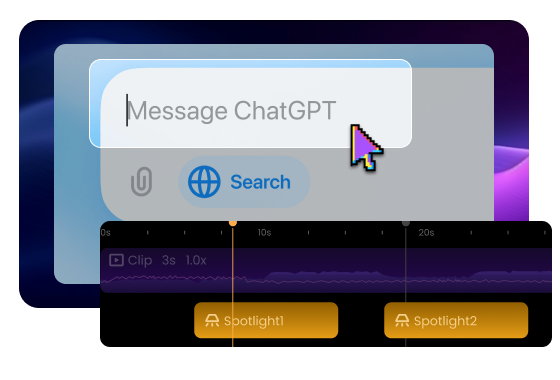
Boring videos lose attention fast. Capture attention from the first second. Intelligent mouse tracking, spotlight effects, and smooth zooms keep your audience engaged longer—boosting watch time and turning viewers into customers.
Make Marketing Video NowMake your brand instantly recognizable in every video. Add custom watermarks, use personalized preset templates for a cohesive look, and introduce an AI-powered avatar that represents your brand with authenticity and charm.
Make Marketing Video Now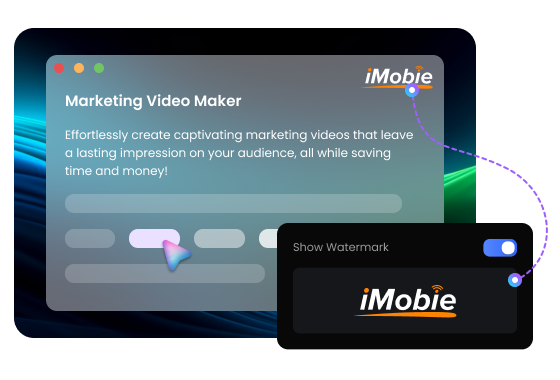

Achieve Studio-Quality Sound and Visuals
Deliver professional polish without extra gear. FocuSee’s AI voice enhancement, noise reduction, and 4K HD export ensure every video looks crisp and sounds clear.

Boost Productivity with AI Editing
AI makes professional editing accessible to everyone. Automatically remove silences and filler words, generate multilingual subtitles, and apply presets in bulk.

Share Effortlessly Across Channels
Distribute content faster with built-in multi-size presets (16:9, 9:16, 1:1) and cloud-based sharing. Create once, publish anywhere.
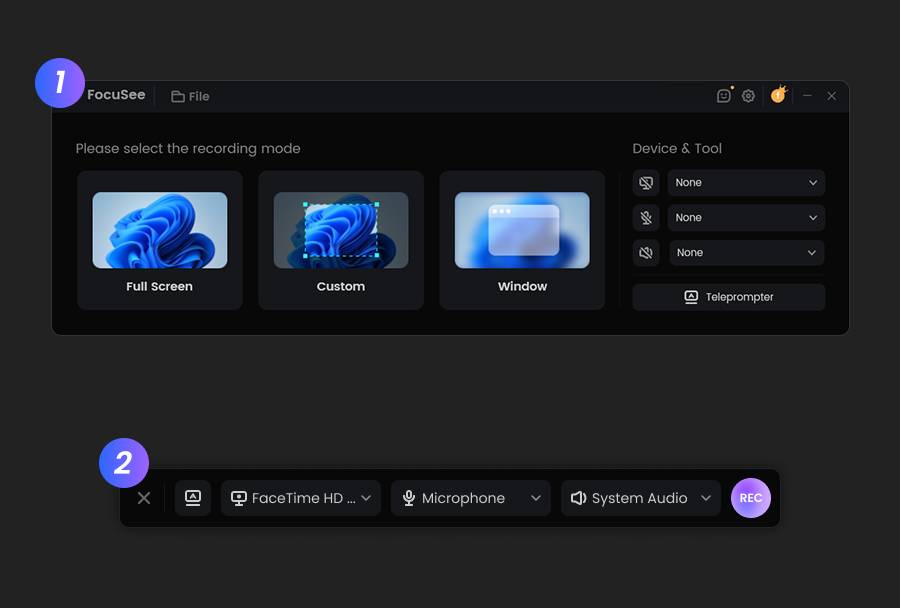
Record a Video
Choose your recording mode, including Camera only, Screen only, Screen+Camera. Select the recording area you desire and initiate the recording of a marketing video.Edit Video for Marketing
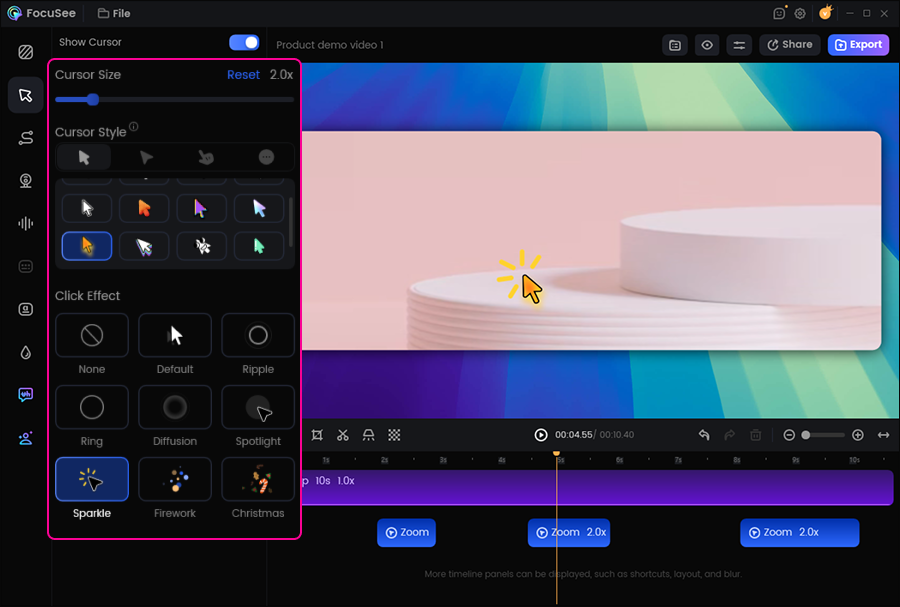
Zoom in and out with the mouse to guide your presentation flow and highlight key points. Enhance backgrounds, add watermarks or logos, and more for a polished, professional look.Export & Share
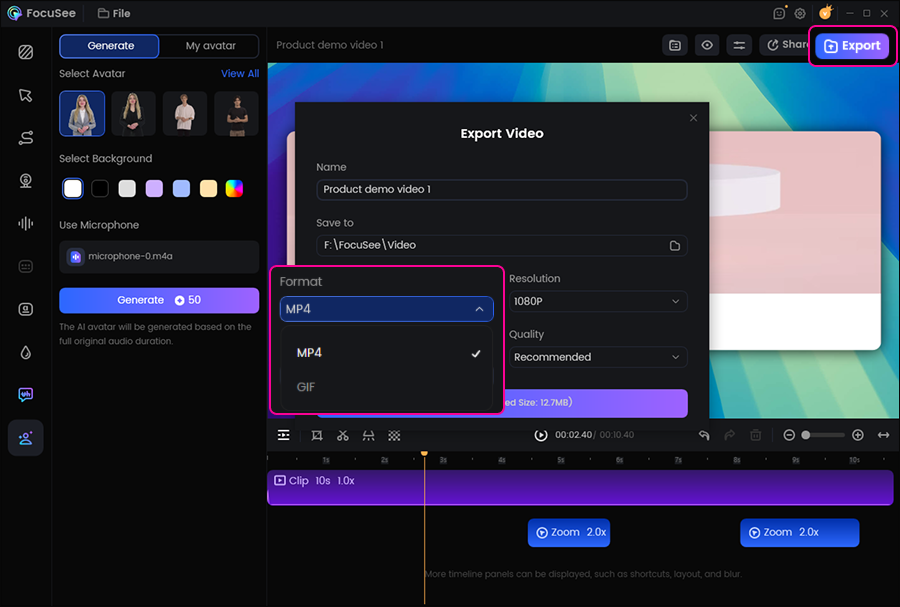
Export your video as MP4 or GIF, or simply share it via link. Making it easy to deliver your marketing video directly to clients or teammates.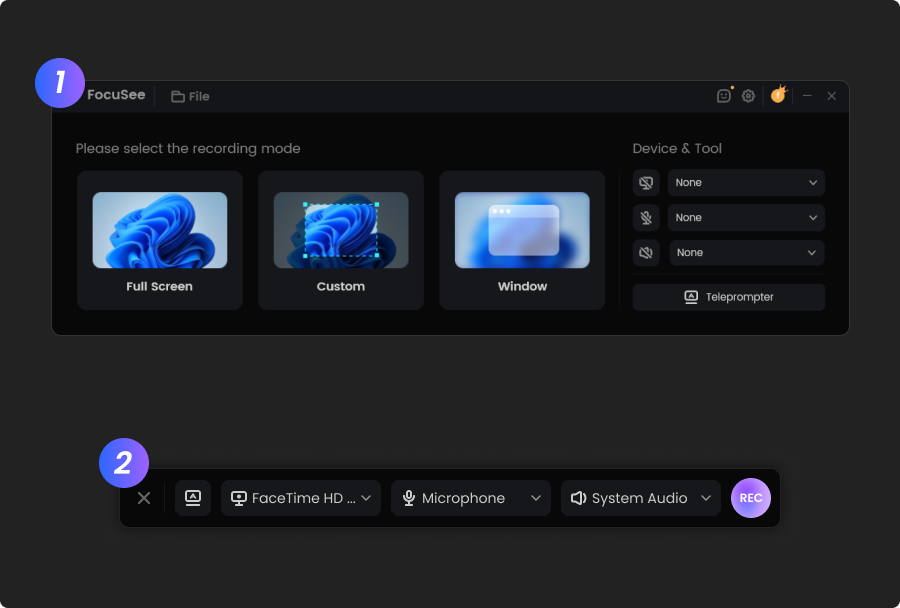
Record a Video
Choose your recording mode, including Camera only, Screen only, Screen+Camera. Select the recording area you desire and initiate the recording of a marketing video.
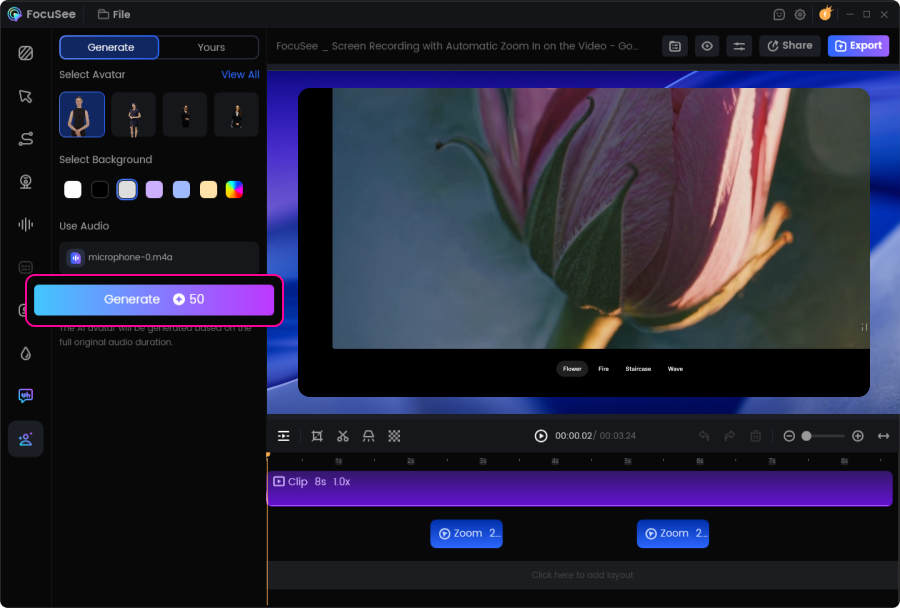
Edit Video for Marketing
Zoom in and out with the mouse to guide your presentation flow and highlight key points. Enhance backgrounds, add watermarks or logos, and more for a polished, professional look.
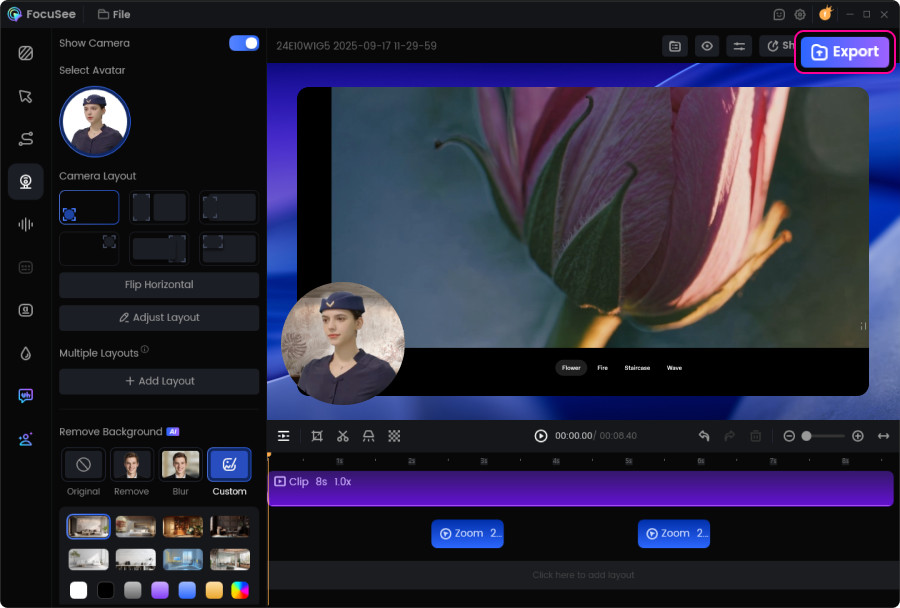
Export & Share
Export your video as MP4 or GIF, or simply share it via link. Making it easy to deliver your marketing video directly to clients or teammates.
1. What is an AI marketing video maker?
2. What are the benefits of using an AI marketing video maker?
An AI marketing video maker helps you produce on-brand marketing videos in less time—without professional editing skills.
3. Can FocuSee record screen and camera for marketing videos?
4. How does FocuSee help create scroll-stopping marketing videos?
5. Can it remove silences, filler words, and background noise automatically?
Yes. FocuSee’s AI editing can automatically reduce silences and filler words, and apply voice enhancement and noise reduction to make your narration sound cleaner and better paced.
6. Can I add subtitles to marketing videos (including multiple languages)?
7. Can I keep my marketing videos on-brand?
8. What export formats, resolutions, and sizes are supported?
FocuSee supports flexible export options for marketing distribution.
9. How long should a marketing video be?
The ideal length depends on the channel and goal, but shorter is usually better for performance.
Tip: Start with the key benefit in the first few seconds and end with a clear call to action.
10. How can I share marketing videos with clients or teammates quickly?


Effortless Recording & Editing, Professional Output