
Steps to Make a Pitch Video
Record a Video
Create your pitch video by recording your screen and camera via FocuSee.

Enhance Your Video
Recorded videos automatically zoom in where your mouse clicks. You can also highlight cursor visibility with custom styles and set background beautification.
Export & Share
You can download your pitch video as an MP4 or GIF file, then share it on social media platforms.
Why Use This Pitch Video Maker?
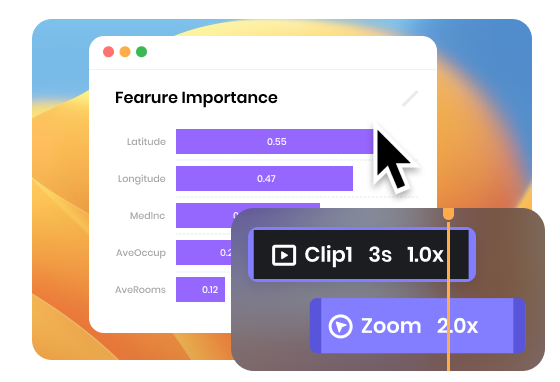
Pitch Videos Auto-creation
FocuSee offers an almost automated process of generating stunning pitch videos by tracking the mouse movement and applying the zoom-in effect automatically during recording. With a focus on screen recording, you can effortlessly create engaging pitch videos without the need for manual editing or extensive video production skills.
Make a Pitch Video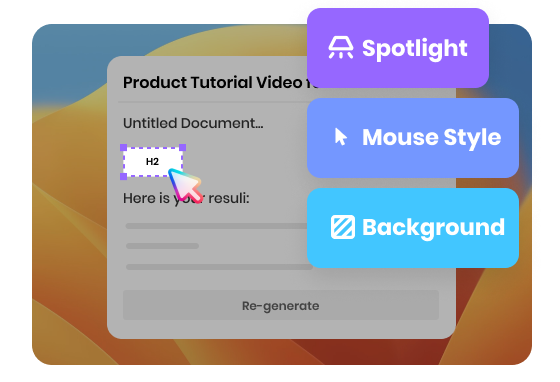
Stand Out Your Pitch Videos with One-click
In addition to the automatic zoom effect application on your videos, FocuSee offers various features to enhance your pitch videos, such as adding beautiful backgrounds, customizing mouse appearance, selecting different cursor click effects, and incorporating spotlight effects. Try it now and make your pitch videos stand out!
Make a Pitch Video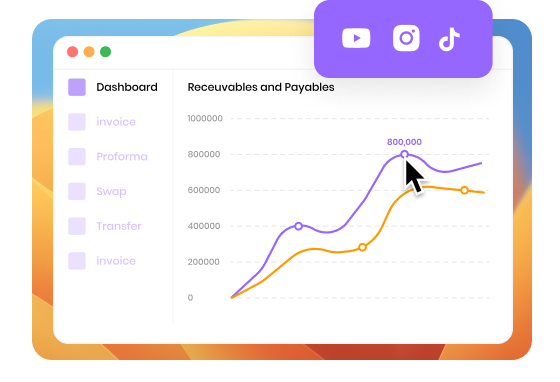
Create Pitch Video for Online Marketing
Using FocuSee - a pitch video maker is an excellent choice to showcase your new product or service to potential investors, partners, or customers. It allows you to effectively communicate the product's features, benefits, and unique selling points, making it ideal for online marketing campaigns, social media promotions, or product launch events to generate interest and drive sales.
Make a Pitch VideoTry More Tools
FAQs About Pitch Video Creator
1. What is a pitch video maker?
A pitch video maker is a tool that helps you record and polish a pitch presentation—usually by capturing your screen (slides or product) and optionally your webcam in one take. With FocuSee, you can record Screen + Camera, auto-zoom on clicks, enhance cursor visibility, and export as an MP4 or GIF for easy sharing.
2. How do I create a pitch video with FocuSee?
3. Can I record a pitch deck with my webcam at the same time?
4. Does FocuSee support auto-zoom during recording?
5. How can I make my on-screen walkthrough easier to follow?
6. Can I customize the cursor and click effects?
7. How can I make the video look more professional?
8. What export formats are supported?
9. What’s the best length for a pitch video?
 FocuSee
Pitch Video Maker
Create stunning video pitches with FocuSee. It automatically zooms in on a video, tracks and captures mouse movement, and allows you to record your screen and yourself simultaneously.
Make a Pitch Video