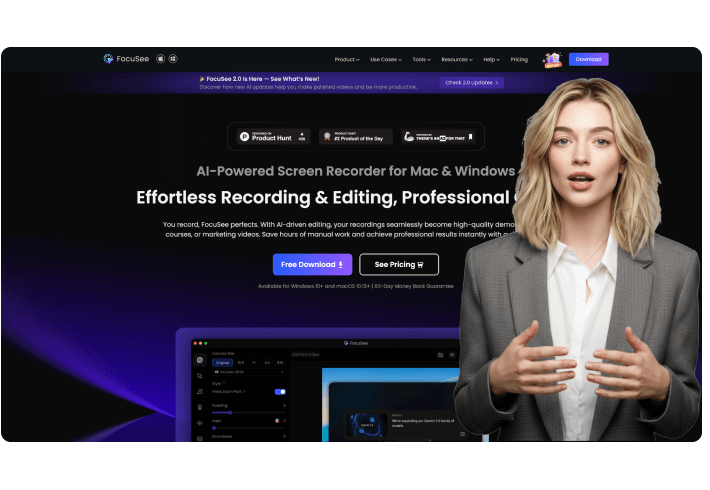
As someone who’s had their fair share of tech hiccups ruin an otherwise productive day, I can’t overstate how valuable stability and efficiency are. FocuSee delivers both — and then some. Everything I needed was right where I expected it to be, from intuitive cursor effects to built-in captioning and layout tools. The editing flow felt natural, almost like the app was designed by someone who’s actually edited videos under deadline.
Three AI-Powered Webcam Background Removal Solutions for Every Recording Need
Stop worrying about messy rooms, private spaces, or dull backgrounds. With AI webcam background removal technology, you gain complete control over your visuals to get rid of distractions and shape a professional look.
Transparent Background - Seamlessly Blend Into Any Scene
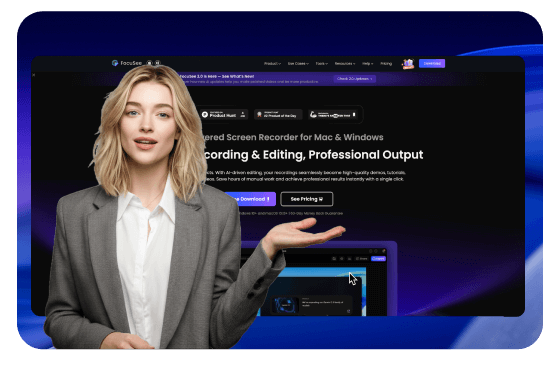
Remove webcam backgrounds with one click while preserving every detail of your portrait. Composite yourself naturally into any video content without the high cost and complex setup of green screens. Enjoy more creative freedom and achieve natural-looking results effortlessly.
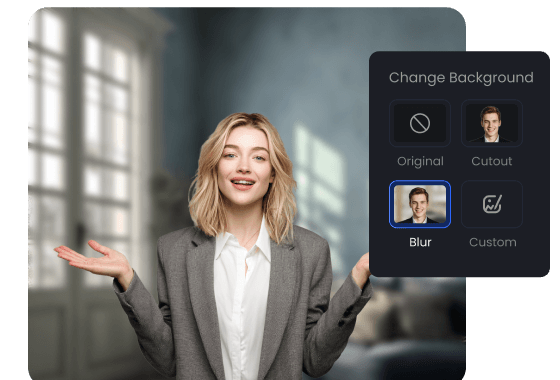
Background Blur - Stay Focused, Stay Private
Intelligently blur cluttered or distracting backgrounds to strengthen your presence. This not only creates a clean visual setup but also helps protect your privacy, ensuring viewers stay focused on what truly matters: your content and your message.
Virtual Scene Switching - Brand Your Space, Control Your Vibe
From sophisticated offices to minimalist homes, a variety of stunning virtual backgrounds are ready to elevate your content. Choose one that fits your content's style to enhance your personal or brand image.

How to Remove or Change Your Webcam Background
Remove or change your webcam background in just a few clicks. Simple, fast, and seamlessly blended.
1
Record Your Video
Open FocuSee and start recording your screen.
2
Remove Webcam Background
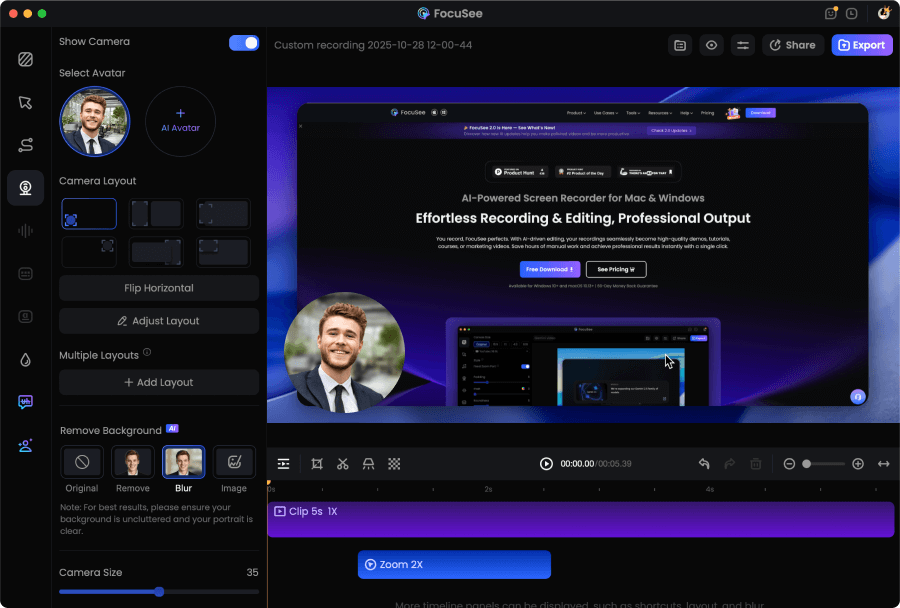
Click the Camera tab, then choose to remove or blur your background, replace it with a virtual scene, or switch to a solid color.
3
Preview and Export
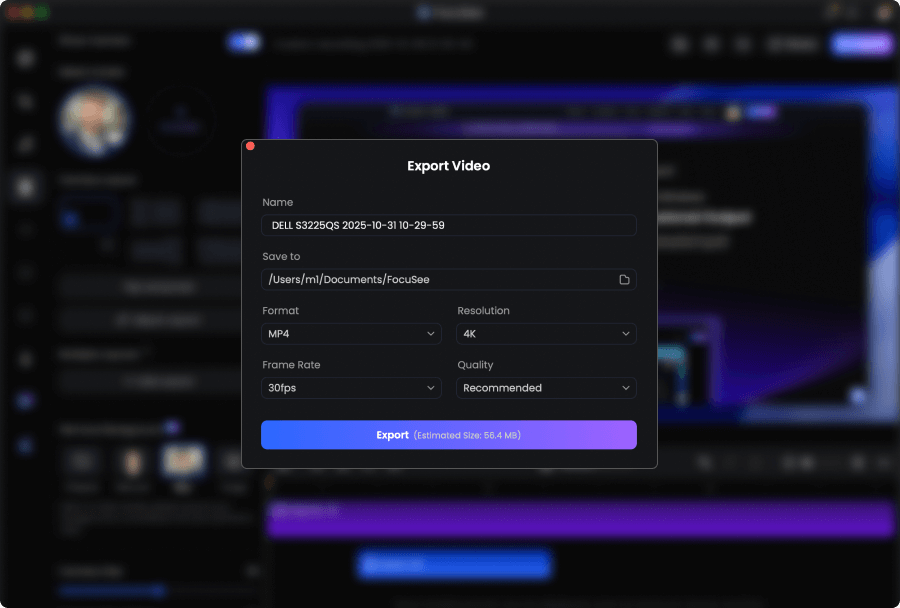
Preview your polished recording and easily export it as a high-quality video.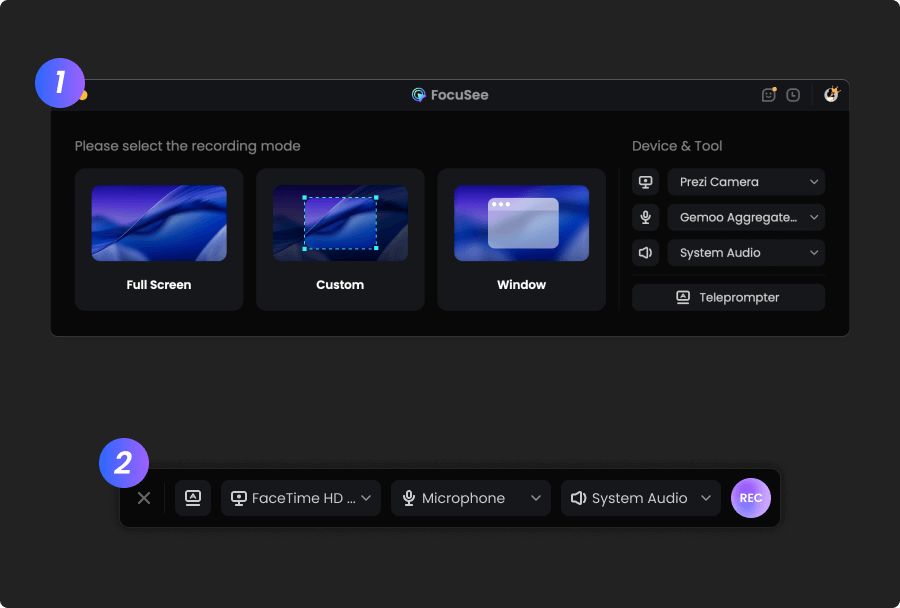
1
Record Your Video
Open FocuSee and start recording your screen.
2
Remove Webcam Background
Click the Camera tab, then choose to remove or blur your background, replace it with a virtual scene, or switch to a solid color.
3
Preview and Export
Preview your polished recording and easily export it as a high-quality video.
FocuSee is an absolute game-changer. I’ve been looking for a tool that could save me hours of editing, and I finally found it. With just a few clicks it cuts out the boring parts, adds super accurate automatic captions, and exports videos already optimized for TikTok, Instagram, or YouTube. What impressed me the most is the speed: something that used to take me an entire evening now takes just a few minutes. The interface is simple, and you don’t need to be a professional editor to get professional-looking results. Sure, there are more advanced programs with tons of features, but for anyone who wants to create content quickly without wasting time, FocuSee is unbeatable. Highly recommended!
I’ve tried a bunch of screen recording tools, but FocuSee really stands out with its smart auto-zoom, motion blur, and layout features - all without needing to edit manually. It fits perfectly into my design tutorial workflow and genuinely saves time while making the videos look pro. If you're a creator or educator, this is a must-try.




Based on 3,200 customer reviews
More FocuSee Features


FAQs About Webcam Background Removal
1. How do I remove my webcam background without a green screen?
With FocuSee, you can remove your webcam background without a green screen. Open the Camera tab, enable background removal, and the AI will separate you from your surroundings. You can then choose a transparent background, background blur, a virtual scene, or a solid color.
2. What background options does FocuSee offer for webcam recordings?
FocuSee provides multiple webcam background options to match different recording needs:
- • Transparent background (for seamless compositing)
- • Background blur (to reduce distractions and protect privacy)
- • Virtual scenes (to change the vibe and style)
- • Solid colors (clean and simple look)
3. Can I blur my webcam background for privacy?
Yes. With Background Blur, FocuSee intelligently blurs cluttered or distracting backgrounds so viewers stay focused on you and your message, while helping protect your privacy.
4. Can I replace my webcam background with a virtual scene or solid color?
Yes. In the Camera tab, you can replace your webcam background with a virtual scene or switch it to a solid color for a cleaner, more branded look.
5. What is a transparent webcam background, and when should I use it?
A transparent background removes your webcam background while preserving your portrait details, making it easy to blend yourself naturally into different video content. It’s useful when you want a clean cutout effect without setting up a green screen.
6. How do I change my webcam background in FocuSee?
It only takes a few clicks:
1. Record your video in FocuSee
2. Go to the Camera tab and choose Remove, Blur, Virtual Scene, or Solid Color
3. Preview and export your video


AI-Powered Screen Recorder for Mac & Windows
Effortless Recording & Editing, Professional Output