As someone who’s had their fair share of tech hiccups ruin an otherwise productive day, I can’t overstate how valuable stability and efficiency are. FocuSee delivers both — and then some. Everything I needed was right where I expected it to be, from intuitive cursor effects to built-in captioning and layout tools. The editing flow felt natural, almost like the app was designed by someone who’s actually edited videos under deadline.
Three Breakthrough Capabilities That
Remove Every Video Creation Barrier
Going beyond traditional limits, FocuSee AI Avatar Generator changes how professionals create content. Our advanced AI delivers three core features that solve real challenges and enhance your brand’s storytelling.
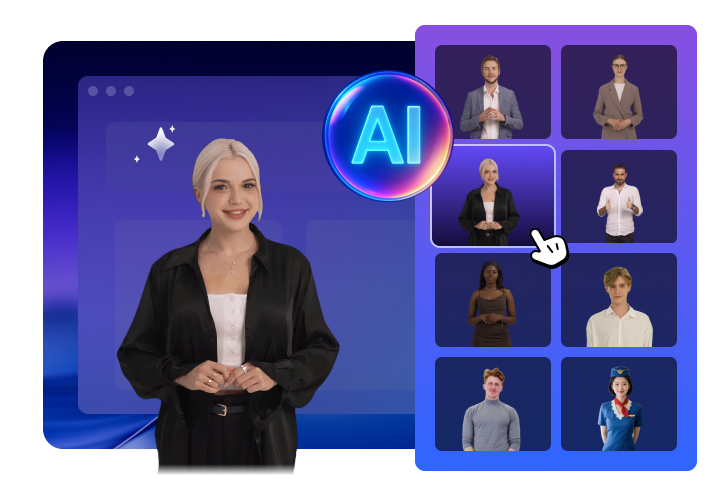
100+ Professional Avatars, Tailored to Every Brand Voice
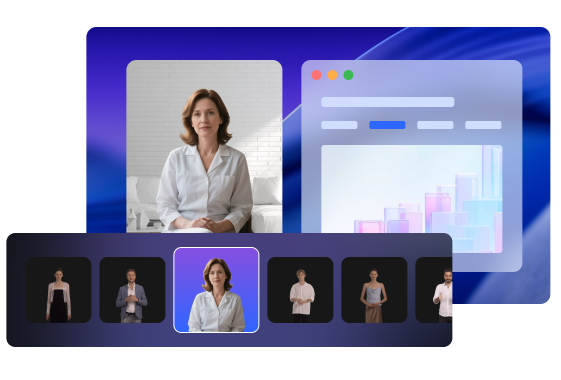
Whether you need a polished, professional look or a casual, approachable style, FocuSee AI avatar library offers over 100 unique options, matching your industry and audience with the perfect digital spokesperson. Replace expensive spokesperson costs with one-time avatar investment.
Hollywood-Level Performance, No Acting Skills Needed
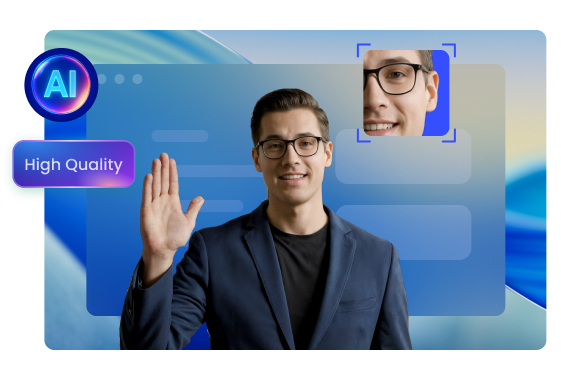
Powered by industry-leading APIs, FocuSee AI avatars deliver natural expressions, perfect lip-syncing and engaging eye contact in high quality, keeping viewers watching for longer. Experience 67% higher engagement rates compared to voiceover-only videos, with performances that are indistinguishable from real presenters.
Your Always-Available Digital Spokesperson, Consistent and Reliable
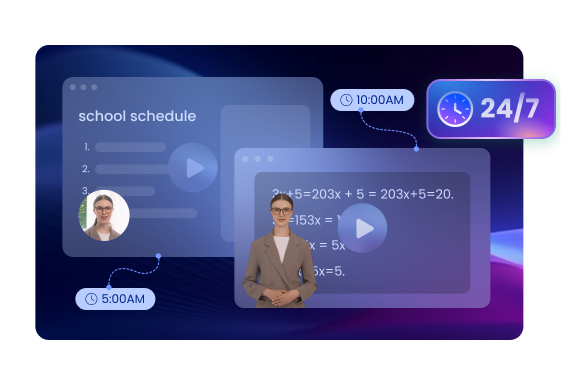
No more scheduling conflicts, bad hair days or inconsistent messaging. Your AI avatar delivers a consistent, professional performance every time, regardless of the camera size or position you choose. Your brand voice will be standardised across all your video content with 24/7 availability.
How to Create Your AI Avatar Video
Generate lifelike, studio-quality avatar videos in just a few minutes.
1
Record Your Video
Open FocuSee and start recording your screen or demonstration.
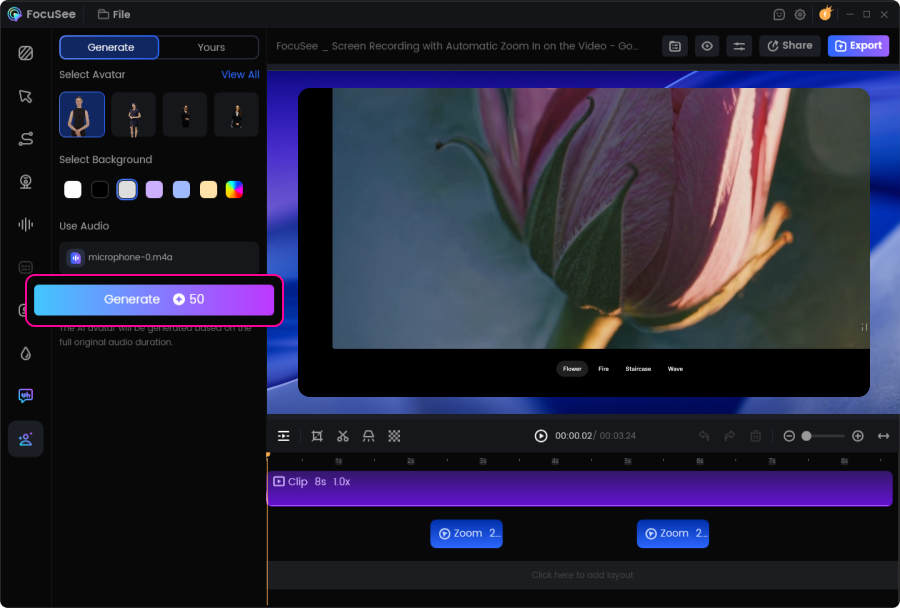
2
Generate Your AI Avatar
Browse the avatar library and select your preferred character. Click Generate to create your AI avatar.
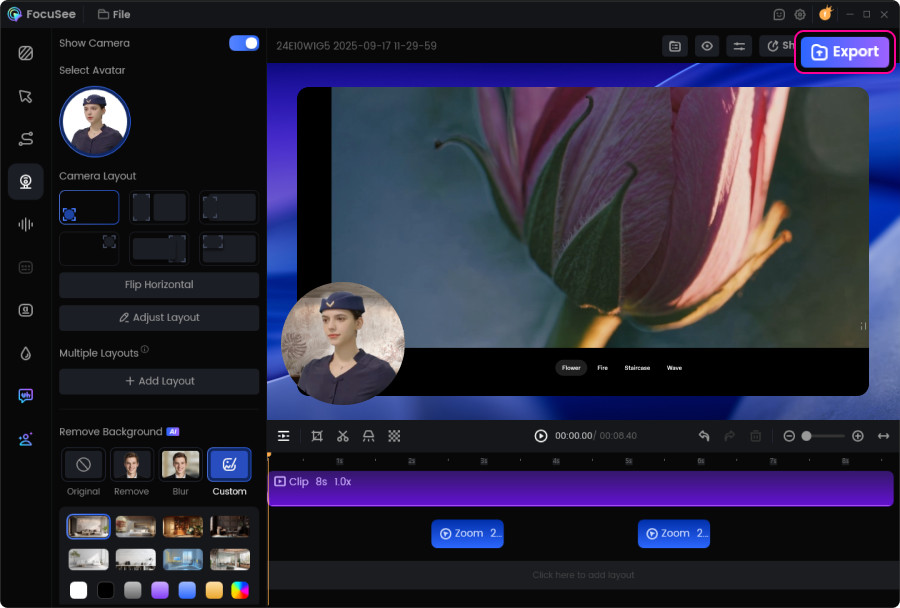
3
Customize and Export
Import your chosen avatar, adjust the background and layout, then export your video.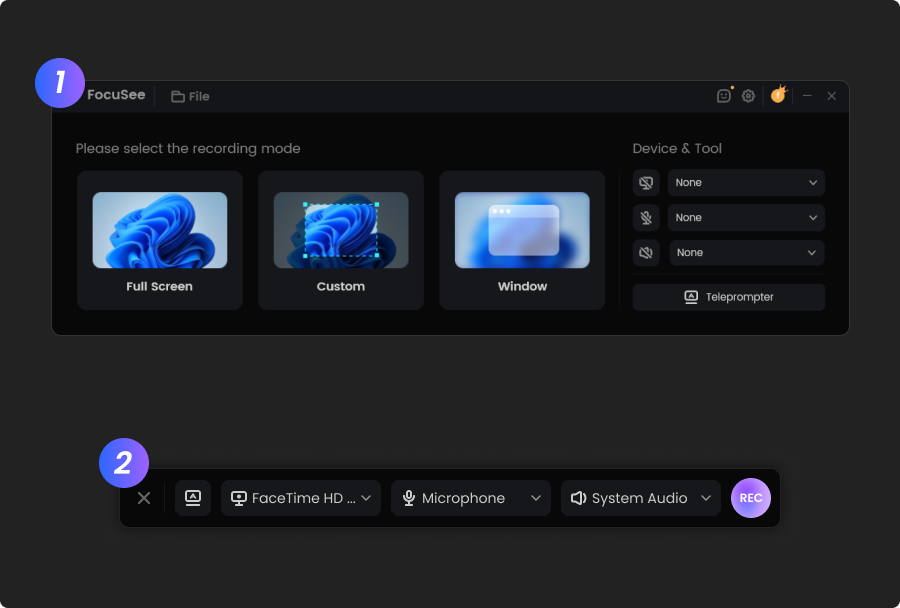
1
Record Your Video
Open FocuSee and start recording your screen or demonstration.
2
Generate Your AI Avatar
Browse the avatar library and select your preferred character. Click Generate to create your AI avatar.
3
Customize and Export
Import your chosen avatar, adjust the background and layout, then export your video.
FocuSee is an absolute game-changer. I’ve been looking for a tool that could save me hours of editing, and I finally found it. With just a few clicks it cuts out the boring parts, adds super accurate automatic captions, and exports videos already optimized for TikTok, Instagram, or YouTube. What impressed me the most is the speed: something that used to take me an entire evening now takes just a few minutes. The interface is simple, and you don’t need to be a professional editor to get professional-looking results. Sure, there are more advanced programs with tons of features, but for anyone who wants to create content quickly without wasting time, FocuSee is unbeatable. Highly recommended!
I’ve tried a bunch of screen recording tools, but FocuSee really stands out with its smart auto-zoom, motion blur, and layout features - all without needing to edit manually. It fits perfectly into my design tutorial workflow and genuinely saves time while making the videos look pro. If you're a creator or educator, this is a must-try.




Based on 3,200 customer reviews
More FocuSee Features


FAQs About AI Avatar Generator
1. What is an AI avatar video?
An AI avatar video is a professional video created using a digital presenter instead of filming yourself. With FocuSee’s AI Avatar Generator, you can choose from over 100 realistic avatars to present tutorials, product demos, or marketing content—without ever appearing on camera.
2. Do I need to appear on camera to create an AI avatar video?
No. You don’t need to face the camera at all. Simply record your screen and voice, select an AI avatar, and FocuSee will generate a polished avatar video for you.
3. How does FocuSee generate AI avatar videos?
FocuSee uses advanced AI technology to sync your recorded voice with a selected digital avatar. The avatar delivers natural facial expressions, lip-sync, and eye contact to create engaging, presenter-style videos.
4. What video formats and aspect ratios does FocuSee support?
You can export AI avatar videos in common aspect ratios such as 16:9, 1:1, and 9:16, making them suitable for YouTube, social media, and online courses. Videos can be saved as MP4 or GIF files.
5. Do I need to use my own voice for AI avatar videos?
At the moment, yes. You’ll need to record your screen and voice first, and then the AI Avatar Generator will create your video using that audio. More advanced customization options are planned for future updates.
6. Can I customize my AI avatar?
Currently, you can choose from over 100 avatars with different styles and roles. While individual facial features aren’t customizable yet, more avatar customization options are planned for future updates.
7. When should I use AI avatar videos?
AI avatar videos are ideal for:
- • Product demos and feature walkthroughs
- • Online courses and training videos
- • Marketing and brand communication
- • Tutorials and explainer videos
They help maintain brand consistency and reduce the need for repeated filming.
8. Is the AI avatar feature free to use?
The AI avatar feature uses AI credits. Paid users on FocuSee Advanced plans receive AI credits, and additional credits can be purchased if needed. For detailed pricing information, please visit the pricing page.


AI-Powered Screen Recorder for Mac & Windows
Effortless Recording & Editing, Professional Output