8 Best Software for Editing Marketing Videos in 2026: A Tool Guide for Growth Teams

Creating marketing videos is no longer the challenge—creating them at scale is.
Many teams lose hours every week to manual editing, captioning, resizing, and exporting. The result is slower campaign launches, fewer creative tests, and missed optimization opportunities.
The best video editing software isn’t necessarily the most powerful. It’s the one that helps you produce, test, and publish content faster.
In this guide, we’ll compare the best marketing video editing tools for different campaign types, from SaaS product demos and ecommerce ads to TikTok content and brand campaigns.
8 Video Editing Tools for Marketers: Options by Campaign Type
No single video editor is the best choice for every marketing campaign. The right software depends on the content you’re producing, the audience you’re targeting, and how quickly you need to ship new creative assets.
Here’s a practical breakdown of the best video editing tools based on campaign objectives.
Best Software for SaaS Product Demos & Digital Marketing Videos: FocuSee vs. Loom
For SaaS companies, software vendors, educators, and digital product marketers, the primary challenge is not cinematic editing—it’s clearly showing workflows, features, and product value without spending hours in post-production.
FocuSee (Winner)

Best Software for Digital Marketing Videos – FocuSee
FocuSee is purpose-built for screen recordings, software demos, tutorials, onboarding videos, and digital product marketing. Instead of manually editing timelines, marketers can automatically generate polished videos with:
- Smart Focus and Auto-Zoom to highlight clicks and user actions
- AI Smart Cut for removing filler words and long pauses
- Automatic subtitles for accessibility and social distribution
- Cursor tracking and click animations for clearer walkthroughs
- Multi-platform exports for YouTube, LinkedIn, TikTok, and product landing pages
For teams producing product demos every week, FocuSee significantly reduces editing time while making screen recordings easier to follow.
Loom
Loom remains a strong option for quick asynchronous communication and internal video messaging. However, its editing capabilities are limited compared to FocuSee, making it less suitable for customer-facing marketing videos or polished product demonstrations.
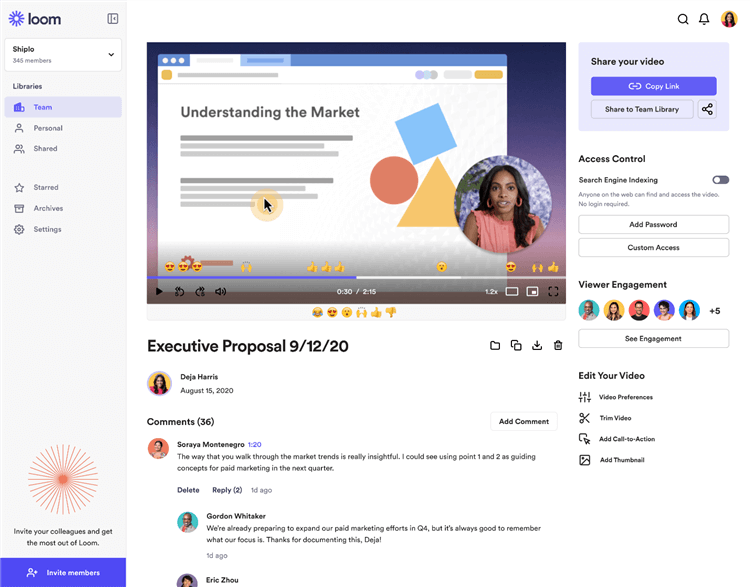
Best Walkthrough Video Maker – Loom
Best Software for Short-Form UGC & TikTok Ads: CapCut vs. InShot
For creating rapid Instagram Reels and TikTok ads from raw smartphone footage, mobile-first editors are mandatory.
- CapCut (Winner): CapCut dominates this space because it directly integrates with TikTok’s trending audio library. Its auto-captions are incredibly accurate, and the built-in dynamic text-overlay templates are perfect for UGC-style ads. If you are doing fast, top-of-funnel social media engagement, CapCut is the standard.
- InShot: While InShot is a solid, user-friendly mobile editor, it lacks the native social media integrations and advanced AI auto-captioning speed that makes CapCut so powerful for ad-testing.
Best Software for Ecommerce Cloud Templates: Veed vs. Canva
If you need the best software for promotional videos focused on physical goods, you need cloud-based template editors that support remote, distributed teams.
Veed (Winner)
Veed is exceptional for ecommerce brands running dynamic text-overlay creatives. It allows your remote video team to upload raw footage, instantly apply brand kits, generate highly customizable subtitles, and export. It is built specifically for video.
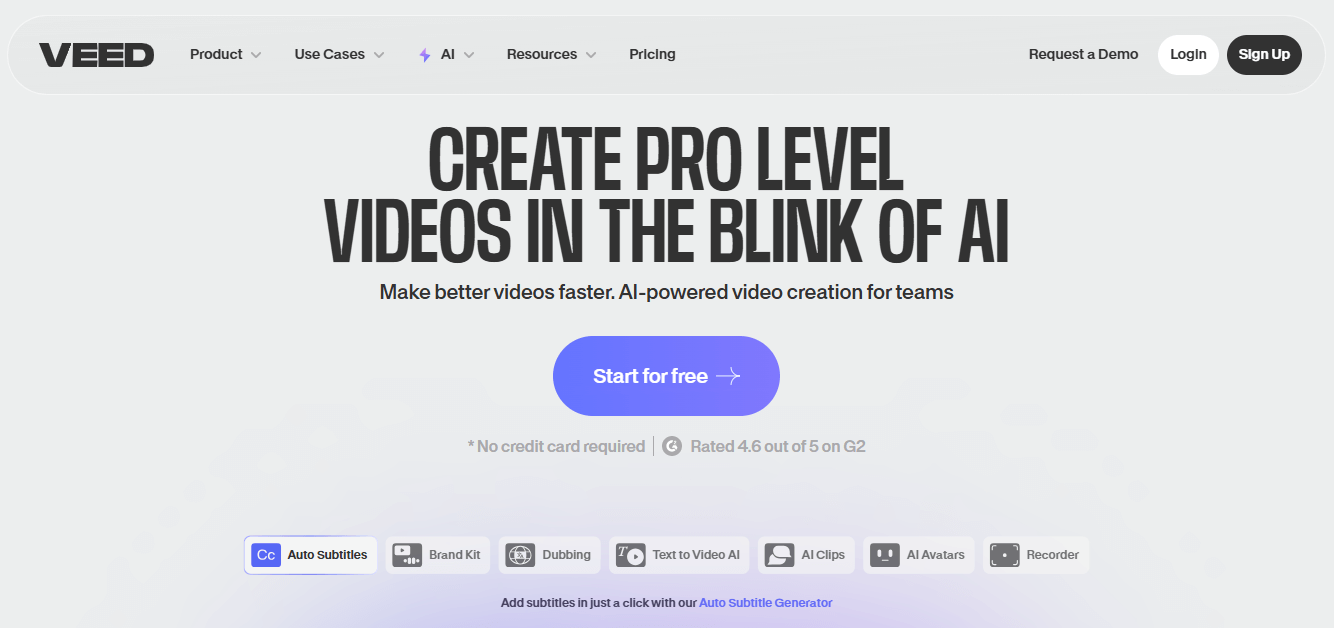
Best Software for Ecommerce Cloud Templates – VEED
Canva
Canva is fantastic for static graphics, and its video suite is improving. However, for high-volume video iteration, Canva’s timeline can feel clunky, and its auto-captioning tools are less robust than Veed’s.
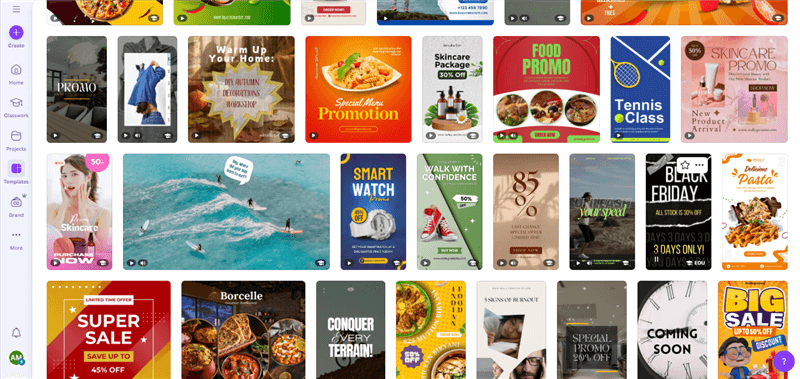
Best Promo Video Creator – Canva
Best Software for Brand Marketing & Cinematic Ads: Premiere Pro vs. DaVinci Resolve
When your goal shifts to detailed brand storytelling, documentary-style promos, or high-budget lifestyle shoots, traditional Non-Linear Editors (NLEs) become necessary.
Adobe Premiere Pro
The industry standard. It integrates perfectly with After Effects for complex motion graphics. It carries a steep learning curve, but it is the best software for brand marketing videos where high-budget visual fidelity is the sole priority.
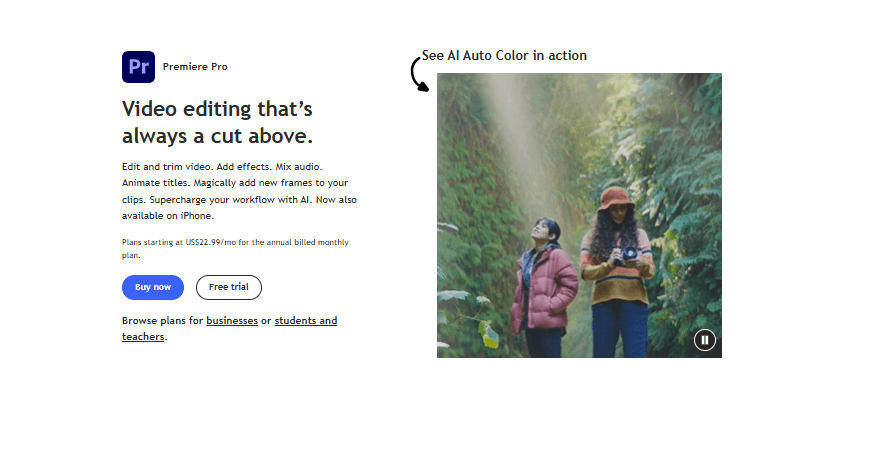
Best Promo Video Creator – Premiere Pro
DaVinci Resolve
DaVinci offers world-class color grading and is uniquely powerful for teams looking for a one-time software purchase rather than Adobe’s subscription model.
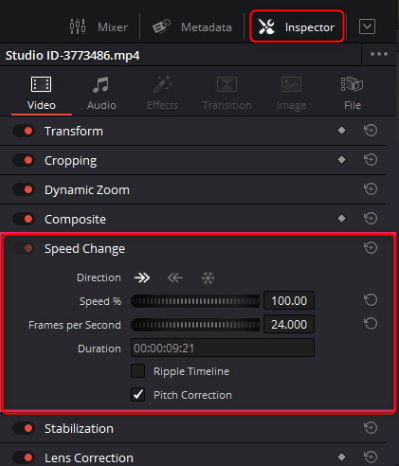
Inspector panel
Traditional Editing vs. AI Video Editing Tools
Choosing the right marketing video editor comes down to one question: Do you need creative control or production speed?
Traditional editors offer advanced customization but require significant time and expertise. AI-powered tools automate repetitive tasks, helping teams create more content in less time.
| Traditional Editors | AI Video Editors | |
| Editing Time | Slow, manual | Fast, automated |
| Skill Required | High | Low–Moderate |
| Campaign Speed | Slower iteration | Faster testing |
| Best For | Brand films, commercials | Ads, demos, social content |
For most marketing teams, the biggest bottleneck is not editing quality—it’s content production speed. AI tools help teams launch campaigns faster, test more creative variations, and spend less time on repetitive editing tasks.
If your team spends more time creating captions, trimming clips, or resizing videos than testing new ad creatives, it’s probably time to adopt an AI-powered workflow.
Identifying the Bottleneck: Why Video Automation Beats Editing Complexity
When evaluating video editing software for ads, it is common to focus on advanced cinematic features. However, here is a critical expert insight I’ve learned from auditing dozens of ad accounts: many marketers choose software based on creative features instead of production speed.
The biggest bottleneck in marketing video production is iteration speed—not editing complexity.
Traditional manual methods fail modern marketing operations because they are built to output a final, static export. Modern ad accounts require rapid A/B testing. If an agency editor takes three days to update a single text overlay for a split-test, your campaign timeline bleeds money.
Adopting video automation tools shifts your focus from pixel-perfect rendering to high-frequency iteration. This allows you to review real-time metrics, pivot your hooks quickly, and deploy winning ad creatives without delay.
Never manually recreate timelines to test different text hooks. Always use tools with batch exporting or dynamic text replacement to generate your 5-10 hook variations in a single click.
A Procedure to Build a High-Volume Content Production Workflow
Implementing the best software for promotional videos is only the first step. Structuring your production procedure determines your actual output. Returning to Ethan’s experience, his team didn’t just buy new software; they mapped it to a strict creative testing workflow.
Here is the exact 5-step method you can use to build a high-volume production system:
- Standardize the Input: Begin by building reusable video templates in a tool like Veed or CapCut. Instead of starting from scratch, configure your preferred font styles, brand colors, and pacing settings.
- Automate the Assembly: Use AI tools to handle the rough cut. Let the software automatically trim dead space, apply background blur, and run AI audio enhancement to clean up smartphone background noise.
- Generate Variations for Testing: Repurposing content shouldn’t require starting over. Generate one core video, then use one-click multi-platform export tools to instantly output 9:16 versions for TikTok and 16:9 versions for YouTube.
- Localize and Caption: Apply automatic subtitles. Keep the exact same visual ad creative, but duplicate it to test 5 different text hooks (e.g., “Stop doing X” vs. “The secret to Y”). This is how you optimize conversion rates.
- Export and Distribute: Route the final versions directly to your marketing platforms.
Frequently Asked Questions About Marketing Video Software
What is the best software for editing marketing videos?
The right tool depends entirely on your campaign. Use CapCut for TikTok/UGC, Veed for e-commerce templates, FocuSee for SaaS product demos, and Premiere Pro for high-budget brand storytelling.
What tools are best for TikTok and Instagram ads?
CapCut is currently the undisputed leader for short-form mobile ads due to its trending audio integration, automated beat-syncing, and highly accurate auto-captions.
Do marketers need professional editing software like Premiere Pro?
Usually, no. Unless you are running cinematic TV commercials, performance marketing prioritizes rapid A/B testing over complex cinematic effects. AI-driven editors are much more efficient for daily ad operations.
What software works best for ecommerce brands?
E-commerce brands benefit most from cloud-based tools like Veed. It offers reusable video templates and fast subtitling, maintaining visual consistency across large product catalogs while allowing remote teams to collaborate.
What tools help create videos faster?
Any tool featuring “Smart Cut” technology (which automatically deletes long pauses and filler words) and automated AI transcription will shave hours off your post-production time.
Can AI edit marketing videos automatically?
Yes. While it won’t direct your creative vision, AI tools can completely automate mechanical procedures like filler word removal, smart zooming on cursor clicks, captioning, and audio noise reduction.
What tools help resize videos for multiple platforms?
Look for tools with a “magic resize” or multi-platform export feature (found in CapCut, Veed, and FocuSee). These let you record once and instantly generate optimized resolutions for YouTube, TikTok, and Instagram without manual cropping.
How much should marketing video software cost?
AI-driven marketing video tools generally offer highly accessible tiered subscriptions ranging from $15 to $50 per month. Traditional professional NLEs like Premiere Pro require higher ongoing subscriptions ($22+/month) or expensive one-time fees (DaVinci Resolve Studio is ~$295).
Conclusion
You do not need to accept sluggish editing workflows that delay your campaign launches. Scaling your high-volume content production requires matching the right tool to the right marketing objective, and prioritizing iteration speed over manual complexity.
Whether you are using CapCut to test UGC hooks, Veed to manage remote ecommerce templates, or FocuSee to build rapid software demos, automating the tedious parts of post-production is the key to scaling. Regain control of your production schedule, test your creatives with confidence, and start deploying winning campaigns faster than ever before.