How to Create an Animated Promo Video: Complete Guide for Beginners

Animated promo videos are a simple way to make your brand stand out. They turn your ideas, products, or services into fun, engaging stories. Viewers watch, enjoy, and remember your message.
Creating an animated promo video doesn’t have to be hard. With the right tools and a clear plan, you can make videos that feel natural and showcase what makes your brand unique.
What Is an Animated Promo Video?
An animated promo video is a brief video with animation used to promote a business, service, or product. It shares a message entertainingly and creatively by employing drawings, motion graphics, or 3D visuals rather than actual people or locations.
The objective is to draw in customers, share a compelling tale, and make your offerings clear. Animated promo videos are excellent for showcasing concepts that may be challenging to capture on camera or for adding excitement and memorability to your message.
How It’s Different from Other Video Types
- The purpose of explainer videos is to instruct or clarify how something operates. The primary goal of a promo video is to generate attention and engagement.
- Traditional promotions typically feature actual footage of people and environments, whereas animated promo videos employ design and images to tell a story.
- Additional animated videos may be used for entertainment, education, or storytelling. The purpose of a promotional film is to draw attention to a product and motivate viewers to act.
Why Use Animated Promo Videos?
An excellent method to tell your narrative and attract viewers is through animated promo videos. They help your business stand out in a straightforward, imaginative way and make your message simple. Here’s why they work so well:
- Grab attention fast: Animation instantly catches the eye. Bright colors, movement, and creative designs make people stop and watch.
- Make ideas easy to understand: Complex topics become simple when shown through animation. It allows others to understand your work without needing a lot of explanation.
- Display the individuality of your brand: Animated videos may accurately capture the voice and appearance of your brand. The voice, colours, and style you select help people recognise your brand.
- Save money and time: You don’t need actors, sets, or camera equipment like you would with live action videos. Animation is frequently less expensive, more adaptable, and simpler to update.
- Perform well online: Animated videos help more people find your brand since they keep viewers interested and are more likely to be shared on social media.
- Speak to anyone, anywhere: Animation is universal in both language and culture. It’s a universal method of communicating with people worldwide.
6 Popular Types of Animated Promo Videos
There are multiple animated promo video styles, each with a distinct appearance and function. Here’s a quick guide to help you know the most common types of promo videos:
Type 1. 2D Animation Promo Video – flat, simple, cost-effective
Graphics that move on the screen or flat drawings are used to create 2D animation. It’s easy to understand, economical, and straightforward. This approach works well for narrating short stories or explaining concepts without requiring significant production costs.

2D Animation Promo Videos
Type 2. 3D Animation Promo Video – more depth and realism
3D animation gives images additional depth and a more realistic appearance. It’s ideal for showcasing goods, patterns, or situations that require a realistic sense. It provides a polished and professional appearance, but it costs more and takes more time to manufacture.

3D Animation Promo Video
Type 3. Whiteboard Animation – educational and easy to follow
On a white background, whiteboard animation displays drawings being made as a voiceover describes the content. It works well for tutorials, instructional videos, and providing straightforward explanations of difficult concepts.
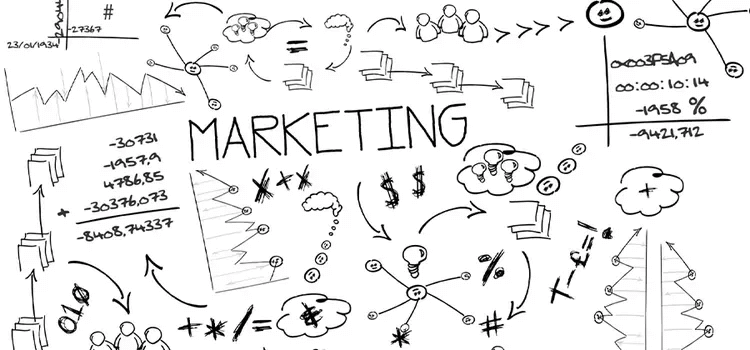
Whiteboard Animation Promo Videos
Type 4. Motion Graphics Promo Video – clean and professional
Characters are replaced with moving shapes, text, and icons in motion graphics. Companies frequently utilise this modern design to present information, company updates, or services in a polished and streamlined manner.
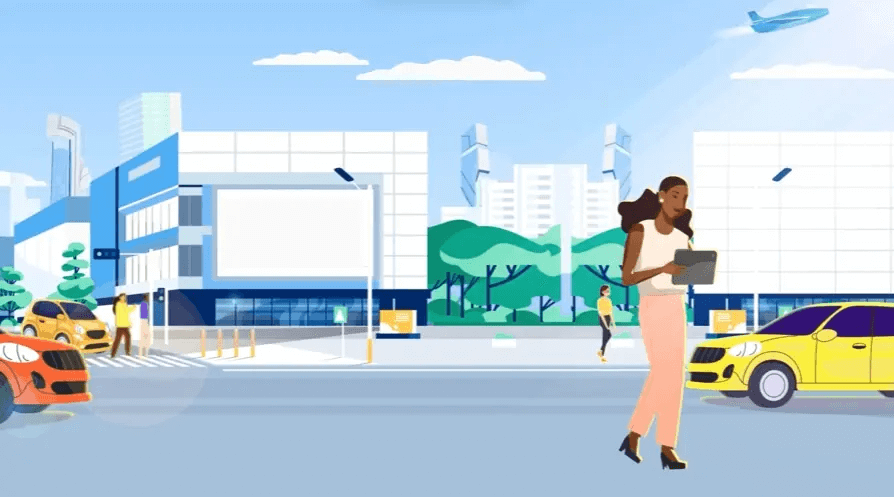
Motion Graphics Promo Video
Type 5. Character animation – emotionally charged storytelling
Character animation tells the story through animated characters or characters. It helps viewers relate to your content on an emotional level and humanises it.
Type 6. Stop Motion or Hybrid Styles – creative and artistic
Real objects are moved slightly between frames to produce stop motion. Real footage or a variety of types are combined with animation in hybrid videos. These videos are ideal for creative marketing because they have a different and unique appearance.
How to Make a Step-by-Step Animated Promo Video
Making an animated promo film is not as difficult as it may seem. You can create a video that genuinely engages your viewers with a little preparation and imagination. Here’s a quick start guide to get you going:
Step 1. Recognise your audience and goal
Start by deciding what message you wish to convey and who your video is intended for. Do you want to explain an idea, promote a service, or introduce a new product? Having a clear objective helps direct your story.
Step 2. Write a Clear Script
The core of your video is your script. Keep it brief, approachable, and simple to understand. Finish with a clear call to action, such as “Learn more on our website” or “Get started today,” and concentrate on the most important points.
Step 3. Select the Appropriate Animation Style
Select a look that is consistent with your brand and message:
- 2D Motion Pictures: Easy, reasonably priced, and excellent for the majority of videos.
- 3D animation: Adds realism and depth for a contemporary appearance.
- Whiteboard animation: is ideal for explainer or instructional content.
- Motion graphics: For commercial videos, they should be neat and polished.
Step 4. Plan Your Storyboard
A storyboard is similar to a visual plan for your video. To determine the flow of your story, sketch out each scene. This facilitates the process of planning time and graphics before animating.
Step 5. Animate Your Video
Now it’s time to bring everything to life. Add movement, transitions, and smooth flow between scenes. Keep it short, usually between 30 to 90 seconds, so your viewers stay engaged from start to finish.
Step 6. Include voiceover and music
Select background music that complements your video’s tone. Record a voiceover that is easy to listen to and sounds natural. Your video might become more captivating and memorable with the correct sound.
Step 7. Export and Share It Online
Make sure your video is saved in the appropriate format for YouTube, social media, or your website. Since many people watch videos without sound, add subtitles if necessary.
Step 8. Review and Improve
Once the video has been shared, see the reactions of others. Observe interaction, views, and comments. Make your next video even better by using those comments.
5 Best Promo Video Creator
Animaker
One of the best resources for making animated promo videos without requiring design or editing skills is Animaker. More than 30 million users and well-known companies like Visa, McDonald’s, and Amazon trust it.
The platform’s wide media library, pre-made themes, and drag-and-drop editor make creating videos easy. Animaker makes it simple and quick to create training materials, social media videos, and product promotions.
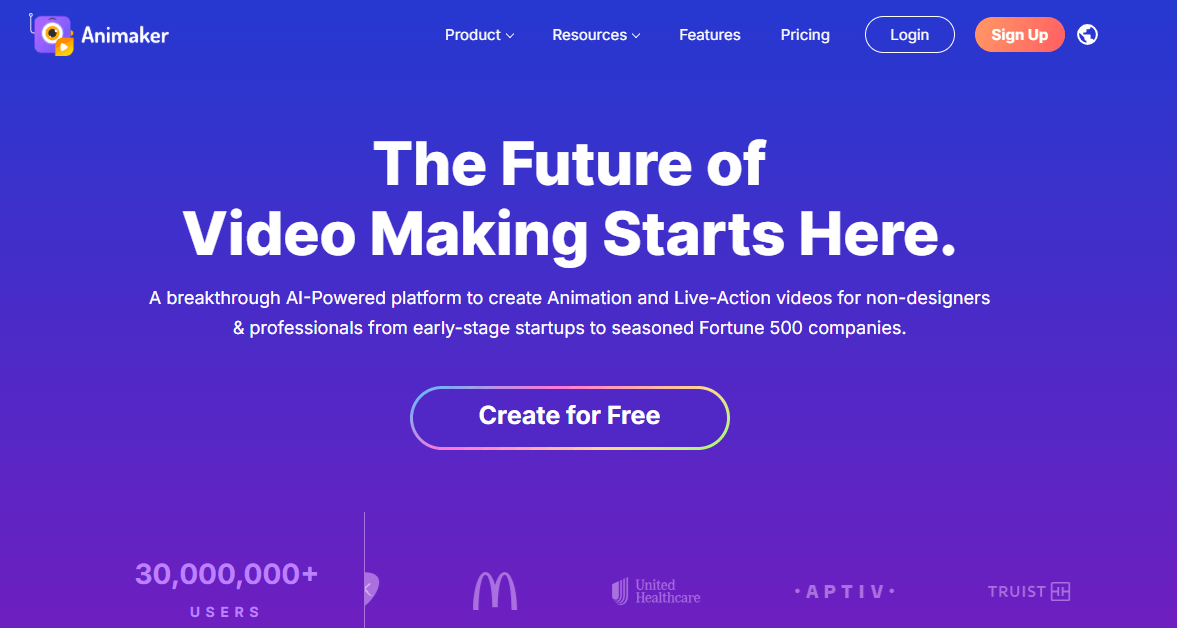
Best Promo Video Creator – Animaker
Key Features:
- Simple drag-and-drop video maker
- Create custom animated characters
- Huge library of stock photos, videos, and music
- Ready-to-use video templates
- Add voiceovers, music, and subtitles
- Edit videos with trimming, cropping, and effects
- Great for beginners and professionals
Pros:
- Very easy to use and straightforward
- Great for both beginners and professionals
- Wide range of templates and creative tools
- Helps make videos quickly
- Produces high-quality results
Cons:
- Free plan adds a watermark to videos
- Some advanced tools need a paid plan
- Needs a stable internet connection
Pricing:
- Basic ($15/month): HD videos, 5-minute limit, no watermark.
- Starter ($25/month): FHD videos, 15-minute limit, AI tools included.
- Pro ($43/month): 2K videos, 30-minute limit, commercial rights.
- Enterprise (Custom): 4K videos, unlimited length, team features.
Biteable
Biteable is a straightforward yet effective video creator that enables you to quickly produce captivating animated promo videos. It makes video creation simple for everyone, which is why thousands of well-known businesses and over 9 million consumers trust it.
You can easily create professional-looking films without any design or editing knowledge, regardless of your role: marketer, educator, or small business owner.
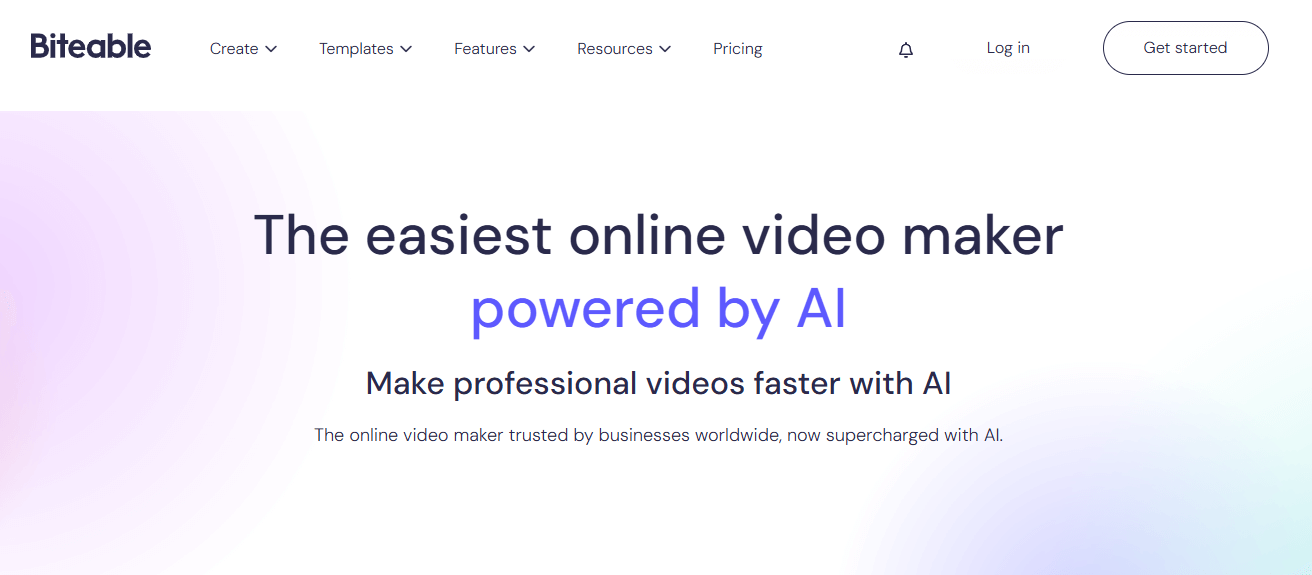
Best Promo Video Creator – Biteable
Key Features:
- Ready-made templates to save time
- Easy drag and drop editing tools
- Add your logo, text, colors, and voice-over
- Auto branding to match your business style
- Huge library of 2D, 3D, and infographic animations
- Quickly share with one click download or shareable link
Pros:
- Very easy to use, even for beginners
- Professional and high-quality video results
- Saves time with ready-to-use templates
- Great for teams and brands
Cons:
- Some premium features require a paid plan
- Limited offline use
- Customization options could be more advanced
Pricing:
- Pro ($15/month): HD videos up to 10 minutes with stock clips and support.
- Premium ($49/month): 4K videos up to 20 minutes with 3 users and captions.
- Business (Custom): All features with team access and priority support.
Canva
If you have never edited a video before, Canva makes it easy and quick to create animated promo videos. You can create videos that appear professional in a matter of minutes with its easy-to-use drag-and-drop editor and thousands of pre-made templates.
Canva is ideal for personal projects, social media postings, and company promotions because it makes your ideas come to life with unique effects and animated videos.
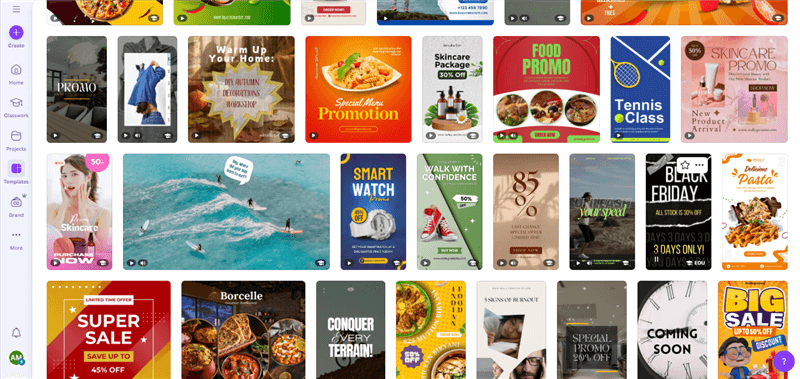
Best Promo Video Creator – Canva
Key Features:
- Easy drag and drop video editor
- Ready to use templates and stock media
- Add text, music, and transitions effortlessly
- Animate elements or pages in one click
- Customize fonts, colors, and motion
- Download or share videos without watermarks
Pros:
- Simple and beginner-friendly
- Free to use with plenty of options
- Professional quality results
- Great for marketing and social media content
Cons:
- Some tools available only in Pro plan
- Limited advanced animation control
- Needs an internet connection to edit
Renderforest
Renderforest is a powerful online platform that brings all your creative tools together in one place. It enables you to quickly and simply produce designs of professional quality, whether you need animated promo videos, logos, mockups, websites, or presentations.
Businesses, marketers, educators, and artists who wish to use visually striking content to promote their brands without employing designers or editors will find it ideal.
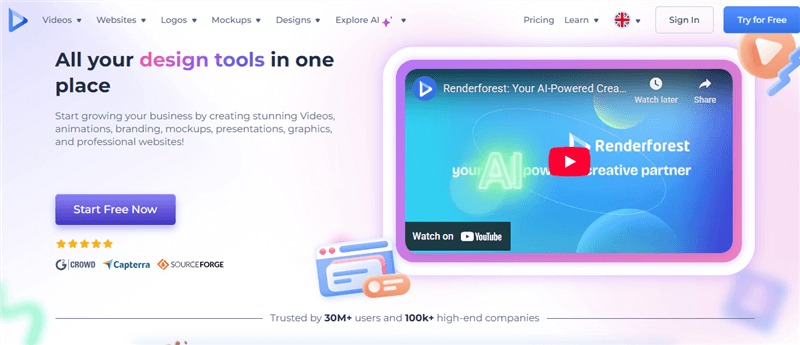
Best Promo Video Creator – Renerforest
Key Features:
- Create animated promo videos and explainer videos in minutes
- Design logos, mockups, and social media graphics
- Build and host professional websites with SEO tools
- Explore thousands of customizable templates
- Access voiceovers, subtitles, and video editing tools
- Everything works online, no software download needed
Pros:
- Easy to use for beginners
- Huge library of templates and styles
- Saves time and design costs
- Perfect for marketing, branding, and presentations
Cons:
- Watermark on free plan
- Some advanced tools require a paid subscription
Pricing:
- Free: Make HD videos with a watermark.
- Lite ($9/month): HD videos, no watermark, 10GB storage.
- Pro ($19/month): Full HD videos, stock assets, 30GB storage.
- Pro AI ($38/month): Includes Pro features and 2000 AI credits.
- Business ($49/month): 4K videos, team access, 50GB storage.
Adobe After Effects
Adobe After Effects is a highly effective application for producing motion graphics, visual effects, and animated promo videos. It’s ideal for creating 3D graphics, animating text, and using dramatic effects to elevate your videos.
You have total creative flexibility with After Effects, whether you’re creating a movie opener, product promotion, or logo animation.
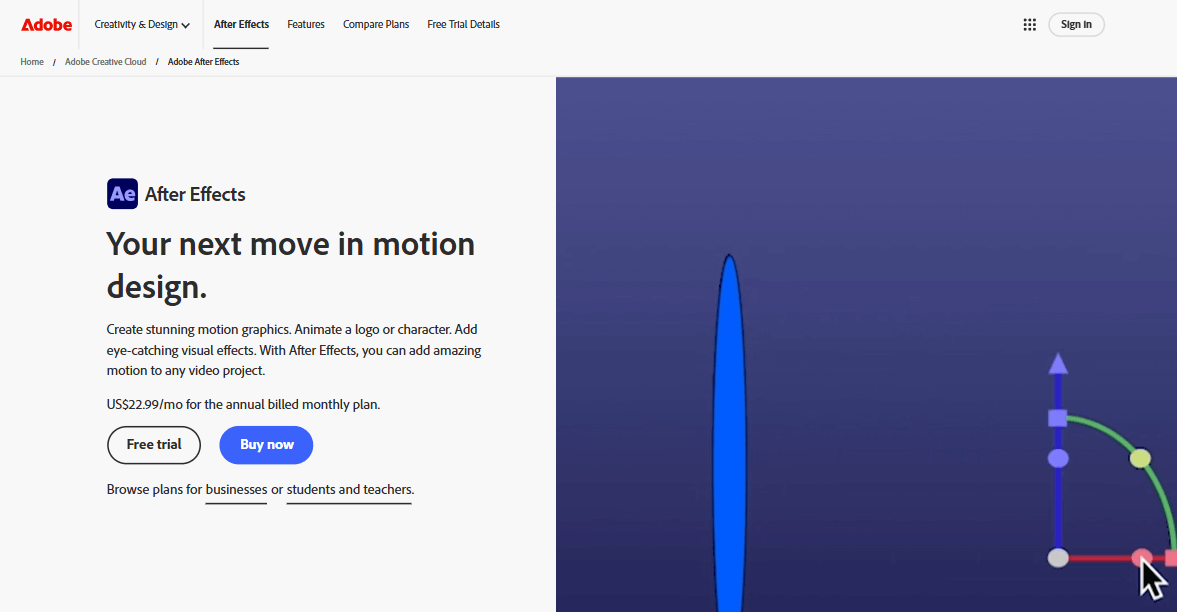
Best Promo Video Creator – Adobe After Effects
Key Features:
- Create stunning motion graphics and visual effects
- Animate text, logos, and characters easily
- Work with realistic 3D tools and lighting
- Use built-in presets or customize your own animations
- Seamless integration with other Adobe apps like Premiere Pro
Pros:
- Industry-standard for motion design
- Huge range of tools and effects
- Works well with other Adobe products
Cons:
- It can be difficult for beginners
- Requires a strong computer for smooth performance
Pricing:
- Free Trial: 7 days of full access to After Effects.
- Price: ₹733.96 per month (annual plan, billed monthly).
- Quality: HD video support with advanced editing and animation tools.
Bonus Tip. How to Make a Promo Video Easily with FocuSee
FocuSee is an easy-to-use and powerful promo video maker that doesn’t require any editing experience, and it can help you create stunning animated promo videos in a minute. Once your screen, camera, or both have been recorded, you may utilise built-in editing tools, including text overlays, AI avatar, backdrop modifications, zoom effects, and trimming.
It’s made to effortlessly make social media advertising, tutorials, and product demos appear polished and interesting. You can add auto subtitles in different languages to make your video more engaging.
How to Create a Promo Video with FocuSee
Step 1: Download and Install
Install FocuSee on your Windows or Mac device. Open it and select your recording mode: Screen, Camera, or Screen + Camera.
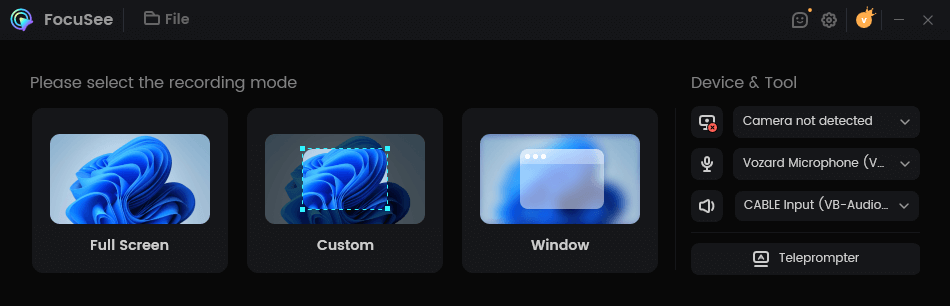
Choose a Recording Mode
Step 2: Start Recording
Press the record button and wait for the countdown to finish.
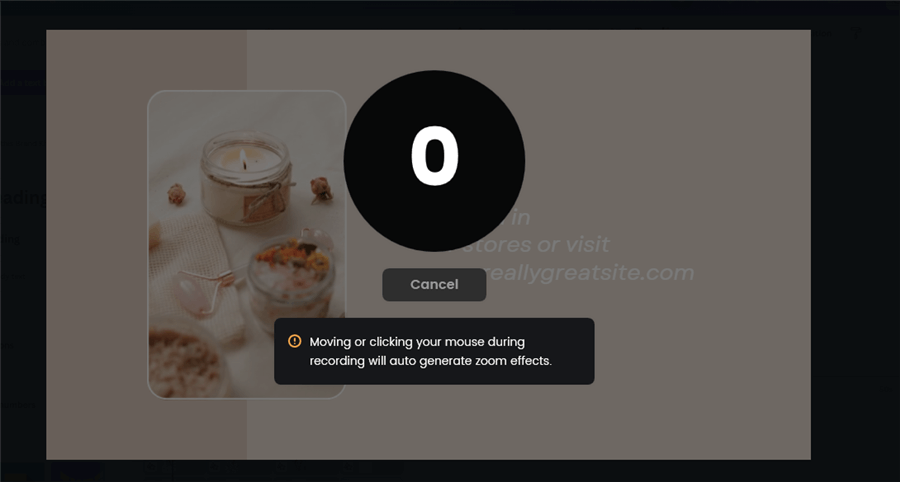
FocuSee Recording Count Time
Step 3: Emphasize Key Moments
Use Zoom and Spotlight tools to draw attention to important parts of your screen.
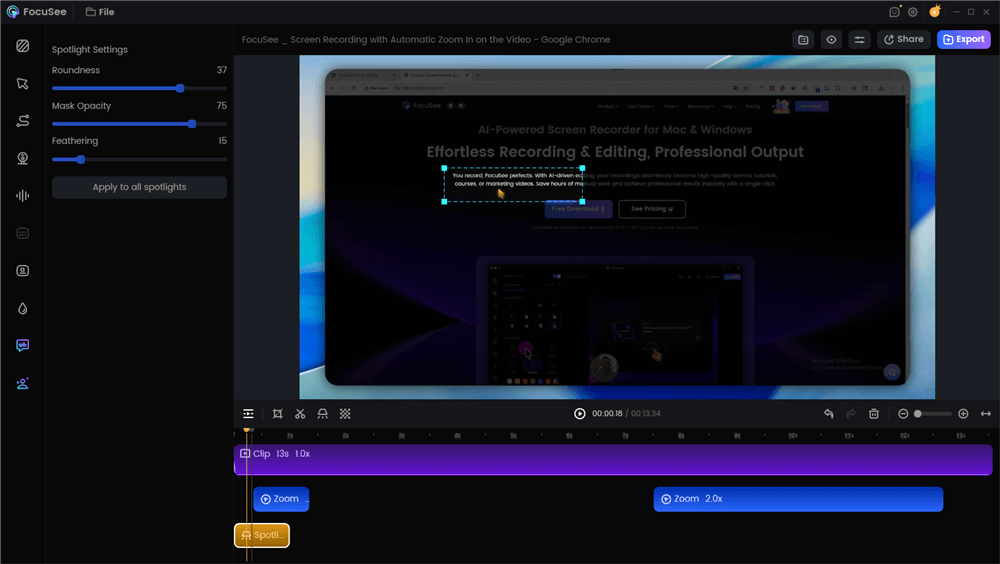
Spotlight Effect
Step 4: Add an AI Avatar
Select AI Avatar, pick a ready-made avatar, generate it, and place it in your video to make it more dynamic.
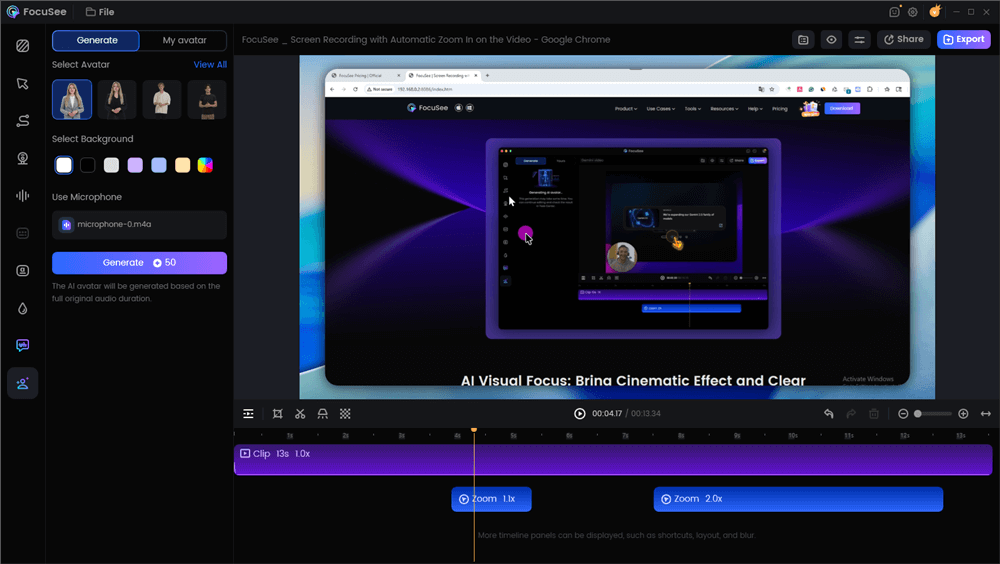
AI Avatar
Step 5: Adjust Settings
Enhance your video with captions, language settings, audio improvements, and background effects.
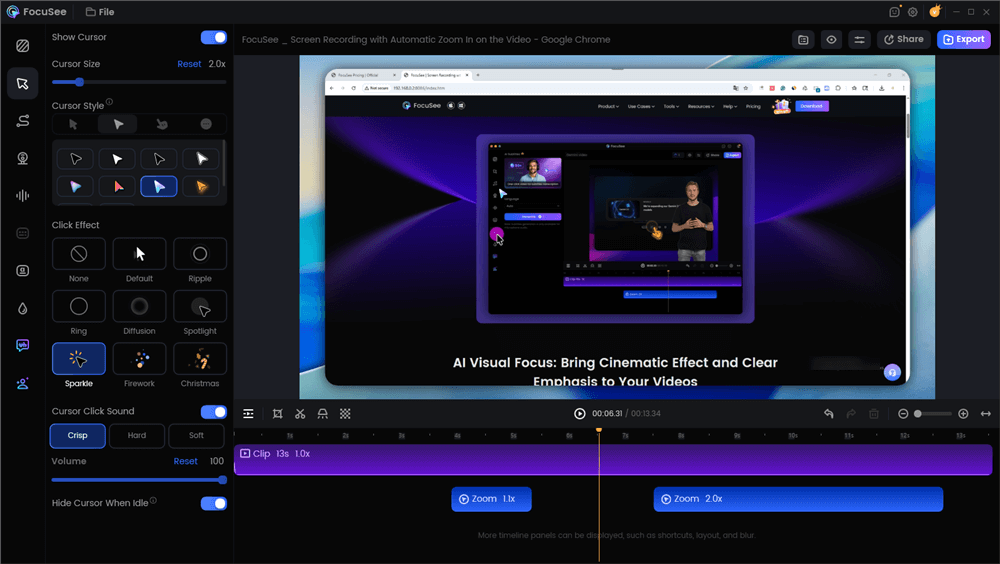
Adjust Cursor Settings
Step 6: Export and Share
After editing, export your video as MP4 or GIF and share it instantly on platforms like YouTube, TikTok, or Instagram.
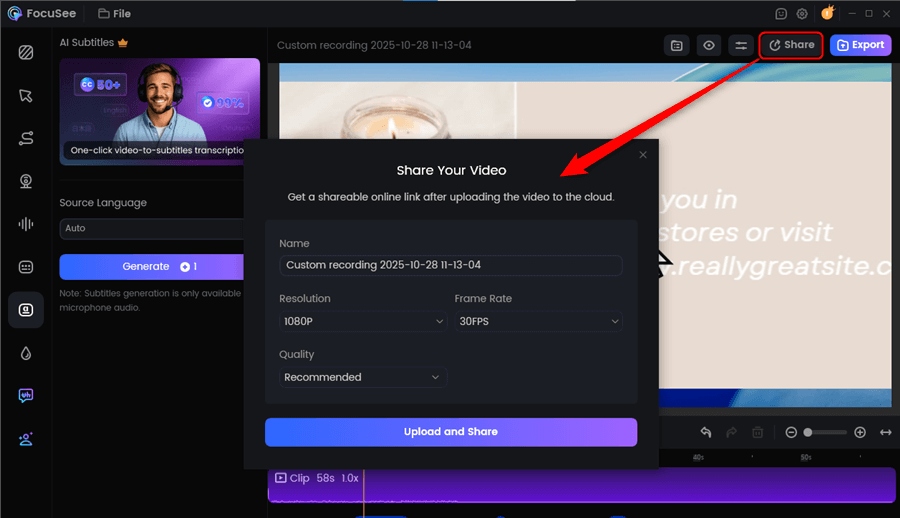
Share Your Promo Video Via a Link
Key Features:
- Record your screen, camera, or both with clear audio.
- Auto zoom feature to highlight key moments.
- Simple editing tools to trim, crop, and enhance videos.
- Add custom backgrounds and effects for a polished look.
- Export in MP4 or GIF format for easy sharing anywhere.
- Optimized for platforms like YouTube, TikTok, and Instagram.
Pros:
- User-friendly and fast to learn.
- Combines recording and editing in one app.
- Perfect for businesses, educators, and creators.
- Delivers high-quality, engaging videos quickly.
Cons:
- The free version includes a watermark.
- Some advanced features require a paid plan.
Pricing:
- Standard ($5/month): 4K videos, unlimited recording, 5GB storage.
- Advanced Yearly ($8.33/month): 4K videos, AI tools, 3600 credits.
- Advanced Monthly ($24.99/month): 4K videos, AI tools, 300 credits.
- Advanced Lifetime ($199.99 one-time): 4K videos, AI tools, lifetime access.
FAQs on Animated Promo Video
Best software for animated videos?
FocuSee Simple, beginner-friendly, and perfect for creating eye-catching animated videos fast.
Purpose of a promotional video?
To promote your product or service, grab attention, and make people interested in your brand.
How is animation made?
By bringing drawings, images, or characters to life using software, creating smooth motion frame by frame.
Final Words
Creating an animated promotional video doesn’t have to be difficult. With FocuSee, you can quickly create professional-looking videos without any experience. It’s simple to record, edit, and share, helping your brand grab attention and connect with your audience.
For anyone looking to create eye-catching promo videos quickly and easily, FocuSee is the go-to tool.