Videos are one of the most effective ways to promote your business and connect with people. A good promo video can help you grab attention, share your message, and boost your brand.
If you’re not a video expert, don’t worry! There are plenty of easy tools that make video creation simple and fun. In this guide, we’ll look at the 8 best promo video maker options to help you create stunning videos in no time.
What Is a Promo Video Maker?
A promo video maker is a simple tool that helps you create short videos to promote your product, brand, or event. You don’t need any editing experience; just add your videos, text, and music to make something eye-catching and professional.
It’s an easy and fun way to grab people’s attention on social media, websites, or ads. In just a few steps, you can create a video that helps you share your message and grow your audience.
9 Best Promo Video Maker Software in 2025
FocuSee
FocuSee helps you create stunning promotional videos quickly. Record your screen, webcam, and audio in one take. Its AI tools enhance your videos automatically with zoom effects, cursor highlights, and background editing. You can remove filler words, boost audio clarity, and add subtitles in multiple languages.
AI avatars let you present your brand without being on camera. Ideal for marketers, businesses, and creators who want professional promo videos fast and easily.
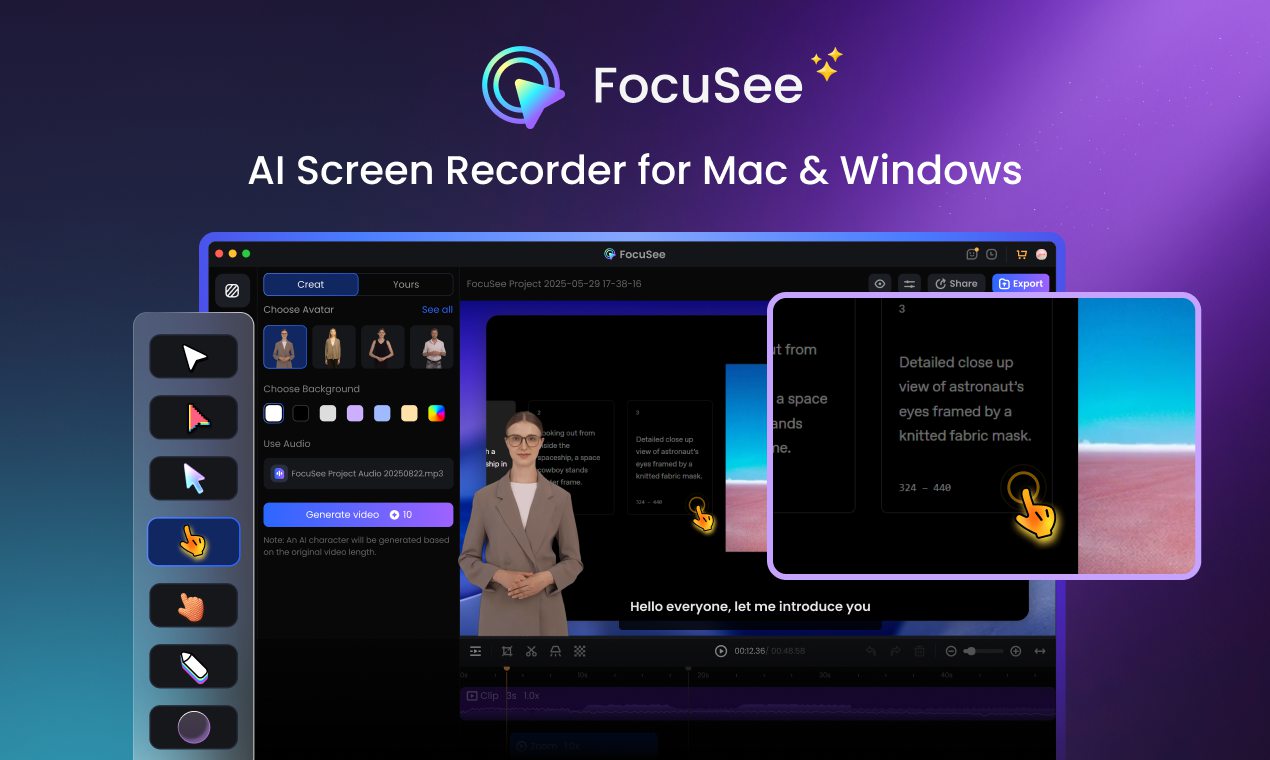
Promo Video Maker – FocuSee
Key Features:
- AI Avatars: Utilize over 100 diverse virtual presenters to deliver your message without appearing on camera.
- Automatic Zoom & Cursor Effects: Enhance viewer engagement by automatically zooming in on key areas and highlighting cursor movements.
- 3D Motion & Depth Effects: Add cinematic 3D camera movements and depth to flat screen recordings, creating a more immersive and professional visual experience.
- Background Removal: Replace or blur your background to maintain a professional appearance in any setting.
- AI Subtitles: Generate accurate subtitles in over 55 languages, improving accessibility and viewer retention.
- Audio Enhancements: Employ AI to remove filler words, reduce background noise, and enhance vocal clarity for polished audio.
Pros:
- Streamlined workflow with minimal manual editing.
- High-quality exports (4K, 60fps).
- Supports multiple languages for subtitles.
- Ideal for both beginners and professionals.
Cons:
- Some users report slow export times.
Pricing Plans:
- 1-Month Subscription: $19.99/month
- 1-Year Subscription: $49.99/year/year ($4.17/month)
- One-Time Purchase: $199.99 (Lifetime access, Up to 5 Computers)
Visme
Visme is a powerful online promotional video maker focused on marketing and business communication. It allows you to create promotional videos using ready-made templates, brand kits, animations, and interactive elements. It’s ideal for teams that want to transform presentations, infographics, and marketing content into engaging promotional videos without the need for complex editing.
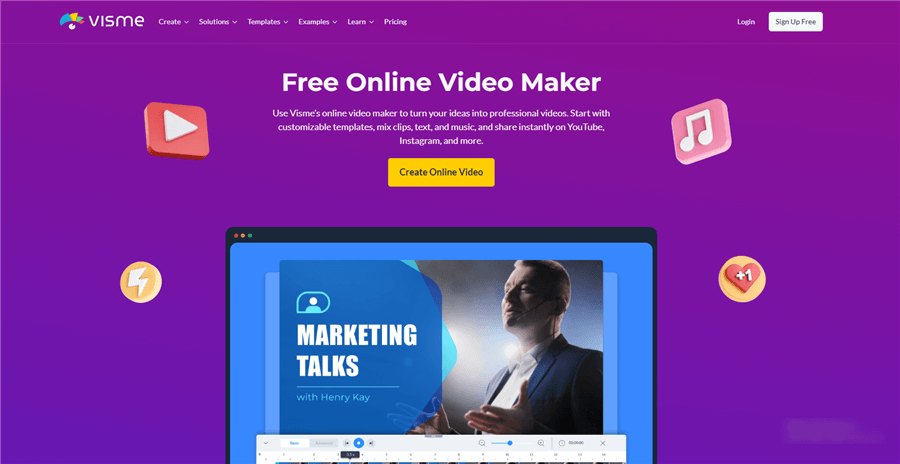
Best Promo Video Maker Software – Visme
Key features:
- Drag-and-drop video editor with business-focused templates
- Brand kit for logos, colors, and fonts
- Animated characters and motion graphics
- Screen recording and voiceover support
- Library of stock videos, icons, and music
- Interactive elements (buttons, links, embeds)
Pros:
- Very easy for non-designers and marketers.
- Strong branding and presentation features
- Great for explainer and social promo videos.
- No software installation required (100% online).
Cons:
- Limited advanced video editing controls
- Export quality depends on the plan.
Pricing plans:
- Free Plan: Limited templates and watermark
- Starter: $12.25/month (billed annually)
- Pro: $24.75/month (billed annually)
- Business: Custom pricing
Canva
Canva is a versatile design tool that includes a user-friendly video editor. It offers a wide range of templates, animations, and music tracks to create engaging promo videos. It’s the best promo video maker for marketers and small businesses. Canva simplifies the video creation process with drag-and-drop functionality.
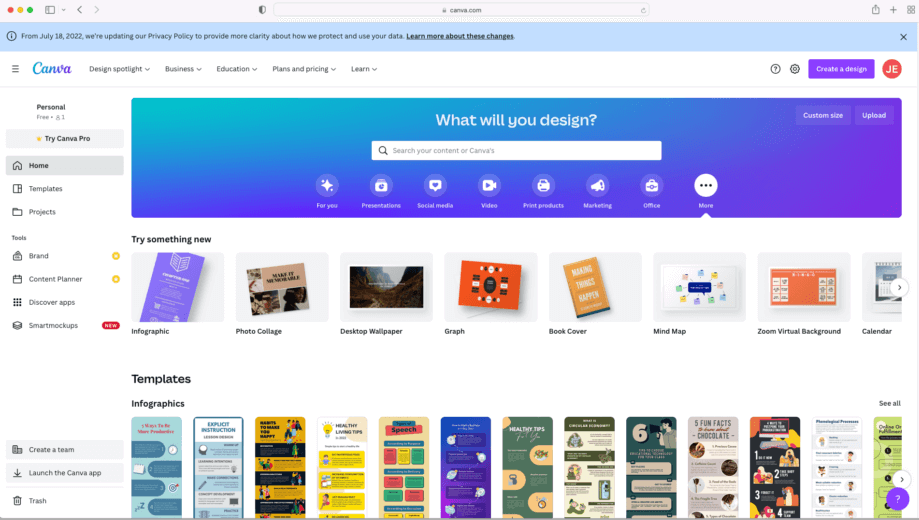
Best Promo Video Creator – Canva
Key Features:
- Extensive library of templates and stock footage
- Drag-and-drop editor with customizable elements
- Integration with Canva’s design tools for cohesive branding
- Collaboration features for team projects
Pros:
- Intuitive interface suitable for non-designers
- Free plan available with premium options
- Regularly updated with new templates and features
Cons:
- Limited advanced editing capabilities
- Some premium assets require a subscription
- Limited control over animation timing
- Cannot record screen or webcam directly
Pricing Plans:
- Free Plan: Access to basic features and templates
- Pro Plan: $12.99/month (billed annually at $119.99)
- Enterprise Plan: Custom pricing for teams
Adobe Premiere Pro
Adobe Premiere Pro is a leading video editing software used by professionals worldwide. It offers advanced editing tools, multi-camera support, and seamless integration with other Adobe Creative Cloud applications. Ideal for users seeking full control over their promo video production.
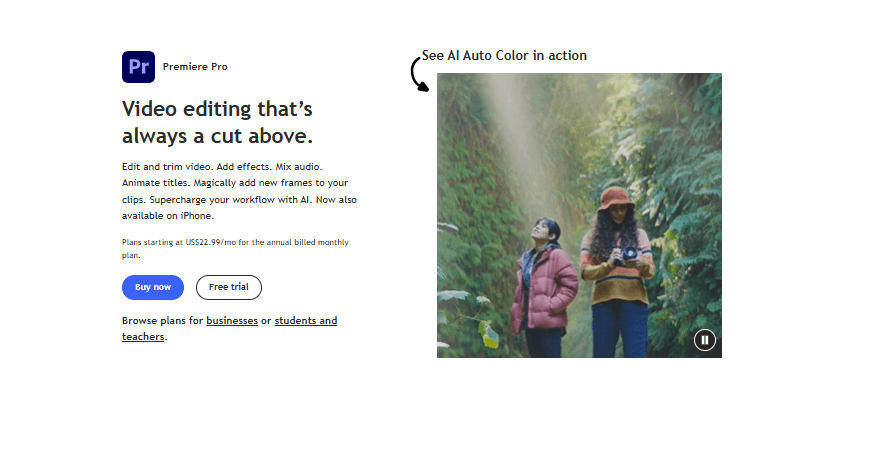
Best Promo Video Creator – Premiere Pro
Key Features:
- Multi-track editing with advanced timeline features
- Integration with After Effects and Photoshop
- Support for a wide range of video formats
- Advanced color grading and audio editing tools
Pros:
- Industry-standard software with extensive capabilities
- Regular updates and new features
- Strong community support and tutorials
Cons:
- Steep learning curve for beginners
- Subscription-based pricing model
Pricing Plans:
- Individual Plan: $20.99/month (billed annually)
- Business Plan: $33.99/user/month (billed annually)
- Student and Teacher Plan: $19.99/month (billed annually)
Movavi
Movavi Video Suite is an all-in-one video editing tool that lets you create stunning videos with ease. You can use ready-made templates, add filters, transitions, and effects to make your videos stand out.
It also includes smart tools like auto subtitles, background removal, and noise reduction. With its simple design and powerful features, Movavi makes video editing fast, fun, and beginner-friendly.
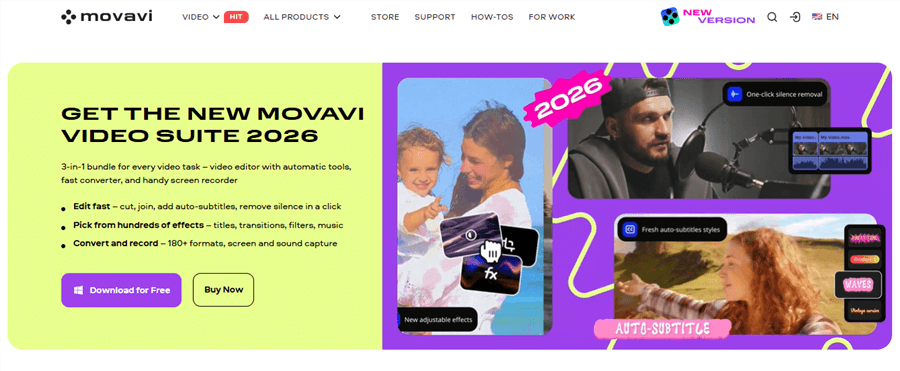
Best Promo Video Maker Software – Movavi
Key Features
- One-click auto subtitles and ready-made templates
- AI tools to remove noise and change backgrounds easily
- Preview effects and filters before applying them
- AI upscaling for better video quality
- Access to thousands of effects and transitions
Pros:
- Simple and beginner-friendly
- Powerful AI features
- Fast and smooth editing
- All-in-one video creation tool
Cons:
- The trial version is limited
- Some effects need an extra purchase
Pricing:
- Monthly $29.95: All video tools
- Yearly $94.95: 60% off, all apps + effects
- Lifetime $99.95: Full access + AI tools
InVideo
InVideo is an online video creation platform that leverages AI to simplify the video-making process. It offers a vast library of templates, stock footage, and music tracks, enabling users to create professional-looking promo videos quickly.
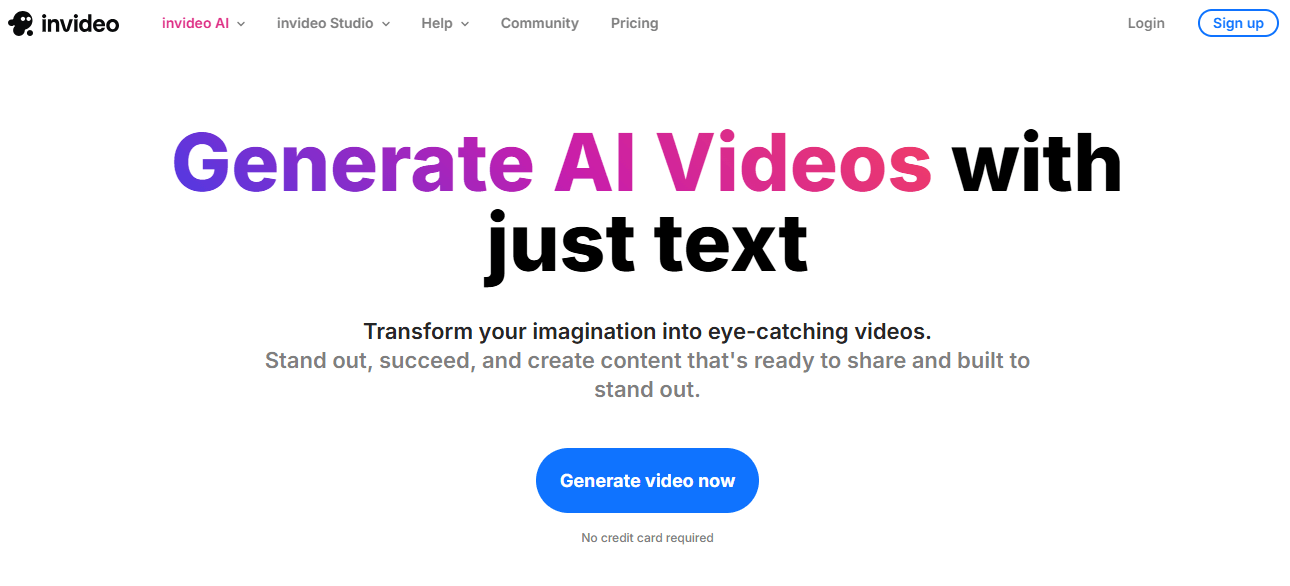
Best Promo Video Maker Software – InVideo
Key Features:
- AI-driven text-to-video conversion
- Extensive template library categorized by industry
- Voiceover recording and text-to-speech capabilities
- Collaboration tools for team projects
- Automatic subtitles in multiple languages
Pros:
- Quick video creation with minimal effort
- Affordable pricing plans
- Suitable for both beginners and professionals
Cons:
- Limited customization options compared to desktop editors
- Watermark on videos in the free plan
- AI-generated videos may need manual adjustments
Pricing Plans:
- Free Plan: Access to basic features with a watermark
- Business Plan: $15/month (billed annually)
- Unlimited Plan: $30/month (billed annually)
Animoto
Animoto is a cloud-based video creation service that allows users to produce promo videos using a simple drag-and-drop interface. It offers various templates and customization options, making it suitable for businesses and marketers.
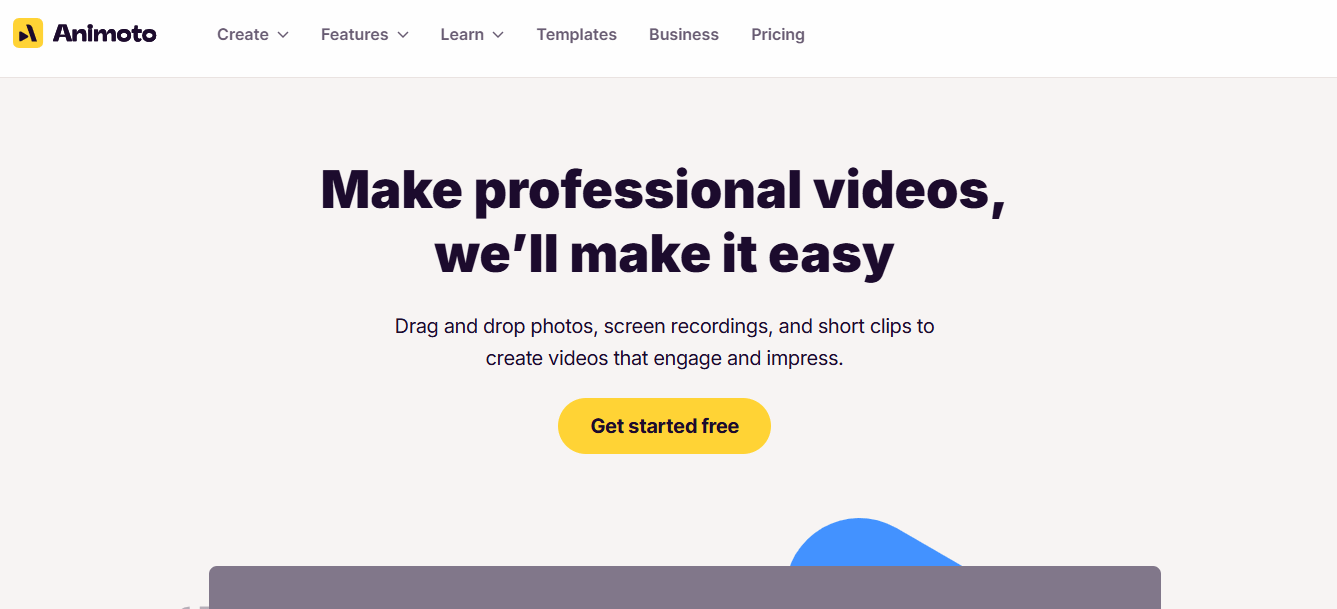
Best Promo Video Creator – Animoto
Key Features:
- Drag-and-drop video builder
- Pre-built templates for various industries
- Integration with social media platforms for easy sharing
- Branding options, including logo and color customization
Pros:
- Easy to use with no prior video editing experience required
- Quick video creation process
- Supports high-quality video exports
Cons:
- Limited advanced editing features
- Some templates and features require a subscription
Pricing Plans:
- Free Plan: Basic features with watermark
- Professional Plan: $33/month (billed annually)
- Team Plan: $49/month (billed annually)
Promo
Promo com specializes in promotional videos for social media marketing. It provides ready-made templates, stock footage, music, and analytics. This best promo video maker software is designed for businesses aiming to boost engagement on platforms like Instagram, TikTok, and YouTube.
Best Promo Video Maker Software – InVideo
Key Features:
- Social media optimized templates
- Stock footage library with millions of clips
- Music integration and audio editing
- Analytics to track video performance
- Drag-and-drop editing
- Branding tools for logos and colors
Pros:
- Quick and professional social media videos
- User-friendly drag-and-drop interface
- Access to millions of stock clips
- Supports multiple social platforms
- Regularly updated templates
Cons:
- Limited advanced video editing tools
- Some templates require a subscription
- Watermark in the free plan
- Cannot record the screen directly
- Fewer AI automation options
Pricing Plans:
- Free: Basic features
- Business: $49/month
Magisto
Magisto is an AI-driven best promo video maker software that automatically edits videos for marketing, social media, or product promotions. Users can upload their footage, and Magisto’s AI creates a polished video using analysis and editing tools, making it an efficient choice for marketers and small businesses.
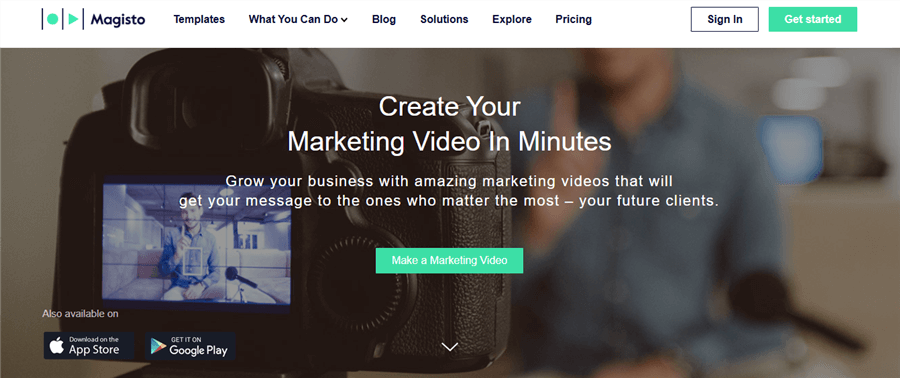
Best Promo Video Maker Software – Magisto
Key Features:
- AI editing for automated video creation
- Customizable templates and themes
- Music library with licensed tracks
- Social media sharing tools
- Text and caption overlays
- Voiceover support
Pros:
- Fully automated editing saves time
- Mobile app for on-the-go editing
- Multiple templates for different industries
- High-quality output
Cons:
- Limited control over detailed edits
- Free plan includes a watermark
- Subscription needed for full features
- Fewer professional-level effects AI may miss creative nuances
Pricing Plans:
- Premium: $9.99/month
- Professional: $19.99/month
- Business: $39.99/month
Comparison Table: Best Promo Video Maker Software
| Auto Zoom | Branding Tools | Export Quality | Free Plan | Best For | |
| FocuSee | ✔️ | Logo, watermark | 4K, 60fps | ✔️ | Marketers, businesses, and content creators |
| Canva | ❌ | Logo, colors, templates | HD | ✔️ | Small businesses, social media marketers |
| Visme | ❌ | Brand kit, logos, fonts, templates | HD / Full HD | ✔️ | Marketing teams, explainer & promo videos |
| Adobe Premiere Pro | ✔️ (Manual) | Full branding control | 4K+ | ❌ | Professional editors, agencies |
| Movavi Video Suite | ❌ | Logo, watermark | HD/4K | Trial | Small businesses, beginners, casual creators |
| InVideo | ❌ | Logo, colors | Full HD | ✔️ | Marketers, beginners, online creators |
| Animoto | ❌ | Logo, color branding | HD | ✔️ | Small businesses, social media creators |
| Promo.com | ❌ | Logo, color branding | HD/4K | ✔️ | Social media marketers, businesses |
| Magisto | ❌ | Basic branding | HD | ✔️ | Quick marketing videos, social media content |
FAQs on Promo Video Maker
Can AI make a promo video?
Yes, AI can help create promo videos by automating editing, adding effects, generating subtitles, and suggesting templates.
What software is best for video promos?
FocuSee, Movavi, InVideo, and Canva are some of the best promo video maker software for beginners and professionals.
Can ChatGPT create promotional videos?
No, ChatGPT cannot create videos directly, but it can help you script, plan, and outline promotional videos.
Conclusion
Creating promo videos can be quick and simple with the right tools. While several options exist, choosing the best promo video maker makes all the difference. For businesses, marketers, and creators looking to produce high-quality videos effortlessly, FocuSee is a top choice. Its AI editing, auto-zoom, subtitles, and virtual presenters let you create polished promo videos quickly and easily.