8 Best AI Demo Tools for Technical Sales Teams (2026 Guide)

Priya, a Head of Solutions Engineering at an enterprise SaaS company, recently reached a breaking point. Her team of talented Sales Engineers (SEs) was drowning in repetitive “Intro to Platform” calls. Instead of focusing on complex architecture or strategic solution engineering, they were reciting the same script five times a day. The cost was clear: morale was dropping, and strategic deals stalled because the SEs were too buried in basics to handle the complex questions.
To solve this, we evaluated the 8 best AI demo tools for technical sales teams, looking for solutions that actually reduce workload rather than just adding another tool to the stack.
In this guide, we address a common confusion in the market: the difference between interactive demo automation (cloning your product) and AI-enhanced video enablement (showing your product). We tested these platforms to see how they handle multi-step technical workflows and integrate into enterprise SaaS sales cycles. Our goal is to help you build a pre-sales demo strategy that frees your team from rote repetition.
Interactive vs. Video: Choosing the Right Demo Methodology
Before selecting a tool, it is critical to determine which part of your sales engineering funnel needs automation. Based on our analysis, AI-powered demo tools for B2B technical sales deliver the most value when they automate repetitive education. However, “automation” means different things for different tools.
We have categorized the market into two distinct buckets to avoid the “apples to oranges” comparison often found in software guides.
The Comparison Matrix
| Video Automation (e.g., FocuSee) | Environment Cloning (e.g., Navattic, Reprise) | |
| Best Used For | Linear storytelling, quick feature updates, personalized async responses. | “Choose your own adventure” exploration, website embeds, replacing live sandboxes. |
| Interactivity | Passive (Watch) | Active (Click) |
| Setup Effort | Low (Hours) | High (Weeks) |
| Cost Tier | Low/Seat-based | Enterprise |
The Three Core Methodologies
- Manual Live Demos: These remain the standard for closing high-stakes deals. However, relying on them for early-stage education leads to SE burnout.
- Interactive HTML Cloning: Tools that capture your frontend code allow prospects to “click around” a safe version of your product. These are excellent for self-serve demos where the user wants autonomy.
- AI-Enhanced Video: This approach combines the scale of video with the polish of post-production. Unlike a raw screen share, tools like FocuSee use automation to zoom, highlight, and guide the viewer, ensuring the “happy path” is clearly communicated without the risk of a live environment crashing.
Category A: 4 Best Interactive Demo Automation
These platforms are designed to clone your product environment, allowing you to create clickable, sandbox-like experiences without involving your engineering team. These are typically enterprise-grade investments.
1. Navattic (Best for Interactive HTML Demos)
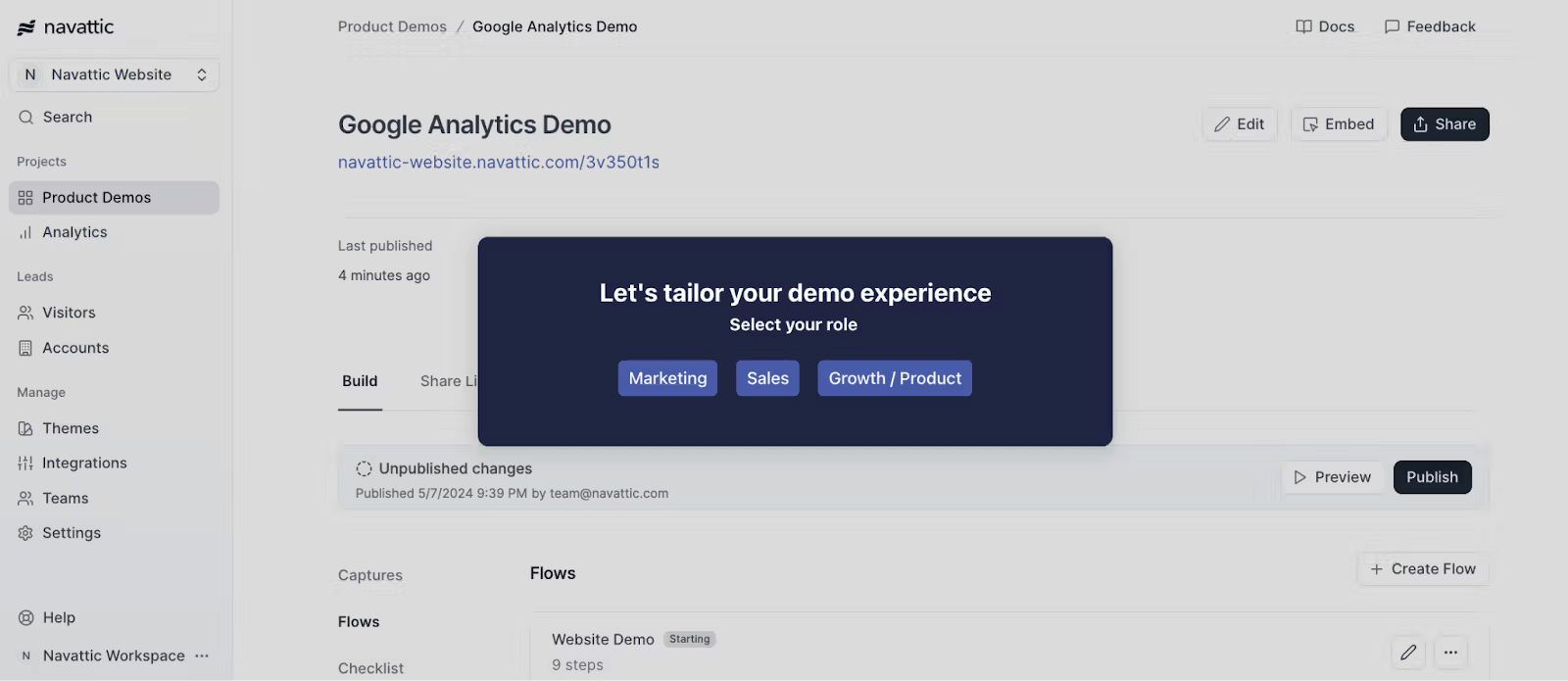
Product Tour Software – Navattic
Navattic captures your product’s frontend HTML/CSS to create “cloned” environments. It is ideal for marketing-led product-led growth motions.
- The “In the Trenches” Reality: Navattic is powerful, but it requires maintenance. If your product team pushes a major UI update that changes CSS class names, your demos may break. Successful teams use Navattic’s global search-and-replace features to manage these updates, but be prepared to treat this as a managed asset, not a “set and forget” tool.
- AI Feature: Limited AI; primarily relies on intelligent HTML capture.
2. Reprise (Best for Enterprise Customization)

Reprise
Reprise offers deep editing capabilities, allowing SEs to capture a screen and completely rewrite the text or data fields (e.g., changing “ACME Corp” to the prospect’s name) before the prospect sees it.
- The “In the Trenches” Reality: This is a heavyweight tool. It is excellent for high-fidelity enterprise proof-of-concepts (POCs), but the learning curve is steeper. It connects directly to the pain of having “dirty data” in your demo environment.
- AI Feature: Uses automation to anonymize data and replace text fields at scale.
3. Storylane (Best for Guided Product Tours)
Storylane sits between video and deep cloning. It focuses on creating guided, step-by-step interactive tours that are easy to embed on landing pages. It is generally faster to deploy than Reprise but offers less deep customization.
AI Feature: AI-assisted text generation for guide steps.
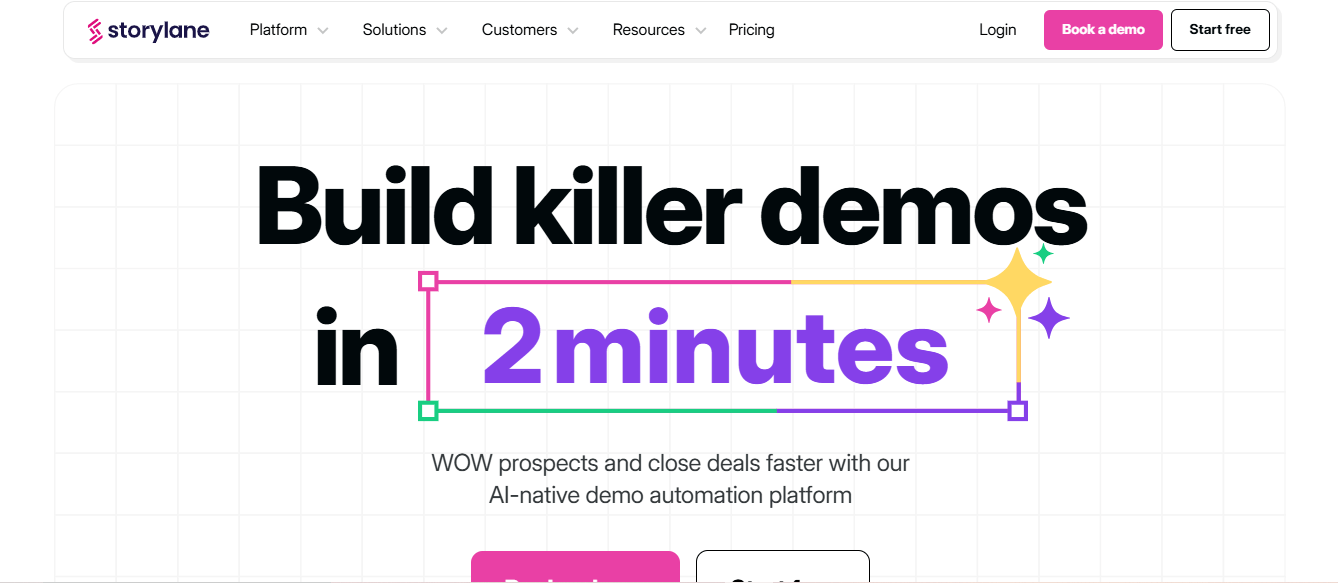
Interactive Demo Automation – Storylane
4. Demostack (Best for Demo Infrastructure)
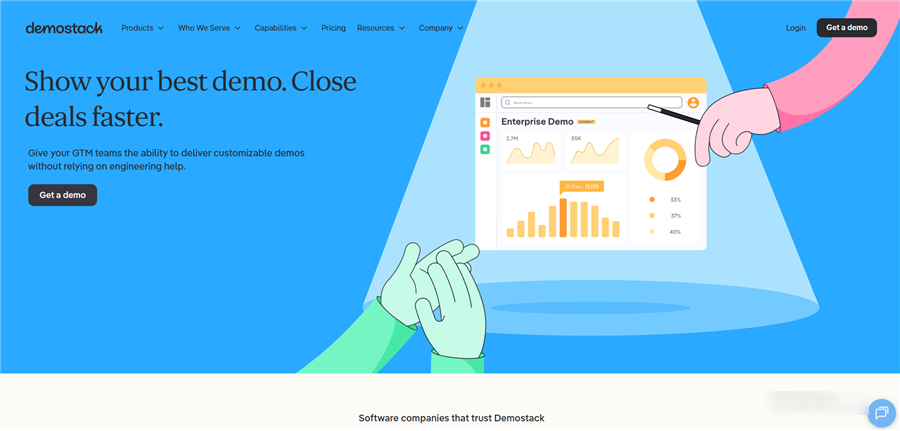
Demostack Overview
Demostack creates a clone of your product that is completely disconnected from your backend. This ensures a stable demo environment that never crashes during a presentation, regardless of what engineering is doing to the production server.
AI Feature: Automated data generation to populate charts and graphs with realistic-looking trends.
Category B: 4 Best AI Video & Intelligence Tools
These tools focus on linear storytelling and sales intelligence. They are generally faster to implement and cost significantly less than cloning platforms, making them ideal for agile teams or specific “feature deep dives.”
5. FocuSee (Best for High-Fidelity Video Demos)
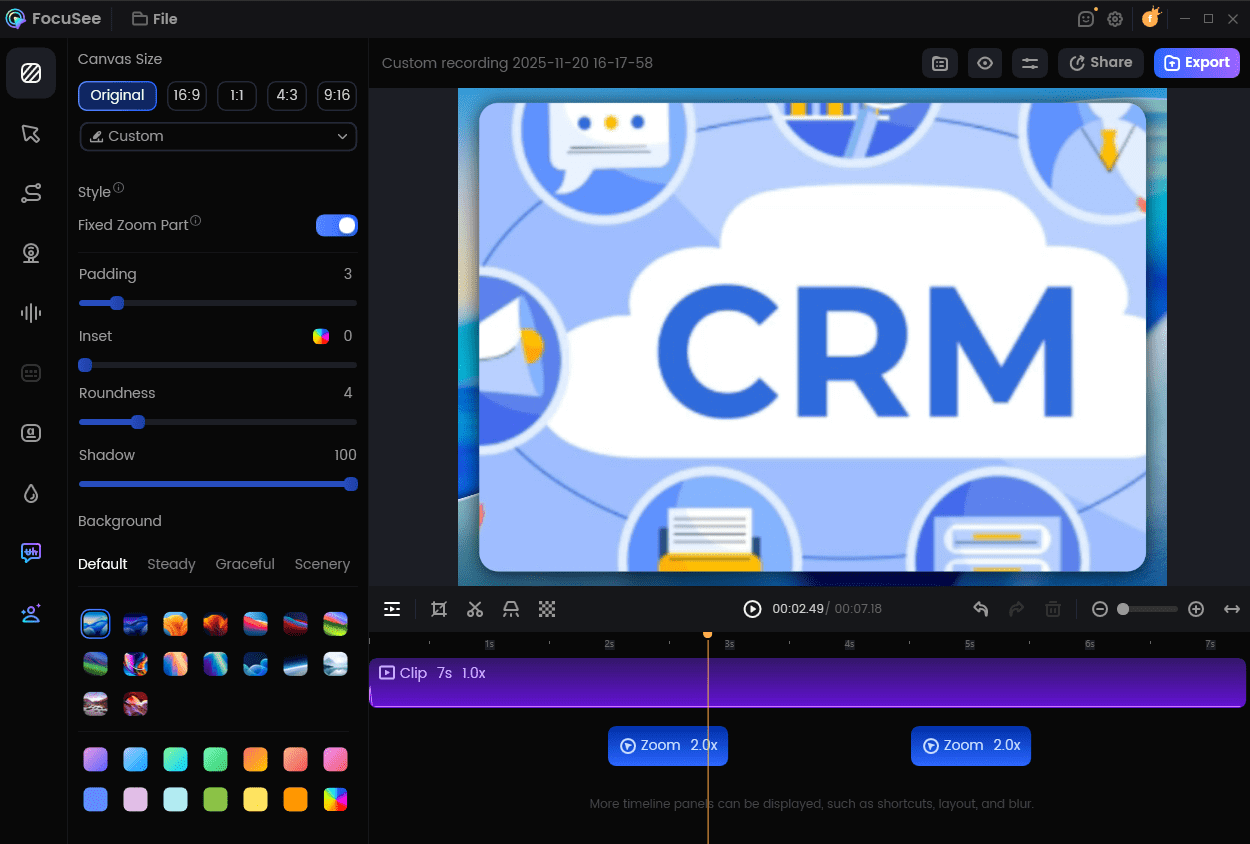
FocuSee is a professional screen-recording and video automation tool. It specifically solves the problem where generic demo videos oversimplify technical value. While standard screen recorders produce static, boring footage, FocuSee uses computer vision to automatically apply zoom-ins (“Smart Focus”) and cursor highlights, mimicking the flow of a live, guided presentation.
- Why it helps SEs: It automates the post-production process. You record the workflow once, and the software handles the zooms and pans.
- AI Feature: Smart Focus Automation. It tracks cursor intent and automatically zooms in on relevant actions (like button clicks or code entry) without manual keyframing.
6. Gong (Best for Demo Intelligence)
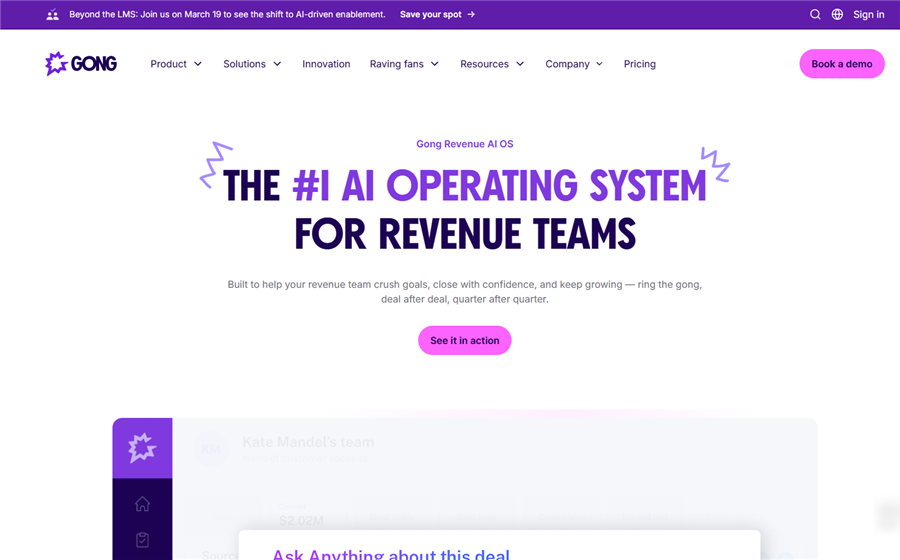
GONG Overview
Gong records live sales calls and uses AI to analyze prospect sentiment. It helps SE leaders understand which demo features resonate most during live calls.
AI Feature: Conversational intelligence and sentiment analysis to score demo effectiveness.
7. Loom (Best for Quick Async Updates)
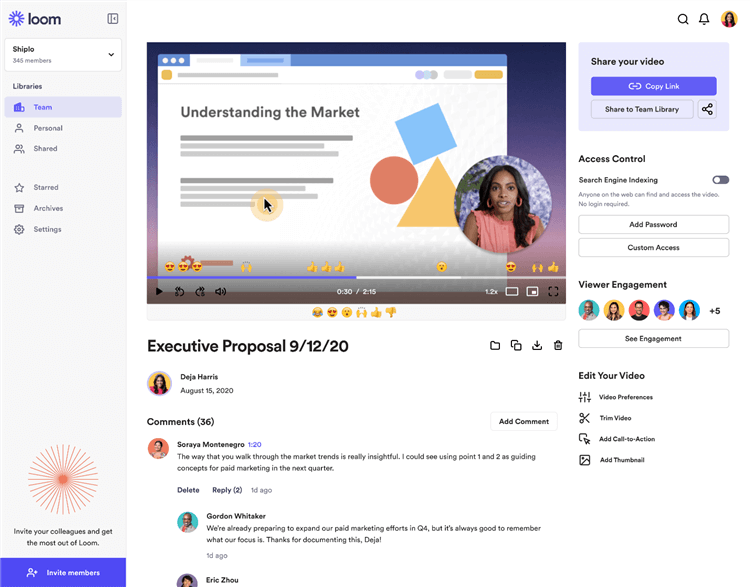
Best Walkthrough Video Maker – Loom
Loom is the standard for quick, disposable video messages. It lacks the polished “Smart Zoom” features of FocuSee, making it less ideal for external marketing assets, but it is excellent for quick 1:1 technical answers.
AI Feature: Auto-generated titles, summaries, and action items from the transcript.
8. Walnut (Best for Personalized Sales Demos)
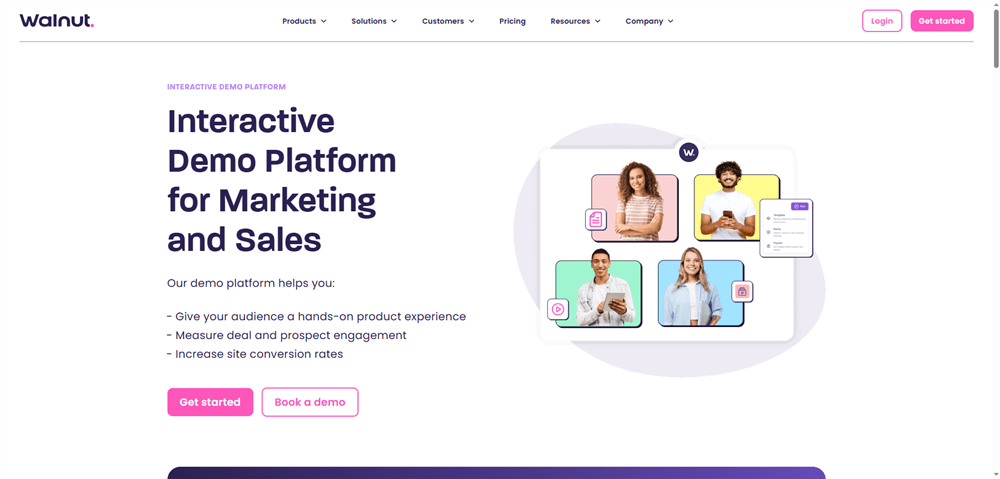
Best Demo Automation Software – Walnut
Walnut bridges the gap between cloning and presentation. It focuses on letting sales reps (not just SEs) personalize demo environments with specific text and logos without needing engineering support.
AI Feature: “Ace,” an AI assistant that helps draft comments and personalize demo flows.
Deep Dive: Balancing Automation in Your Stack
To build a robust technical sales demo automation strategy, you likely need a mix of tools. Here is how they work together in practice.
The Video Layer: Automating the ‘Perfect Take’ with FocuSee
For technical teams, the biggest barrier to demo automation is the time required to edit recordings. In Priya’s case, she needed to record a complex API integration workflow. In a raw recording, the code was unreadable, and her cursor was lost on a 4K monitor.
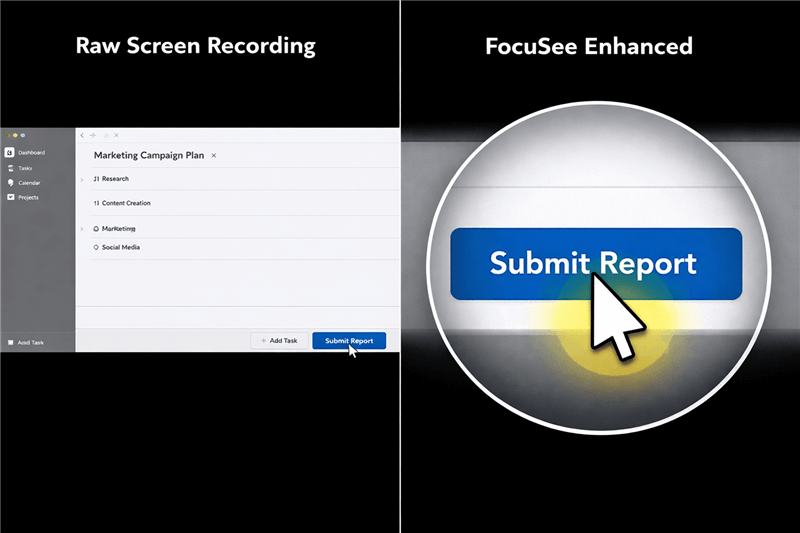
Raw Screen Recording vs. Auto Zoom Effects Recording
FocuSee changes this workflow by applying Smart Focus. It automatically detects where you click and zooms in, ensuring the prospect sees the exact configuration setting or line of code you are discussing. Combined with the 3D Motion (which adds a cinematic tilt to cursor movements), your technical walkthroughs look like high-end trailers rather than dry tutorials.
The Interactive Layer: The Sandbox Experience
While video guides the narrative, tools like Navattic or Reprise allow for exploration. Once a prospect has watched a FocuSee video and understands the value of the workflow, an interactive clone allows them to click through it themselves. This two-step process—Watch, then Try—is the gold standard for modern buyer enablement.
Security, Integrations, and Enterprise Readiness
For a Head of Pre-sales, introducing new software raises immediate security questions. When evaluating ai demo solutions for presales teams, data governance is non-negotiable.
Cloud vs. Local Security
- Cloud Cloning (Reprise/Navattic): These tools capture your frontend and host it on their servers. Enterprise-grade tools in this category generally maintain SOC2 Type II compliance to ensure this hosting is secure. However, getting these approved by InfoSec can take weeks because you are technically exposing your UI code to a third party.
- Local Processing (FocuSee): Video-based tools like FocuSee process recordings locally on your machine. For highly sensitive industries (like FinTech or HealthTech), this is often easier to approve because no data is cached on an external server during the creation process.
Data Masking and Production Safety
Regardless of the tool, you must ensure PII (Personally Identifiable Information) is protected. FocuSee addresses this with Privacy Blur, allowing you to selectively blur specific regions of the screen (like API keys or customer names) during or after recording. This allows you to record a realistic workflow in a live environment without leaking sensitive data, effectively bypassing the need for a sanitized, sterile demo instance.
Strategic Implementation: When to Automate vs. When to Go Live
The most successful solutions engineering teams do not try to automate everything. Instead, they apply a strategic split to their workload. A plausible expert insight we found consistent among top teams is that AI demo platforms for complex SaaS sales deliver the most ROI when handling the “Repetitive 80%”—baseline technical validation and workflow exploration. This allows your human SEs to focus entirely on the “High-Stakes 20%”—edge cases, security reviews, and custom integrations.
The Hybrid Demo Workflow
- Top of Funnel (Inbound): Send a FocuSee video link covering the “Standard Pitch.” This filters out unqualified leads who are just browsing.
- Mid-Funnel (Technical Qualification): If a prospect asks, “Does this integrate with Salesforce?” send a specific, 2-minute automated video tutorial showing that exact integration. Do not book a 30-minute call for a simple Yes/No question.
- Bottom of Funnel (The Decision): Once the prospect is qualified and educated on the basics, deploy your Sales Engineer. Because the prospect has already seen the core workflows via video, the live call can jump straight to advanced configuration and value mapping.
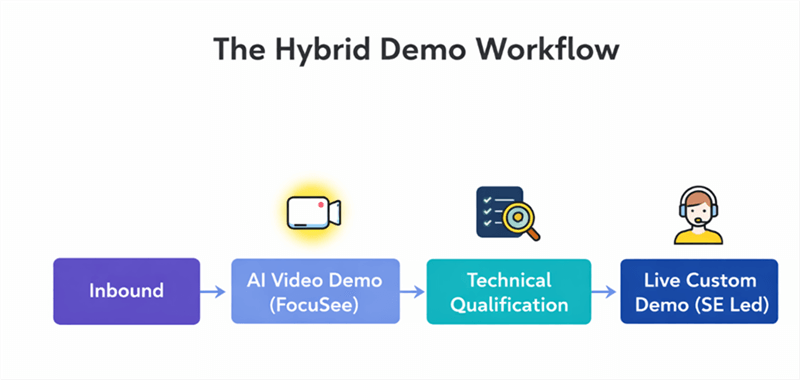
The Hybrid Demo Workflow
Revisiting Priya’s story: after implementing this workflow, she mandated that no SE joins a call until the prospect has watched the “Core Workflow” video series. This simple rule reduced wasted meeting time by 40%.
FAQ: Common Questions from Sales Engineering Leaders
What is the difference between screen recording and demo automation?
Screen recording (like FocuSee) creates a linear video file (MP4) that tells a specific story. Demo automation (like Navattic) creates a clickable HTML website that looks like your software. Video is better for storytelling; automation is better for “hands-on” exploration.
How do AI demos handle complex or configurable products?
AI demo software for sales engineers handles complexity by modularizing it. Instead of one massive 60-minute recording, break your complex product into smaller, topic-specific video modules (e.g., “Advanced Reporting,” “API Setup,” “User Provisioning”). This allows you to send a tailored playlist to the prospect based on their specific technical requirements.
Does FocuSee use Generative AI?
No, and that is often a benefit for compliance. FocuSee uses computer vision algorithms to track mouse movement and automate zooming/panning. It does not generate fake text or synthetic voice, ensuring your demo remains an authentic representation of the product.
Conclusion: Building a Scalable Pre-Sales Engine
Transitioning to AI-powered demo tools for b2b technical sales is not about replacing your Sales Engineers; it is about valuing their time and expertise. By moving away from “brute force” live demos for every lead, you build a scalable asset library that works for you 24/7.
For Priya, the shift was transformative. Her team moved from doing 20 repetitive demos a week to just 8 high-quality, high-stakes sessions. The rest of the volume was handled by their automated video library and interactive sandboxes. Morale improved, and more importantly, their win rates on the live calls skyrocketed because the SEs had the time to prepare properly.
Ready to start building your own evergreen demo library? Try FocuSee to record your first set of core workflow assets. It automates the editing process, keeps your data secure locally, and ensures your product always looks its best—without the stress of a live performance.