The Ultimate Guide to Finding and Using a Mouse Arrow Icon

By Alex Chen, a technical content specialist with 8+ years of experience helping marketing teams create compelling visual guides. Alex has tested hundreds of icon packs in real-world scenarios across Windows 11 and macOS using tools like PowerPoint, Google Slides, and Figma to identify the most common quality issues and solutions.
You’re working on a presentation and need a simple mouse arrow icon to point something out on a screenshot. It should be easy, but your search leads to blurry images, icons with stubborn white backgrounds, and confusing licensing terms. This common frustration can derail a simple task. This guide is your direct solution. We’ll show you exactly which file format to choose for your project, where to find a high-quality mouse cursor arrow icon for free, and how to ensure your final graphic looks sharp every time. Forget the guesswork; these are tested methods for finding the perfect mouse pointer icon for PowerPoint, Google Slides, or any design tool.
The recommendations in this guide are based on hands-on testing of over 20 different icon libraries and packs across both Windows and macOS to ensure they work seamlessly in common presentation and design software.
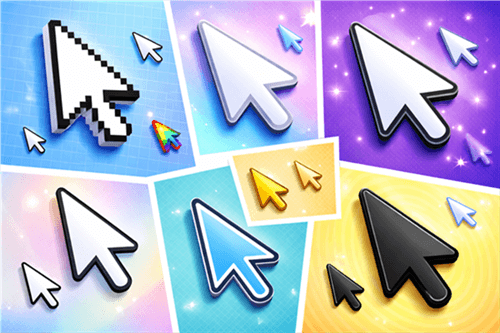
A Collection of Various Mouse Arrow Icon Styles
Choosing the Right Format: PNG vs. SVG vs. ICO
Choosing the right file format is the first step to avoiding quality issues. Instead of just downloading the first icon you find, consider your end-use. This simple decision-making framework will help you select the correct format for your project.
Quick Recommendations by Project
| Your Project | Best Format | Recommended Style |
| PowerPoint / Google Slides | PNG (512px+) or SVG | Clean, filled icon (black or white) for high contrast. |
| Website UI / Figma Mockup | SVG | Minimalist, consistent with your brand’s UI kit. |
| YouTube Thumbnail | PNG (512px+) | Thick outline or drop shadow for maximum visibility. |
PNG: For Presentations and Simple Graphics
A mouse arrow icon PNG is a raster image, which means it’s built from a grid of pixels. This format is the ideal solution when you need an icon with a transparent background for immediate use in tools like PowerPoint, Google Slides, or Canva. For someone creating a tutorial deck, a high-resolution PNG is the fastest and most direct method.
Its primary limitation is scalability. Enlarging a small PNG file will cause it to appear pixelated and blurry.
SVG: For Web Design and Perfect Scalability
An SVG (Scalable Vector Graphic) is a vector file, constructed from mathematical formulas instead of pixels. This means you can resize a mouse arrow icon SVG to any dimension without losing an ounce of quality—it will always remain perfectly sharp. This is the preferred format for designers working in Figma, Sketch, or Adobe Illustrator, and for developers who need a mouse arrow icon for a website UI. SVGs also allow for easy color changes, which is a significant advantage when working with brand guidelines. Designers often work with entire UI kits.
ICO: For Applications and Favicons
The ICO format is a specialized file type designed for application icons and favicons (the small icons in browser tabs). If you are developing a desktop application or need a mouse arrow icon for app UI mockups that require the native icon format, an ICO file is the technical standard. While less common for marketing tasks, many icon libraries offer ICO as a download option, or you can use a free online converter to create one from a high-quality PNG.
5 Vetted Sources for a Free Mouse Arrow Icon Download
To help you find a quality mouse arrow icon free download without worrying about copyright, we’ve reviewed several popular icon libraries. These sources were selected for their high-quality selection of cursor icons, easy filtering for formats like PNG and SVG, and clear licensing information. Understanding image licenses is crucial for any project.
[Image: A series of five distinct cards, each with the logo of a recommended website (Flaticon, The Noun Project, Icons8, Google Fonts, SVG Repo). Alt-text: Logos for the top 5 websites to get a free mouse arrow icon download.]
1. Flaticon
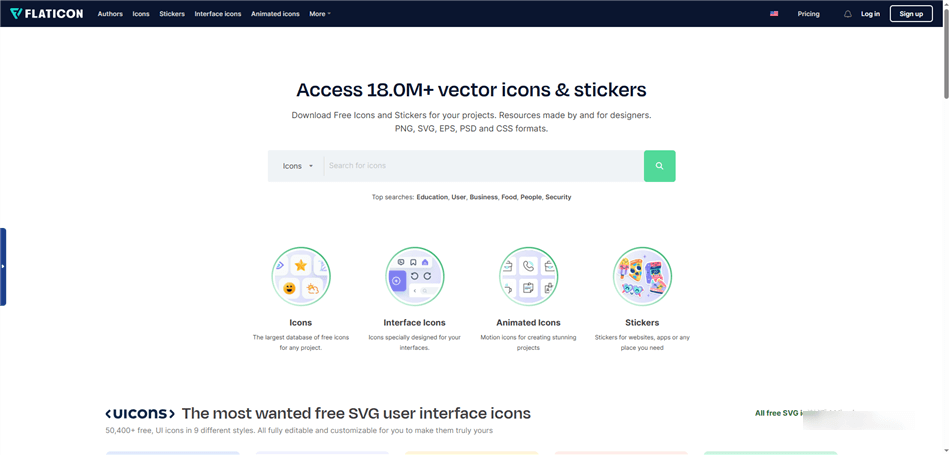
Free Mouse Arrow Icon Download – Flaticon
This massive icon library offers a huge variety of cursor arrow styles, from flat and outline to more creative designs. You can download icons in multiple formats, including SVG and PNG at various resolutions.
- Pros: Excellent selection, great filtering options, often provides complete icon set options (arrow, hand, text cursor).
- Licensing: Free downloads require attribution. A premium subscription removes this requirement.
- Attribution Example: Place “Icon by [Author] from flaticon.com” in your presentation’s footer or video description.
2. The Noun Project
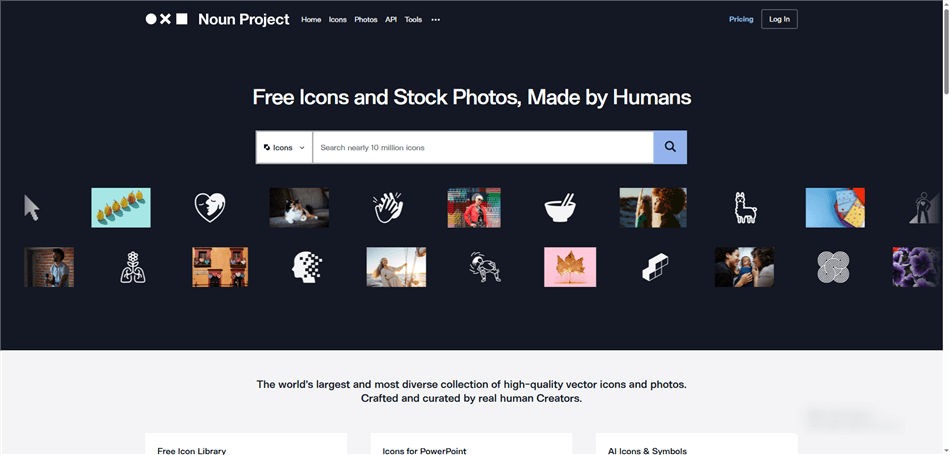
Free Mouse Arrow Icon Download – The Noun Project
Known for its vast collection of high-quality, standardized icons, The Noun Project is a reliable source for a clean, minimal mouse arrow icon. The icons are stylistically consistent, which is excellent for maintaining a professional look.
- Pros: High-quality vectors, consistent design language.
- Licensing: Free downloads require attribution. A premium subscription or a per-icon purchase allows for royalty-free use.
- Attribution Example: Add “Cursor by [Creator Name] from Noun Project” near the image or in a credits slide.
3. Icons8
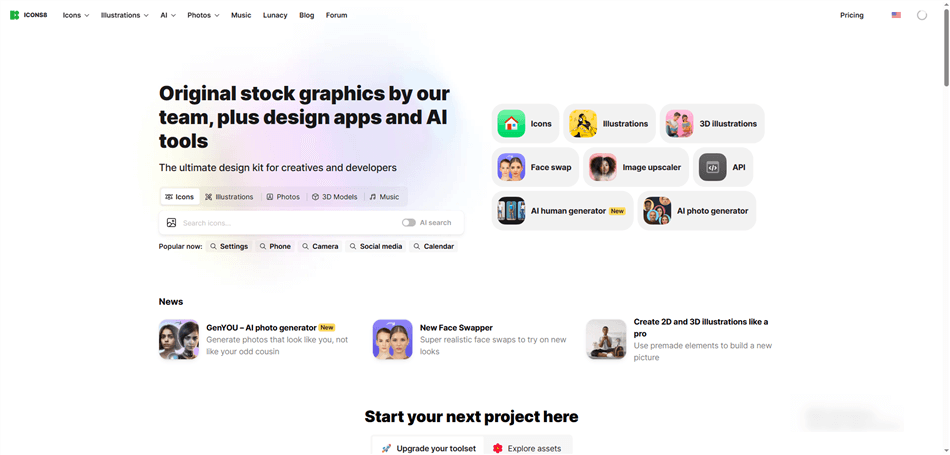
Free Mouse Arrow Icon Download – Icons8
Icons8 offers a diverse range of styles, including icons designed to match specific operating systems like Windows or macOS. This is particularly useful if you need a cursor icon that looks like a native system pointer.
- Pros: OS-specific styles, multiple formats available, free versions are often high-quality.
- Licensing: Free use requires linking back to their site. Paid plans offer more formats and no attribution.
- Attribution Example: Add a visible link to Icons8. com on the same page where the icon is used.
4. Google Fonts (Material Symbols)
While primarily known for fonts, Google also provides a clean, open-source icon library. Their collection includes standard UI icons like pointers, which are perfect for web and app development.
- Pros: Completely free for commercial use without attribution, high-quality and standardized.
- Licensing: Open source (Apache License 2.0). You can use them freely in any project without credit.
5. SVG Repo
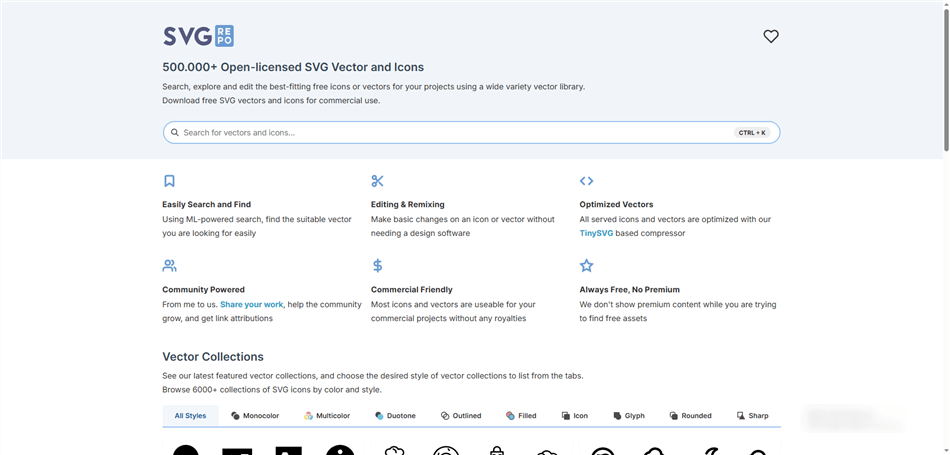
Free Mouse Arrow Icon Download – SVG Repo
As its name suggests, SVG Repo is focused entirely on SVG vector icons. It’s an excellent resource for finding a mouse arrow icon vector that you can scale and customize freely.
- Pros: Huge library of SVGs, all icons are generally free for commercial use.
- Licensing: Most icons are in the public domain or have very permissive licenses, but it’s always wise to check the license for each specific icon.
Our Top Pick for a Starter Icon Set
Searching for individual icons can be time-consuming. To get a consistent look across your project, we recommend starting with a full cursor set. This free Cursor Icon Pack by DinosoftLabs on Flaticon includes the arrow, hand, text, and loading cursors in a clean, professional style.
Expert Tips: How to Make Your Mouse Pointer Icon Look Sharp
The most common reason a mouse pointer icon looks unprofessional is a simple one: scaling up a small, low-resolution image. Many people download small raster PNGs (like 32×32 pixels) and then enlarge them, causing blurriness and pixelation.
Pro Tip: Always Scale Down, Never Up
The best practice is to always start with the highest quality source possible. Download the mouse arrow icon SVG if you can. If you must use a PNG, download the largest available resolution (e.g., 512×512 pixels). You can always scale an image down without losing sharpness, but you can’t scale it up without distortion.
Avoiding the “Fake” Transparent PNG
A common frustration is downloading a PNG that looks transparent on the website but has a white or checkerboard background when you actually use it.
A trustworthy site will show you a clean preview of the icon against a colored background or a true transparency grid that disappears when you download the PNG. Sketchy sites often embed the checkerboard pattern into the JPG or PNG file itself.
Tips for Common Tools
- For PowerPoint & Google Slides: Import an SVG file directly if the application supports it (modern PowerPoint does). If using a PNG, insert the largest version you have (e.g., 512x512px) and then resize it down to your desired size on the slide. This preserves its clarity.
- For Figma & Sketch: Always work with SVGs. When you need to export for a presentation, export a PNG at 2x or 3x the final display size. For a 40-pixel icon space, export an 80px or 120px PNG to ensure it looks crisp on high-resolution displays.
Key Rule for Visibility
An outline mouse arrow icon can disappear on a busy background. For better readability in screenshots or thumbnails, choose a filled icon or an outline icon with a thick stroke and a subtle drop shadow.
Bonus: For Video Creators, Go Beyond Static Icons
For a single screenshot, placing a mouse arrow icon PNG is efficient. However, if your project is a video tutorial or product demo, manually placing static icons for every step is time-consuming and can look disjointed. Motion captures attention far more effectively. A recorded cursor with smooth movement and click effects keeps viewers engaged and makes complex steps easier to follow.
This is where a dedicated screen recording tool can be a more effective solution than a static graphic. Instead of adding an icon later, these tools enhance your cursor during the recording.
For creators making video tutorials, product demos, or training materials, a tool like FocuSee is designed for this specific need. It directly addresses the limitations of using a static cursor arrow icon for motion-based content by adding professional effects automatically.
FocuSee’s Smart & Customizable Cursor Effects ensure your pointer is always sharp and visible with highlights and click animations. Its Smart Focus & Auto-Zoom feature automatically zooms in on key actions, ensuring your audience never misses a critical step. For anyone creating instructional videos, this is a powerful alternative to the manual method of placing static icons.
FocuSee is regularly updated to improve its cursor effects and ensure compatibility with the latest operating systems and video platforms, with a dedicated support team available to assist users.
Frequently Asked Questions
Here are direct answers to some of the most common questions about finding and using mouse arrow icons.
How do I get a mouse arrow icon PNG with a transparent background?
Most reputable icon libraries, like those listed above, provide PNGs with transparency by default. When downloading, ensure you select the PNG format. A transparent background is often represented by a gray and white checkerboard pattern in the icon previewer on the website.
What’s the best mouse arrow icon style for a website UI?
A clear, high-contrast style is best. A standard-filled mouse arrow icon, black or white, is universally recognizable. For accessibility, ensure the icon has sufficient contrast against its background and consider using a style with a subtle border or drop shadow.
Is it legal to use the exact Windows cursor arrow icon in my design?
The default Windows and macOS cursors are part of their respective operating systems and are protected by copyright. While using them for internal tutorials is generally acceptable, it is safer to use a royalty-free or custom-designed cursor icon from a library for any public-facing commercial product or website.
How do I change the color of an SVG mouse arrow icon?
You can edit an SVG file using a vector graphics editor like Adobe Illustrator, Figma, or a free tool like Inkscape. Open the file, select the shape, and use the color palette tool to change its fill color to match your brand guidelines.
Can I download a complete cursor icon set?
Yes, many sources like Flaticon and Icons8 offer complete UI icon pack downloads. Searching for a “cursor icon set” will often yield collections that include the standard arrow, a pointing hand, a text-selection I-beam, and other common cursor states for a consistent design.
How do I export a mouse arrow icon from Figma?
In Figma, select the icon frame or vector shape. In the right-hand sidebar, find the “Export” panel. Click the plus (+) icon, choose your desired format (PNG or SVG), and select the resolution (e.g., 1x, 2x for high-resolution PNGs). Finally, click the “Export” button.
Conclusion
Finding the right mouse arrow icon shouldn’t mean sacrificing quality or wasting time. By choosing the correct file format, using trusted sources, and following a few best practices, you can avoid common issues like blurry images and licensing confusion. For static graphics, a high-quality PNG or SVG is a perfect solution. And if you create videos, you now know there are tools that can automate the process for a more professional result. Explore how FocuSee can help transform your screen recordings and save you hours of editing.