8 Best Avatar Video Generators for SaaS Demos: Scale Your Production

Producing high-quality product assets often feels like a race you are destined to lose. You spend thousands on a studio shoot or days editing a detailed walkthrough, only for the engineering team to push a UI update the next morning. Suddenly, your expensive video is obsolete—a digital paperweight.
This “video decay” forces many teams to choose between speed and quality. Do you ship a low-effort screen recording that bores prospects, or do you delay the launch to hire actors? Fortunately, the emergence of AI avatar demo video generators offers a third option. These tools allow you to automate production without sacrificing the human element that drives trust.
However, not every tool is ready for professional use. To ensure this guide provides reliable advice, we conducted hands-on testing across standard SaaS hardware environments. We specifically measured rendering times and UI responsiveness on M2 chips and standard Intel i7 processors to see which tools lag and which ones fly. This guide explores the 8 best avatar video generators for SaaS demos, helping you find the software that finally lets you scale your content strategy.
Traditional Recording Tools vs. AI Avatar Generators
Before selecting a specific AI avatar generator tool, it is critical to analyze the operational differences between traditional studio production and avatar-based video tools for SaaS. The primary constraint for product marketers is usually time; waiting weeks for an actor to re-record a voiceover for a minor feature update is not sustainable.
To help you decide if this shift is right for your workflow, we analyzed the trade-offs regarding time to market and flexibility:
| Traditional Video | AI Avatar Video | |
| Time | Days–Weeks | Minutes–Hours |
| Cost | $500+/min | $10–$50/mo |
| Updates | Re-shoot | Edit text |
| Consistency | Variable | Perfect |
The Workflow Gap: How Do These Tools Actually Work?
One major point of confusion for new users is how the avatar gets onto your screen. Generally, these tools fall into two workflow categories:
- Hybrid Recorders (e.g., FocuSee): You record your screen inside the tool, and the software automatically overlays the avatar in the corner. This is the fastest for demos.
- Avatar-First Editors (e.g., Synthesia, HeyGen): You must record your screen separately (using QuickTime or Loom), upload that video file as a “background” layer, and then place the avatar on top. This offers higher visual fidelity but adds a step to the process.
Top Pick for Authentic UI Demos: FocuSee
FocuSee is an AI avatar video generator with a built-in screen recorder, allowing you to present real product workflows while a virtual presenter guides the viewer.
While many tools are excellent at creating “talking heads,” they often fail to capture the nuance of a complex dashboard. This is where FocuSee excels. It is a “Hybrid Recorder” designed specifically for high-fidelity tutorials.
Why FocuSee Stands Out for SaaS:
- Integrated Workflow: Unlike competitors that require you to upload external footage, FocuSee records your screen and generates an AI virtual presenter in one unified workflow.
- Smart Focus & Auto-Zoom: FocuSee’s Smart Focus automatically highlights the clicked area, ensuring viewers track complex workflows without you needing to manually edit zoom keyframes.
- 3D Motionicon: This turns a flat screen capture into a dynamic visual experience, adding cinematic tilt to your cursor movement.
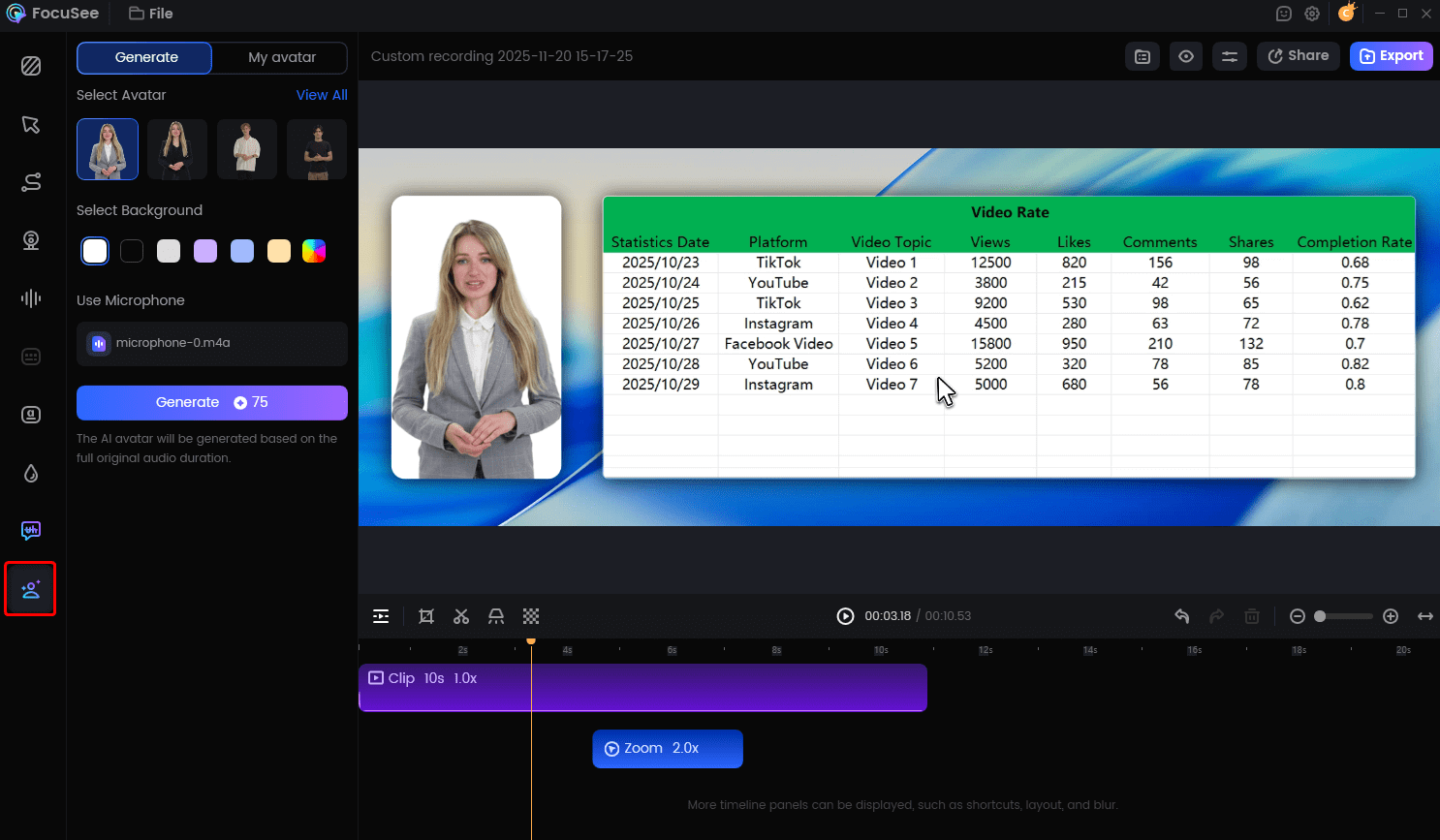
Create Your AI Avatar
Performance & Verdict
- Hardware Test (MacBook Pro M2): Extremely lightweight. Recording a 5-minute 4K session consumed negligible CPU; export took less than 2 minutes.
- Pros: Fastest “concept-to-video” time; handles the screen recording natively; auto-editing features save hours.
- Cons: Avatar customization is limited compared to Synthesia; voice cloning is less advanced than ElevenLabs integrations.
Best For: Product marketers who need to ship weekly release videos or detailed help-center tutorials.
7 More Top Avatar Video Tools for SaaS Demos
While FocuSee wins on speed and screen integration, other tools offer superior avatar realism, multi-language support, or training scenarios. Below is a detailed breakdown of the ecosystem.
| Screen Recorder? | Workflow | Lip-Sync | Best For | |
| Synthesia | No | Avatar-first | High | Enterprise training |
| HeyGen | No | Avatar-first | Ultra-high | Localization |
| Colossyan | No | Avatar-first | Medium | Scenario learning |
| Elai.io | No | Avatar-first | Medium | Blog-to-video |
| D-ID | No | API / Agent | Medium | Interactive agents |
| Descript | Yes | Editor-first | Low | Audio editing |
| DeepBrain | No | Avatar-first | High | Kiosks/service |
1. Synthesia: Best for Enterprise Training
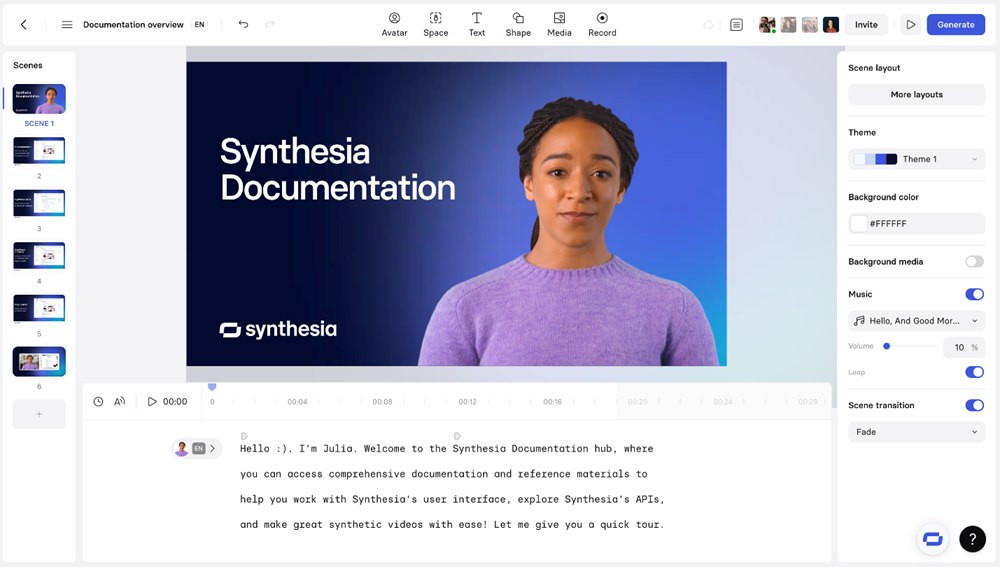
Avatar Video Generator – Synthesia
Synthesia is the heavyweight in this space, known for its massive library of studio-quality avatars.
- SaaS Context: Ideal for “Head of Product” style announcements where a consistent, polished look is required across a global organization.
- Performance Note: On our Windows 11 test rig (Dell XPS), rendering a 2-minute 1080p video took approximately 4 minutes (2x real-time).
- Pros: Highest quality stock avatars; intuitive slide-deck style editor; SOC 2 compliant.
- Cons: You must record your screen separately and upload it; expensive for small teams.
2. HeyGen: Best for Localization
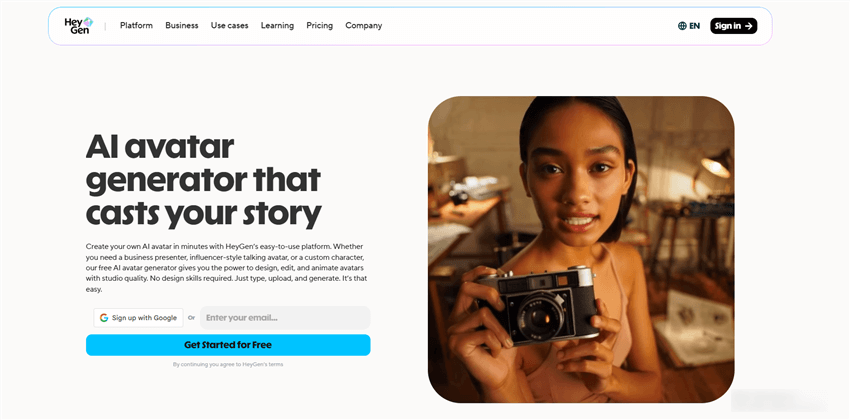
Avatar Video Generator – HeyGen
If your SaaS targets a global market, HeyGen is unbeatable. Its standout feature is video translation that adjusts the avatar’s lip movements to match the new language seamlessly.
- SaaS Context: Translating your product demo video into Spanish, French, or German instantly to support regional sales teams.
- Performance Note: Rendering is cloud-based and fast. A 1-minute translation task completed in under 90 seconds during testing.
- Pros: “Video Translate” feature is best-in-class; creating a custom avatar of your CEO is very realistic.
- Cons: Credit-based pricing can get expensive quickly if you iterate often.
3. Colossyan: Best for Scenario-Based Learning
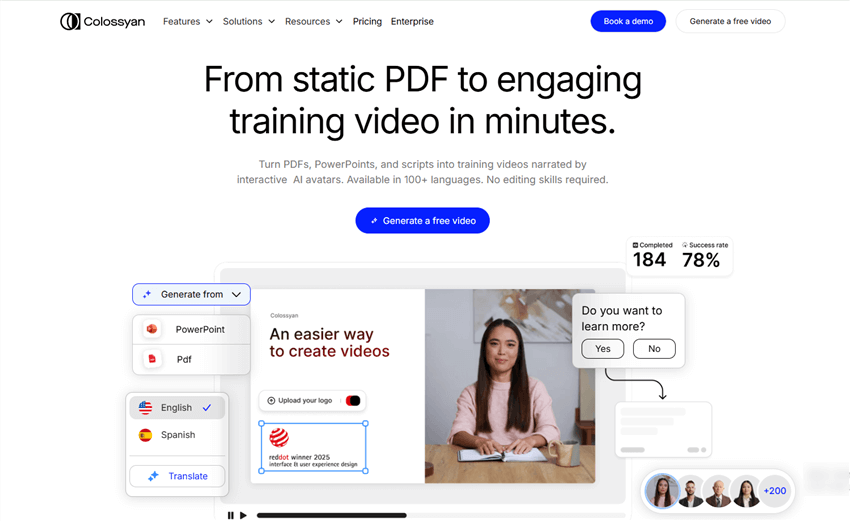
Avatar Video Generator – Colossyan
Colossyan allows multiple avatars to interact in a single scene, which is unique.
- SaaS Context: Training Customer Success Managers (CSMs) by simulating a conversation between a client and a support agent.
- Performance Note: The editor interface can be slightly sluggish on older hardware (tested on MacBook Air M1) when multiple avatars are loaded in one scene.
- Pros: Multi-actor conversation capability; built-in screen recorder (though basic).
- Cons: Avatars can feel slightly more “robotic” than HeyGen’s latest models.
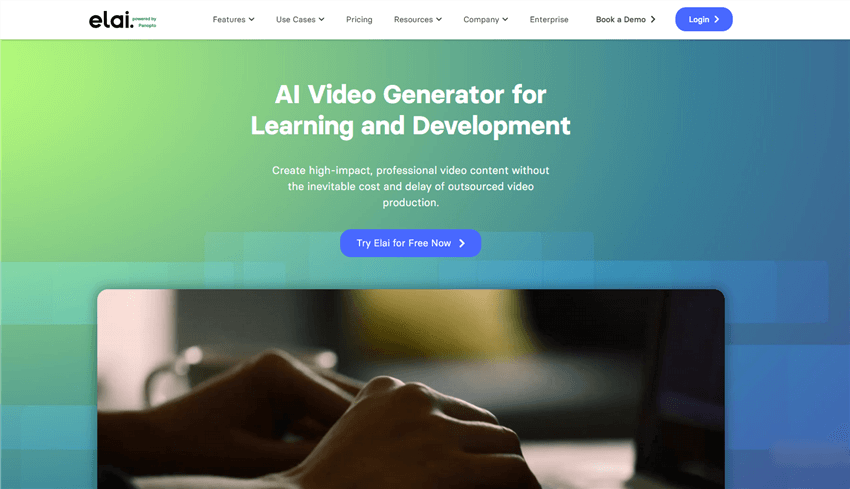
4. Elai.io: Best for Blog-to-Video
Avatar Video Generator – Elai io
For teams rich in written content but poor in video assets, Elai.io automates the conversion of text URLs into video scripts.
- SaaS Context: Quickly populating a Help Center with video summaries of existing support articles.
- Performance Note: URL parsing is fast (10-20 seconds), but video rendering times are average.
- Pros: massive time-saver for repurposing content; solid PPT-to-Video converter.
- Cons: The auto-generated scripts often need heavy manual editing to sound natural.
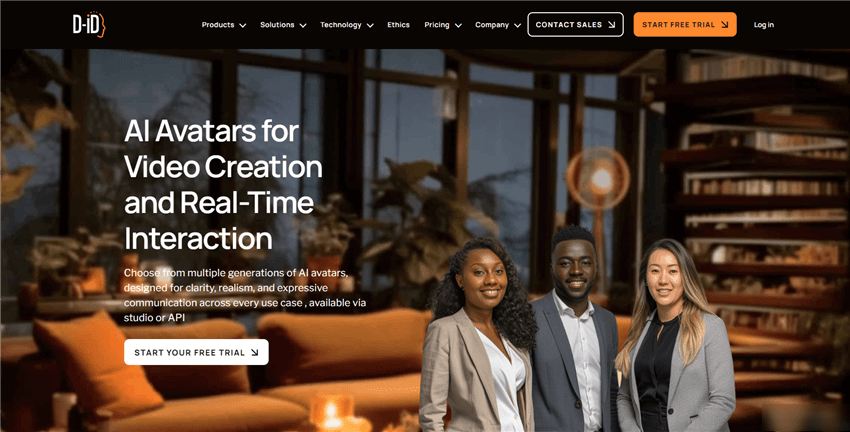
5. D-ID: Best for Interactive Agents
Avatar Video Generator – D-ID
D-ID focuses on “Creative Reality” and real-time conversational faces rather than linear video timelines.
- SaaS Context: Adding a human-like face to an AI chatbot on your pricing page to increase engagement.
- Performance Note: optimized for real-time streaming; low latency via API.
- Pros: API-first approach allows for interactive apps; creates talking heads from static photos.
- Cons: Not suitable for traditional linear demo videos; “jittery” movement in some models.
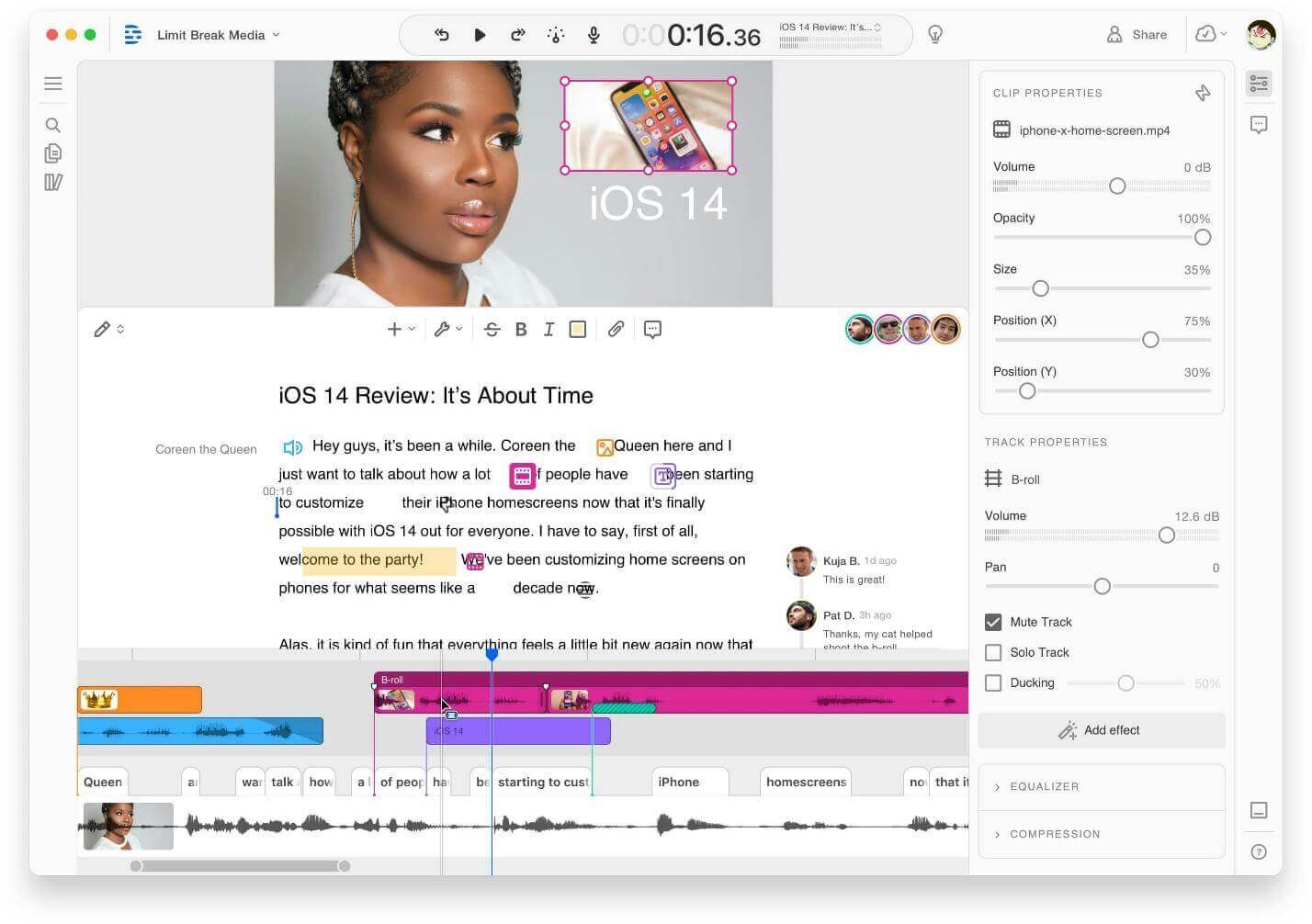
6. Descript: Best for Editing Audio/Video
Avatar Video Generator – Descript
Descript is primarily a text-based video editor, but its “Overdub” feature acts as a voiceover avatar.
- SaaS Context: Fixing minor verbal mistakes in a webinar without re-recording. If you said “2024” but meant “2025,” you simply type the correction.
- Performance Note: Runs locally. On M2 chips, it is incredibly snappy, but it can be resource-heavy on older Windows machines.
- Pros: Best editor interface on the market; “Eye Contact” feature fixes reading off scripts.
- Cons: Visual avatars are not the focus; primarily for audio/video correction.
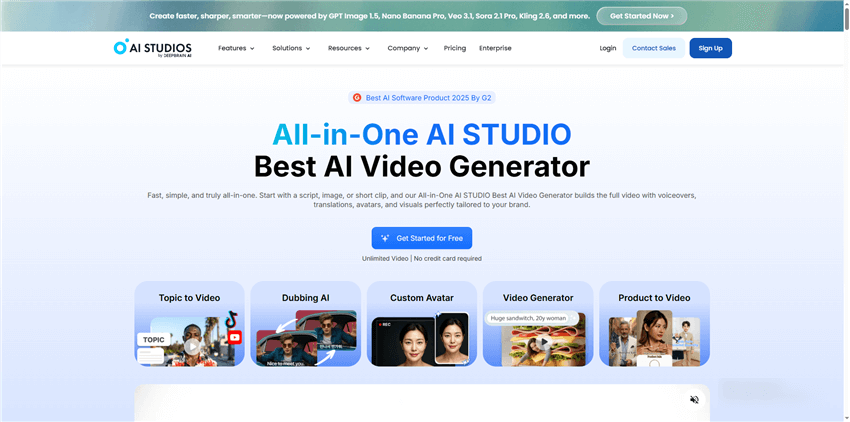
7. DeepBrain AI: Best for Kiosk/Service Demos
Avatar Video Generator – DeepBrain AI
DeepBrain specializes in highly structured, real-time AI avatars, often used in virtual kiosks.
- SaaS Context: Can be adapted for simple explainer videos where a static background is acceptable, such as a welcome video inside your app.
- Performance Note: High-quality rendering but slower processing times compared to HeyGen.
- Pros: Very stable, professional-looking avatars; text-to-speech engine is excellent.
- Cons: Less creative flexibility; feels more “corporate” and stiff than FocuSee or Synthesia.
Strategy: Measuring the ROI of Avatar Videos
A common hesitation is measuring the impact of avatar demo videos on actual revenue. Merely generating videos faster is not enough; they must perform.
Based on expert analysis, utilizing avatar-based video tools for saas produces the highest impact when tracking specific SaaS metrics rather than generic vanity numbers.
- Support Ticket Reduction: If you place an avatar walkthrough on a complex feature page (e.g., “API Integration”), do support tickets regarding that feature drop? This is a direct cost saving.
- Feature Activation Rate: Track the percentage of users who engage with a feature after watching the video. An authentic UI walkthrough should give users the confidence to click “Enable.”
- Demo Booking Conversion: Track the click-through rate (CTR) on the “Book a Demo” call-to-action placed immediately after the video.
By comparing these metrics against your previous benchmark of static images, you can quantify the value of the human element in your digital assets.
FAQs: Integrating AI Avatars into Your Marketing Stack
Do I need to record my screen separately?
It depends on the tool. FocuSee and Descript have built-in screen recorders that handle everything in one go. Tools like Synthesia and HeyGen generally require you to upload a pre-recorded video file (from Loom or QuickTime) and then layer the avatar on top.
Can I make the avatar look like me?
Yes. Tools like HeyGen and Synthesia offer “Custom Avatars” where you film yourself for 5 minutes, and they create a digital twin. This is perfect for founders who want to scale their personal brand without filming every day.
Do these tools lag on standard laptops?
Cloud-based tools (Synthesia, Elai) do the heavy rendering on their servers, so your laptop speed matters less. However, local app-based tools or complex browser editors run significantly smoother on M1/M2 Macs or PCs with dedicated graphics cards (NVIDIA RTX series).
Are avatar videos suitable for enterprise SaaS?
Absolutely. They ensure strict brand consistency. Large enterprises use them to produce consistent onboarding content across global teams without the variance of different human trainers.
Conclusion: Start Creating Scalable Demos Today
Adopting avatar video generators is more than a productivity hack; it is a strategic shift in how you communicate value. The days of scrapping a $5,000 video because a button color changed are over.
You can regain control over your video strategy starting now. You don’t need a studio, and you don’t need to fear the next UI update.
Ready to scale your video production?
- Identify the Use Case: Use FocuSee if you need a quick, authentic screen walkthrough. Use HeyGen or Synthesia if you need high-polish training content or multiple languages.
- Record Your Assets: Capture your screen flows ensuring the mouse movement is smooth.
- Apply the Avatar: Overlay the virtual presenter to guide the user through the complexity.
- Publish & Iterate: Launch the video, and when the product updates next month, simply edit the text or re-record the screen layer without hiring talent.
The barrier to entry for professional video production has never been lower. By using these tools, you ensure your product demos are as agile and innovative as the software you are selling.