7 Best iorad Alternatives for Faster SOPs & Tutorials

If you are reading this, you likely relate to Sofia, an Operations Lead we spoke to recently. Sofia loved the concept of automated documentation, but as her team scaled, the reality of iorad set in. The licensing fees became difficult to justify, and she found herself in “edit jail”—where updating a single step in a process often meant re-recording the entire sequence.
She didn’t need just another screen recorder; she needed a scalable iorad alternative that could handle secure redaction, integrate with Notion and Confluence, and provide a modern experience for customers onboarding.
This guide evaluates the top 7 iorad competitors to help you streamline process documentation without draining your budget. We tested these tools specifically on Windows 11 and macOS Sonoma environments, running rigorous step capture tests on data-heavy SaaS dashboards to verify that every click, hover, and text input is recorded accurately.
Quick Comparison: Top 7 iorad Alternatives at a Glance
Before we dive into the details, use this table to quickly identify which tool fits your budget and use case.
| Tool | Best For | Pricing Model | Key Feature |
| 1. FocuSee | Customer Video Tutorials | One-time payment (No sub) | Auto-Zoom & Cursor Highlight |
| 2. Scribe | Internal SOPs | Free / Pro ~$23/mo | Instant PDF/HTML Export |
| 3. Tango | Employee Onboarding | Free / Pro ~$16/mo | “Guidance” Live Overlay |
| 4. Guidde | Quick Video Docs | Free / Pro ~$16/mo | AI Voiceover Generation |
| 5. WalkMe | Enterprise Adoption | Custom (High) | Deep Analytics & Governance |
| 6. Pendo | Product Analytics | Custom (High) | In-App User Sentiment |
| 7. Appcues | SaaS Onboarding | Starts ~$249/mo | No-Code Builder |
Decision Matrix: Video vs. Static SOPs vs. In-App
Many teams suffer from category confusion, trying to use a static auto-documentation tool for a job that actually requires video. Based on our testing, alternatives fall into three distinct categories:
- Step-by-Step Doc Tools (Scribe, Tango): Best for internal SOPs. These generate static screenshots and text. They are searchable and easy to update but can feel dry for external customers.
- AI Video Tutorial Tools (FocuSee, Guidde): Best for product training. If you need to create product tutorials without writing, video offers higher engagement.
- In-App Guidance Platforms (WalkMe, Pendo, Appcues): Best for interactive walkthroughs inside your software. These drive adoption but come with high implementation costs.
To help you make this choice, weigh editability against engagement. If the goal is support deflection, a dynamic video often clarifies complex workflows faster than a 20-step document. Conversely, for quick reference guides, a static step-by-step guide maker is more efficient.
Top 7 iorad Alternatives
Best for Automated Video Tutorials
For teams focused on customer onboarding, static screenshots often feel outdated. FocuSee and Guidde are the top alternatives for creators who need the polish of video without the manual editing grind.
1. FocuSee
Best for: High-fidelity customer tutorials and marketing assets.
Pricing: One-time purchase (Lifetime license options available).
FocuSee is a distinct departure from static click tracking, offering a fluid visual experience. It records your screen, webcam, and microphone, then automatically applies post-production effects.
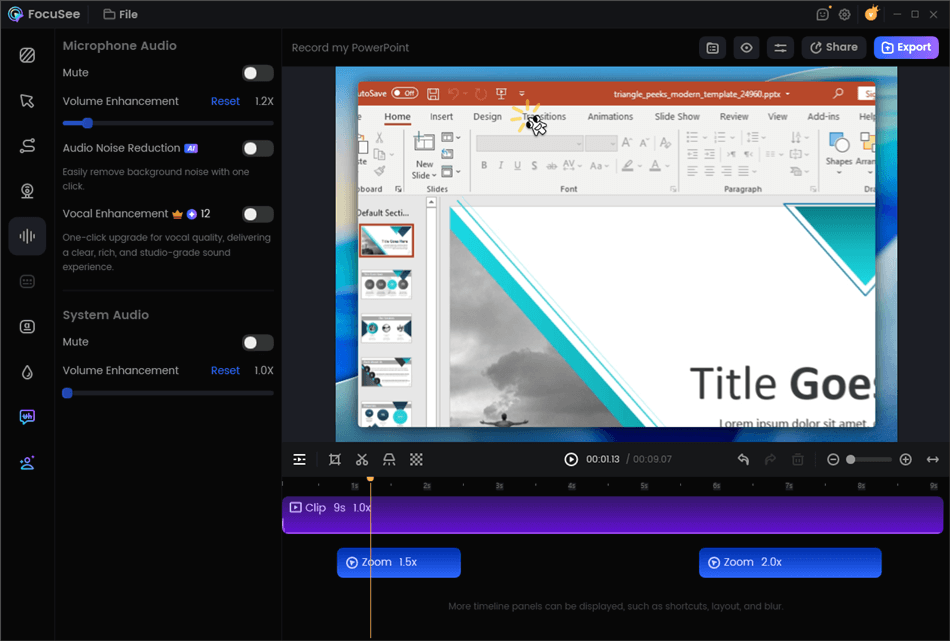
Edit Your Recording
- The Testing Experience: In our tests, FocuSee stood out when recording across multiple browser tabs. Unlike some extensions that break when you switch windows, FocuSee maintained a fluid recording. However, note that on ultra-wide monitors, you may need to manually adjust the zoom level in post-production.
- Automated Focus: It solves the issue of messy screens by visually guiding the viewer’s eye to the exact action point using Auto-Zoom.
- Privacy Blur: You can blur sensitive data during the editing phase.
- Polished Output: With auto subtitles (supporting 50+ languages), you can generate high-fidelity assets for your knowledge base.
2. Guidde
Best for: Rapid AI-generated video documentation.
Pricing: Free tier available; Pro starts at ~$16/user/mo.
iorad Alternative – Guidde
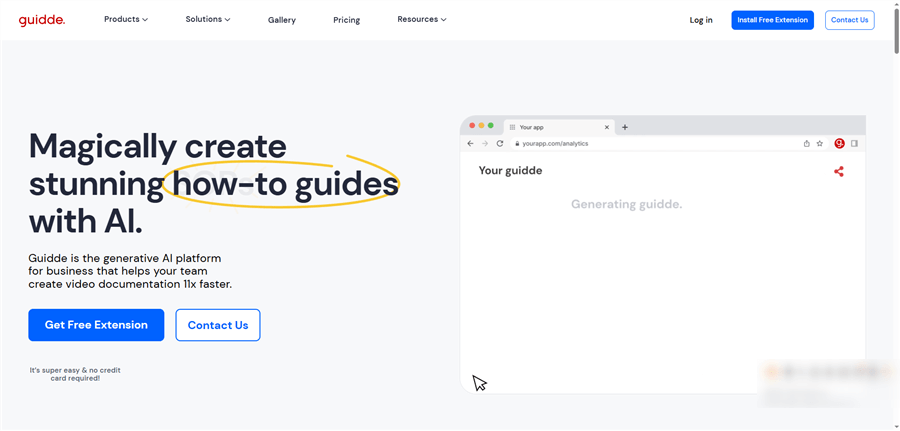
Guidde is another strong contender if you want video but don’t want to record your own voice. It captures your workflow and uses Generative AI to create a step-by-step video description with a synthetic voiceover.
Why choose it: It’s faster than FocuSee for internal updates but less polished for external marketing. It excels at creating quick “how-to” snippets for Jira tickets or Slack replies.
Best for Quick Internal SOPs
If your primary goal is rapid process documentation for internal teams, Scribe and Tango are the direct competitors for step capture.
3. Scribe
Best for: Instant documentation and PDF export.
Pricing: Generous Free tier; Pro starts at ~$23/user/mo.
iorad Alternative – Scribe
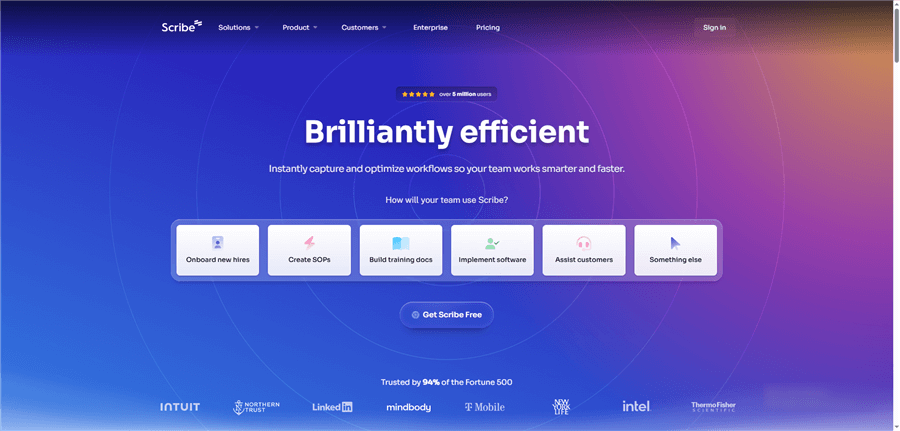
Scribe excels at speed. It sits in your browser, captures clicks, and generates a guide instantly. It is widely used because its interface is intuitive, allowing you to edit text and screenshots immediately after capture.
- The Testing Experience: Scribe was the fastest tool we tested for single-tab browser workflows. However, we noticed a limitation during our “desktop app” test: capturing steps outside the browser requires the desktop version, which is gated behind the Pro plan.
- Redaction: The Pro plan offers “Smart Blur” which automatically detects sensitive data types (like emails), a massive time-saver for finance teams.
4. Tango
Best for: On-screen employee guidance.
Pricing: Free tier available; Pro starts at ~$16/user/mo.
iorad Alternative – Tango
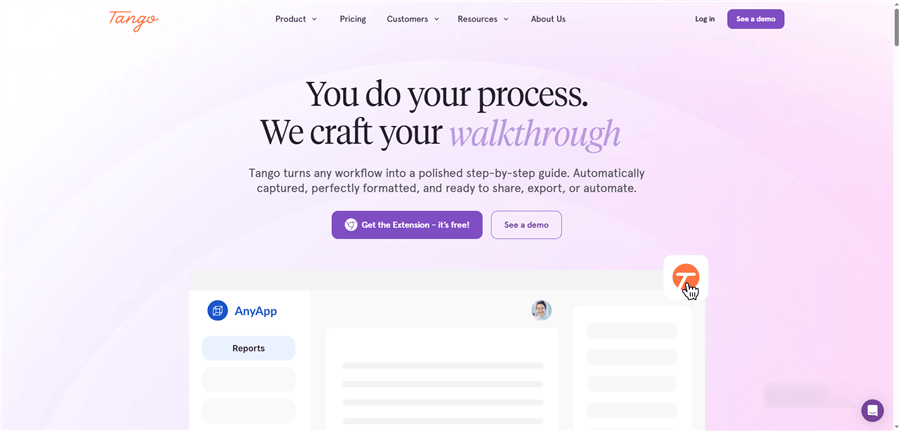
Tango offers a similar “capture-and-share” workflow to Scribe but is often praised for its “Guidance” feature, which overlays instructions on the live screen for the viewer—similar to an interactive tutorial maker like iorad.
- Key Difference: While Scribe feels more like a document generator, Tango feels more like a training assistant. During our tests, Tango’s “Live Blur” feature was impressive, allowing us to obscure sensitive fields before capturing the screenshot, rather than editing it later.
Best for Enterprise In-App Guidance
For large-scale software walkthrough builder needs, simple documents or videos might not be enough. If you need LMS integration and detailed analytics to verify that employees are actually completing their training, these are the heavy hitters.
5. WalkMe
Best for: Large enterprise digital adoption.
Pricing: Custom Quote (Expensive; typically enterprise contracts).
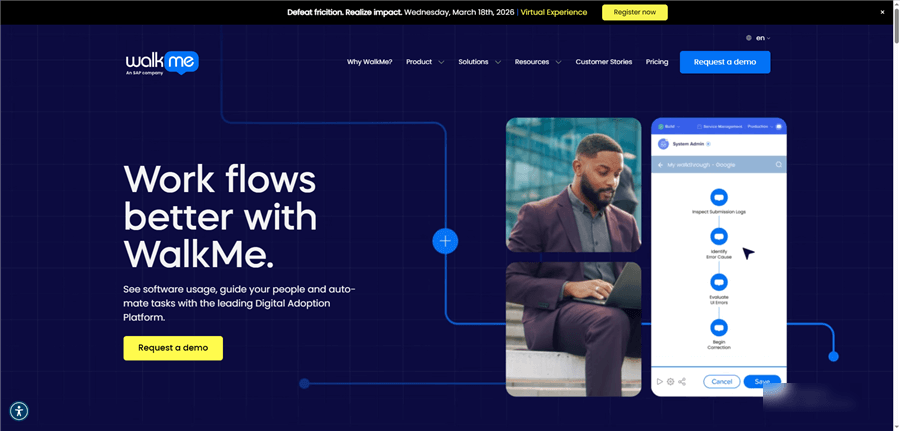
iorad Alternative – WalkMe
WalkMe is the industry standard for Digital Adoption Platforms (DAP). It layers on top of any application to steer users through complex processes.
- Contextual Support: It serves as a guide exactly when the user is stuck, offering superior support deflection.
- The Trade-off: Implementation is heavy. Unlike installing a Chrome extension, WalkMe often requires a dedicated engineer or administrator to maintain.
6. Pendo
Best for: Product analytics combined with guides.
Pricing: Custom Quote (Scale-based).
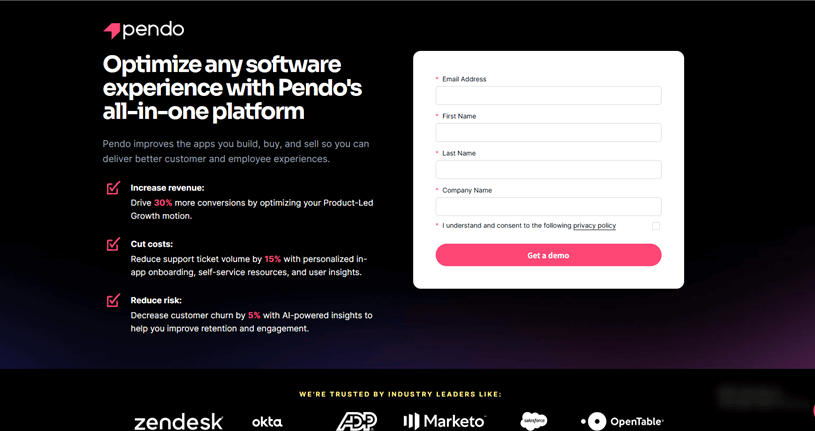
iorad Alternative – Pendo
Pendo is primarily an analytics tool that also does guides. If your main question is “Which features are my users ignoring?”, Pendo is the better choice over WalkMe.
Analytics First: It provides deep insight into user sentiment and behavior, allowing you to trigger guides based on specific user actions (e.g., “User visited Billing page 3 times but didn’t pay”).
7. Appcues
Best for: SaaS onboarding without heavy engineering.
Pricing: Essentials plan starts around $249/mo.
If WalkMe feels too heavy and expensive, Appcues is the “middle ground.” It offers a robust no-code builder for modals, tooltips, and slideouts.
Why choose it: It is significantly easier to set up than WalkMe but offers more interactivity than a simple Tango or Scribe guide. It is ideal for SaaS companies trying to improve trial conversion rates.
How to Switch from iorad Without Losing Your Mind
Moving away from a legacy tool can feel overwhelming. Sofia’s biggest fear was losing years of documentation. Here is a practical strategy to migrate without halting your operations:
Step 1. The 80/20 Audit: Do not try to migrate everything. Check your iorad analytics. You will likely find that 80% of your traffic comes from 20% of your guides. Identify these top 20—these are the only ones you need to rebuild immediately.
Step 2. The “Hard Copy” Backup: For the remaining 80% (the rarely viewed guides), use iorad’s export feature to download them as PDFs or HTML files. Host these static files in a “Legacy” folder in Confluence or Notion. They won’t be interactive, but they are preserved.
Step 3. Batch Recording: Re-recording the top 20% allows you to audit the process itself. Processes change; this is your chance to update them.
Pro Tip: Use this transition to switch formats. If a guide was difficult to follow as text, record it as a FocuSee video. If it needs to be searchable, use Scribe.
Step 4. Update Your Knowledge Base: Most modern tools support “Smart Embeds.” Replace your old iorad iframes with the new embed codes.
Selection Guide: Features That Actually Matter
For an operations manager or enablement specialist, the feature list can be overwhelming. To evaluate iorad competitors effectively, focus on these non-negotiables:
- Smart Blur & Security: Can the tool automatically detect and blur sensitive fields? This is critical for process documentation in finance or healthcare.
- Export Flexibility: Do not get locked into a proprietary format again. Look for PDF export, HTML embed, and direct integrations with Notion or Confluence.
- Team Permissions: As your library grows, you need team collaboration features to assign editors and viewers.
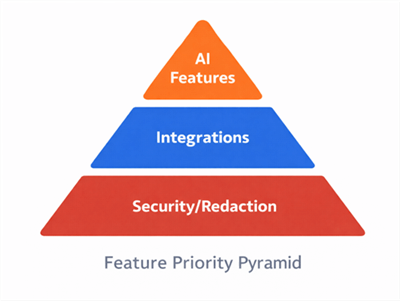
Feature Priority Pyramid
If you heavily use specific platforms, search for specific pairings like “iorad vs guidde” or tools with Zendesk integrations. Prioritizing these integrations ensures your SOP creation workflow fits seamlessly into your existing tech stack.
Frequently Asked Questions
Is there a free iorad alternative?
Yes, Scribe and Tango offer generous free plans that allow for unlimited basic step capture and guide creation. However, features like blur sensitive data, branded exports, or desktop application capture are usually reserved for paid tiers (typically starting around $16-$25/month).
Which tools let me export guides to PDF or embed on my website?
Most top-tier alternatives, including Scribe and FocuSee, support PDF export and provide embed codes (HTML embed). This allows you to host product training materials directly on your own knowledge base or website.
What is the best option for customer-facing tutorials?
For customer onboarding, video is often superior to text because it feels personal and high-effort. A tool like FocuSee is ideal here because it automates the creation of professional video tutorials with auto-zoom and cursor effects, making the content more engaging than a static PDF.
What is the best iorad alternative for Notion or Confluence?
If your team lives in Notion or Confluence, look for tools that offer “Smart Embed” blocks. Scribe, Tango, and FocuSee all allow you to paste a link directly into these platforms, which then expands into a playable video or a scrollable guide, keeping your process documentation centralized.
Conclusion
The search for the best iorad alternative isn’t just about saving money—it’s about finding the right format for your audience. For internal teams needing quick reference, Scribe or Tango are excellent, cost-effective replacements for iorad’s documentation features.
However, if your goal is to upgrade your customer onboarding or create marketing-ready assets, moving from static clicks to fluid video is a smart play. In this specific category, FocuSee offers a unique balance of automation and polish, eliminating the drudgery of video editing while keeping your users engaged.
Our Recommendation:
- For Internal SOPs: Start a free trial with Scribe.
- For Customer Video: Download FocuSee to turn your next recording into a polished tutorial automatically.