8 Best Streaming Video Recorders in 2026

Live streams are fleeting, but memories (and the epic moments) don’t have to be. Whether you’re reliving Twitch highlights, revisiting online tutorials, or catching up on missed YouTube streams, a streaming video recorder is your key to capturing it all.
But with so many options available, which one is right for you? We have conducted thorough research, tested and compared the top contenders to give you the definitive guide to the best streaming video recorders 2026.
Always make sure you have permission to record streaming content and follow the platform’s terms and applicable copyright laws. This article does not encourage unauthorized recording, downloading, redistribution, or bypassing DRM restrictions.
8 Best Streaming Video Recorders
Easiest to Use: FocuSee
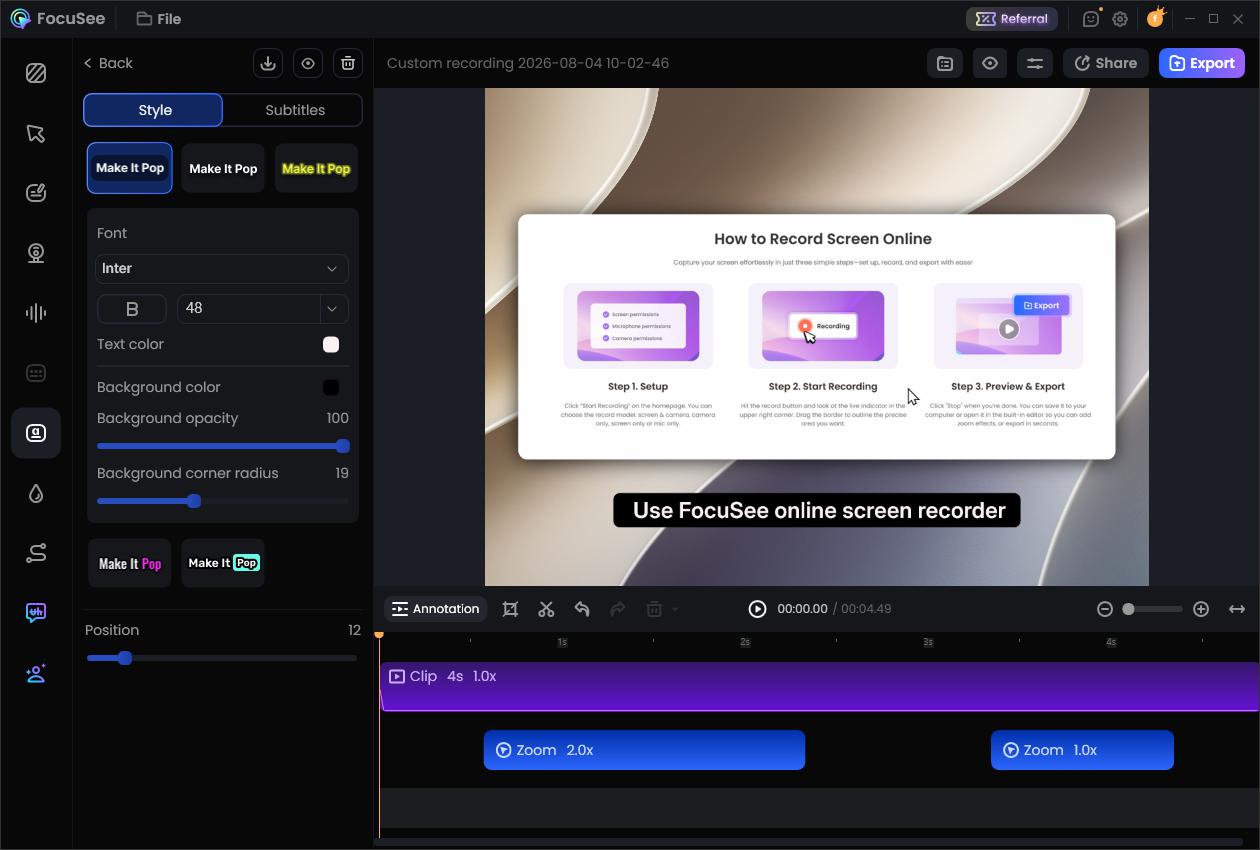
Designed for simplicity and ease of use, FocuSee is a user-friendly screen recorder for both Mac and Windows, perfect for capturing high-quality streaming videos.
- Platform: Windows, macOS
- Price: Free trial, Paid plans starting at $4.17/month.
Key Features:
- Smart Focus & Auto-Zoom Technology: FocuSee automatically zooms into clicked areas and highlights key actions as you record, eliminating the static full-screen look of traditional recordings. This creates dynamic, engaging content that keeps viewers focused on important steps without manual keyframing or post-production editing.
- Intelligent Cursor Enhancement: The cursor automatically hides when inactive and features customizable click animations and styles. This makes navigation crystal clear in software tutorials and product walkthroughs, guiding viewers’ attention exactly where you need it.
- Automatic Subtitle Generation: FocuSee generates accurate subtitles in 55+ languages with over 98% recognition accuracy. This saves hours of manual captioning work while making your content accessible to international audiences and improving engagement on platforms where users watch without sound.
- Professional Visual Effects: Remove or blur backgrounds without a green screen, create privacy masks for sensitive information, or replace your live appearance with a customizable AI virtual avatar. These features let you maintain a professional brand presence regardless of your recording environment.
Pros:
- Easy to learn and use.
- High-quality recordings.
- Lightweight on system resources.
Cons:
- Free trial has limitations.
- Advanced features require a paid plan.
Best for: Beginners, casual users, and anyone who values simplicity and high-quality recordings.
OBS Studio
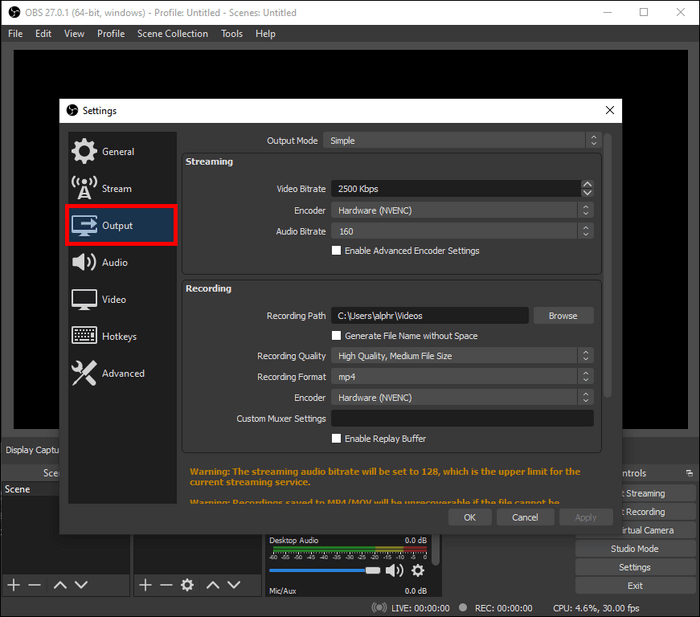
OBS Studio, the undisputed king of streaming and recording, is a free, open-source powerhouse packed with features, making it perfect for casual and professional users.
Best Streaming Video Recorders – OBS Studio
- OS: Windows, macOS, Linux
- Price: Free (open-source)
Key Features:
- Unlimited scenes and sources for multi-camera recordings, overlays, and transitions.
- Live streaming to Twitch, YouTube, and more with custom RTMP settings.
- Advanced audio controls, filters, and a vast library of plugins for endless customization.
Pros:
- It’s completely free with no restrictions.
- Unmatched versatility for simple and complex recordings.
- There is a huge community support with tons of tutorials and guides.
Cons:
- The learning curve for beginners is steep.
- It may be more resource-intensive on older computers.
Best for: Streamers, YouTubers, educators, and anyone seeking maximum control and professional-grade features.
Apowersoft Free Online Screen Recorder
Best Streaming Video Recorders – Apowersoft Free Online Screen Recorder
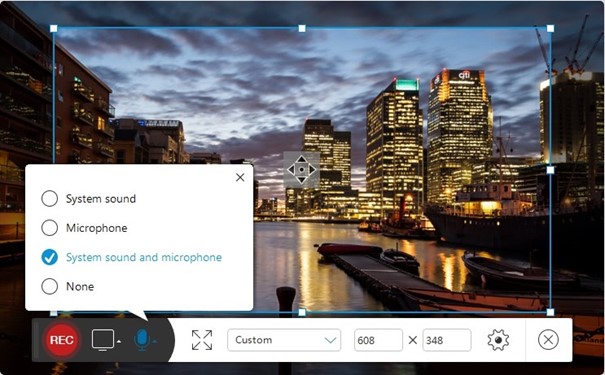
Apowersoft’s web-based recorder, which works directly in your browser, provides ultimate convenience for quick and easy video recording. No downloads are needed!
- Platform: Web-based (works on any operating system).
- Price: Free
Key Features:
- Access records directly in your browser without any software installation.
- Records audio from your device, microphone, or both.
- Offers basic editing tools and various output formats.
Pros:
- It’s completely free with no restrictions.
- Instant recording without the need for software downloads.
- It works on any operating system with a browser.
Cons:
- Smaller features compared to desktop software.
- Requires a stable internet connection.
Best for: Anyone who needs a fast, free, and convenient way to record streaming videos without installing software.
Screencastify
Best Streaming Video Recorders – Screencastify
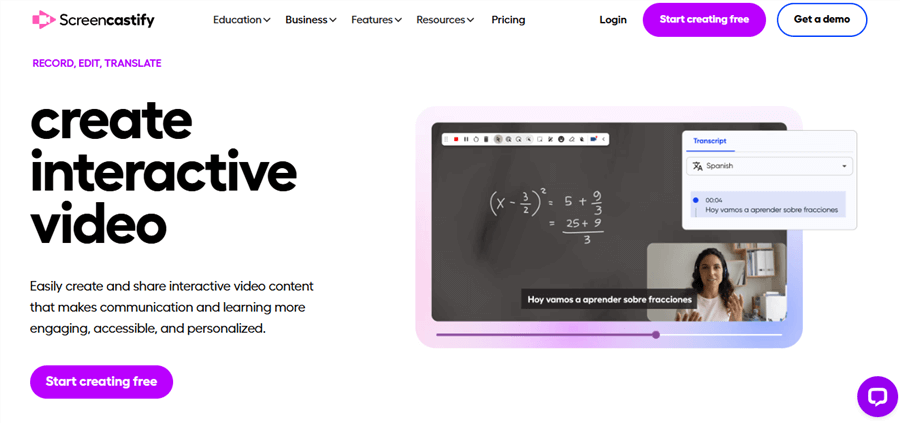
Seamlessly integrated with Google Chrome, Screencastify is a powerful extension that makes recording, editing, and sharing streaming videos a breeze for Chrome users.
- Platform: Chrome browser extension
- Price: Free plan, Paid plans starting at $7.
Key Features:
- Records your entire screen, a specific tab, or your webcam.
- Integrates with Google Drive for easy storage and sharing.
- Offers annotation tools, editing features, and interactive quizzes.
Pros:
- Convenient for Chrome users.
- Good free plan for basic recording.
- Feature-rich for educators and online learning.
Cons:
- Limited to the Chrome browser.
- Advanced features require a paid plan.
Best for: Educators, students, and anyone who primarily uses Chrome for online learning and streaming.
Xbox Game Bar
The Xbox Game Bar, built into Windows 10 and 11, is a free and easily accessible tool for capturing quick gameplay clips and screen recordings.

Best Streaming Video Recorders – Xbox Game Bar
- OS: Windows 10 & 11
- Price: Free (built-in)
Key Features:
- Built-in to Windows – no additional software required.
- Captures gameplay and other screen activity.
- A simple interface for recording and screenshotting quickly.
Pros:
- Completely free.
- Instantly accessible.
- Minimal impact on system performance.
Cons:
- Limited features compared to dedicated software.
- Only available on Windows 10 & 11.
Best for: Windows users who need a fast and free solution for recording short clips without installing extra software.
Gemoo Recorder
Gemoo Recorder combines ease of use with cloud storage and collaboration features, making it a versatile option for recording and sharing streaming videos.
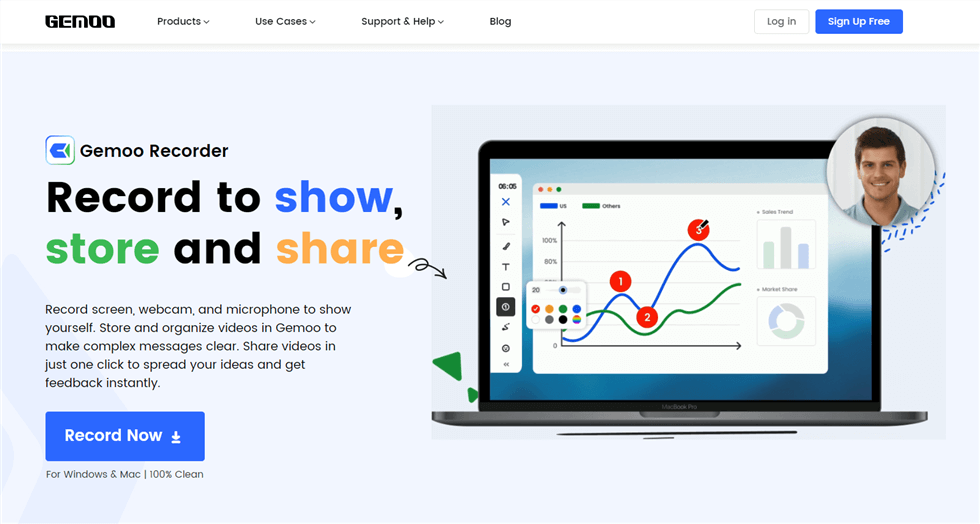
Best Streaming Video Recorders – Gemoo Recorder
- Platform: Web-based, Windows, macOS
- Price: Free plan, paid plans starting at $39.95.
Key Features:
- Records screen, webcam, and audio with just one click.
- Unlimited cloud storage for recordings (paid plans) is available.
- Includes annotation tools, noise reduction, and screen drawing features.
Pros:
- User-friendly interface.
- Cloud storage option.
- Collaboration features.
Cons:
- Free plans have limitations.
- Requires internet access for cloud features.
Best for: Users who need a versatile recorder with cloud storage and collaboration features.
Movavi Screen Recorder
Movavi Screen Recorder blends user-friendliness with powerful features like scheduled recording, making it a great option for capturing streams automatically.
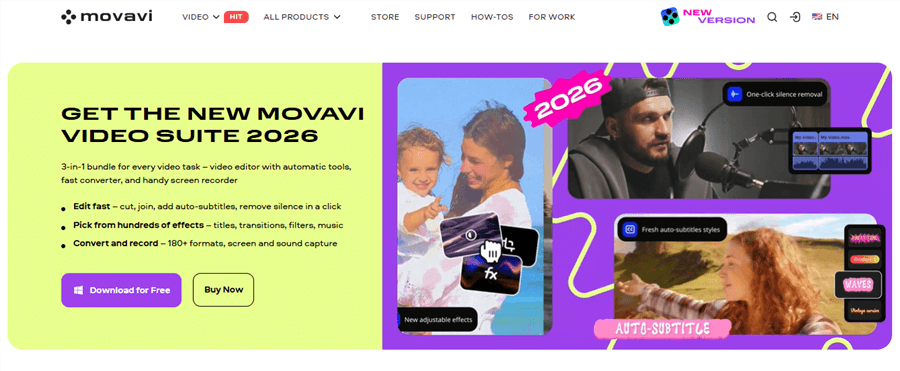
Best Streaming Video Recorders – Movavi
- Platform: Windows, macOS
- Price: Free trial, paid plans starting at $44.95.
Key Features:
- Records screen, webcam, and audio simultaneously.
- Offers for automatic recording of streams.
- This includes basic video editing tools and various output formats.
Pros:
- User-friendly interface.
- Scheduled recording feature.
- Good value for the price.
Cons:
- Free trial has limitations.
- Basic editing tools.
Ideal User: Users who require scheduled recording, basic editing, and an intuitive interface.
QuickTime Player (macOS)
Mac users have a built-in screen recorder ready to go! QuickTime Player is a free and simple option for capturing basic screen recordings and even footage from iOS devices.
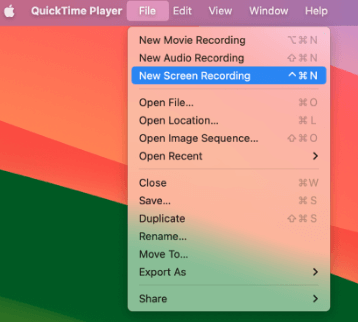
Best Streaming Video Recorders – QuickTime Player
- OS: macOS
- Price: Free (built-in)
Key Features:
- Pre-installed on all Mac computers.
- Keep track of your screen, a selected portion, or connected iOS devices.
- Simple and user-friendly interface.
Pros:
- Completely free and easily accessible.
- Good for basic screen recordings.
- Can record directly from iOS devices.
Cons:
- Limited features.
- No scheduled recording.
- Only available on macOS.
Ideal User: Mac users who need a quick and easy way to record their screen or capture footage from iOS devices.
How to Choose the Perfect Streaming Video Recorder
Finding the right streaming video recorder is about finding the right features that meet your needs. Consider:
- Legality & Ethics: Always abide by content creators’ rights and copyright laws.
- Recording Quality: Choose your desired resolution and frame rate.
- Ease of Use: Select an interface that suits your technical level of comfort.
- Supported Platforms: Ensure compatibility with your operating system and streaming services.
- Essential Features: Prioritize the features that matter most to you.
Conclusion
From free browser extensions to feature-rich desktop software, the perfect streaming video recorder is out there waiting for you. Consider your needs, explore the options above, and start capturing those must-see streaming moments! Whether it’s for learning, sharing, or reliving the fun, these tools empower you to make live streams last.